84 BD LSR II User’s Guide
11 Verify the linearity and print the worksheet.
• Divide the mean of the Doublet population by the mean of the Singlet
population. The mean ratio should be 2.00 +/-0.05. If you do not
achieve a ratio between 1.95–2.05, contact BD Customer Support.
• Copy the population means and CVs, and the calculated linearity result
into your QC log.
12 Remove the CEN sample from the cytometer.
CTN Resolution
Singlets can be distinguished from aggregates based on size. With BD FACSDiva
software, aggregates can be resolved from singlets on an area vs width plot. With
this plot, singlets are distinguished from doublets by the width measurement;
singlets have a smaller width measurement. Discriminating the singlets from the
aggregates enhances the accuracy of cell-cycle analysis.
Running CTN
1 On the BD LSR II cytometer control panel, press RUN and LO.
2 Install the CTN sample tube on the cytometer.
3 Adjust the event rate to approximately 500 events/second.
4 Click Next Tube in the Acquisition Dashboard.
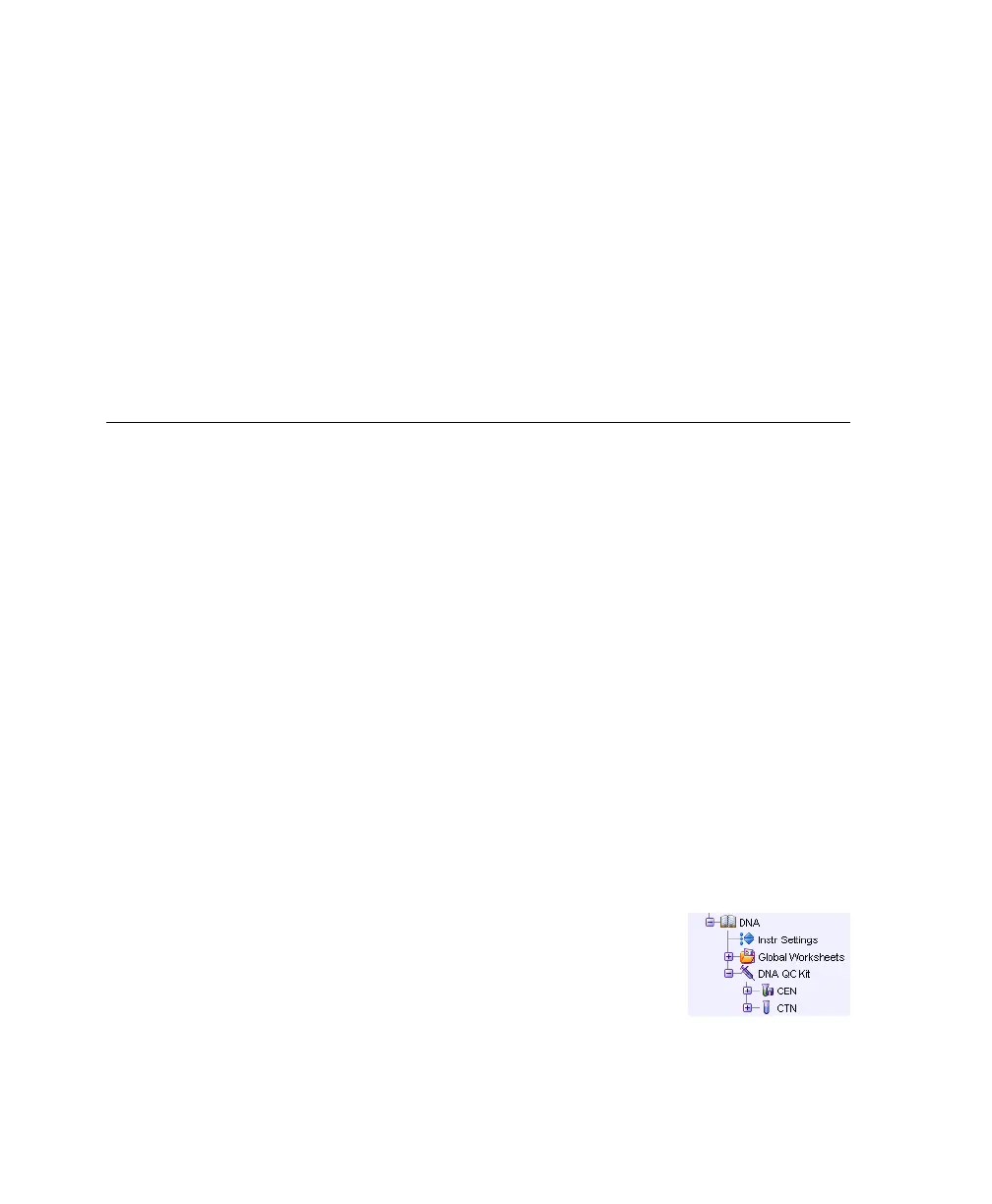
A new tube is created under the DNA QC Kit specimen.
5 Change the name of the tube to CTN.
The Next Tube button duplicates the CEN tube and
analysis objects. The new plots and statistics view
appear below the previous objects on the worksheet.
Acquisition for the CTN tube starts automatically.
LSR2.book Page 84 Tuesday, April 25, 2006 3:34 PM



 To Next Page