56 BD LSR II User’s Guide
Creating an Experiment
In this section, you create an experiment in a new folder, specify the parameters
for instrument setup, and add compensation tubes.
1 Click the corresponding buttons in the Workspace toolbar to display the
Browser ( ), Instrument ( ), Inspector ( , Worksheet ( ), and
Acquisition Dashboard ( ) windows, as needed.
2 Add a new folder to the Browser ( ); rename the folder MyFolder.
; Tip To place an experiment inside a folder, select the folder before you
create the experiment.
3 Create an experiment inside MyFolder, and rename the experiment
MyExperiment.
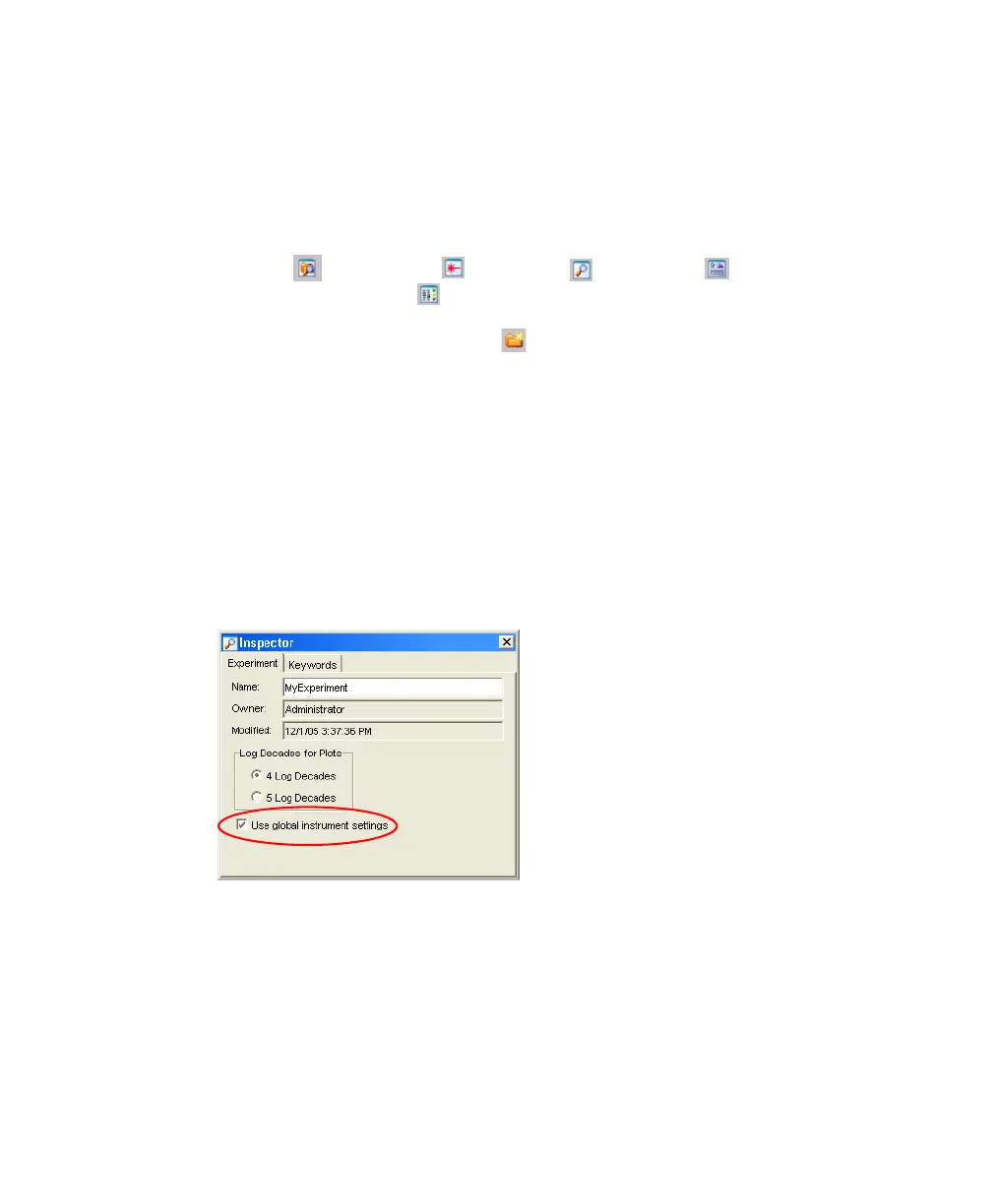
4 With the experiment selected in the Browser, verify in the Inspector that the
Use global instrument settings checkbox is checked.
Figure 3-3 Use global instrument settings checkbox
5 Specify the parameters for instrument setup.
• In the Browser, select the Instr Settings of MyExperiment.
• Make sure the parameters you need appear on the Parameters tab in
the Inspector.
LSR2.book Page 56 Tuesday, April 25, 2006 3:34 PM



 To Next Page