82 BD LSR II User’s Guide
Running CEN
1 On the BD LSR II cytometer control panel, press RUN and LO.
2 Install the CEN sample tube on the SIP.
3 Verify that the green current tube pointer is in front of the CEN tube in the
Browser.
4 In the Acquisition Dashboard, click Acquire Data.
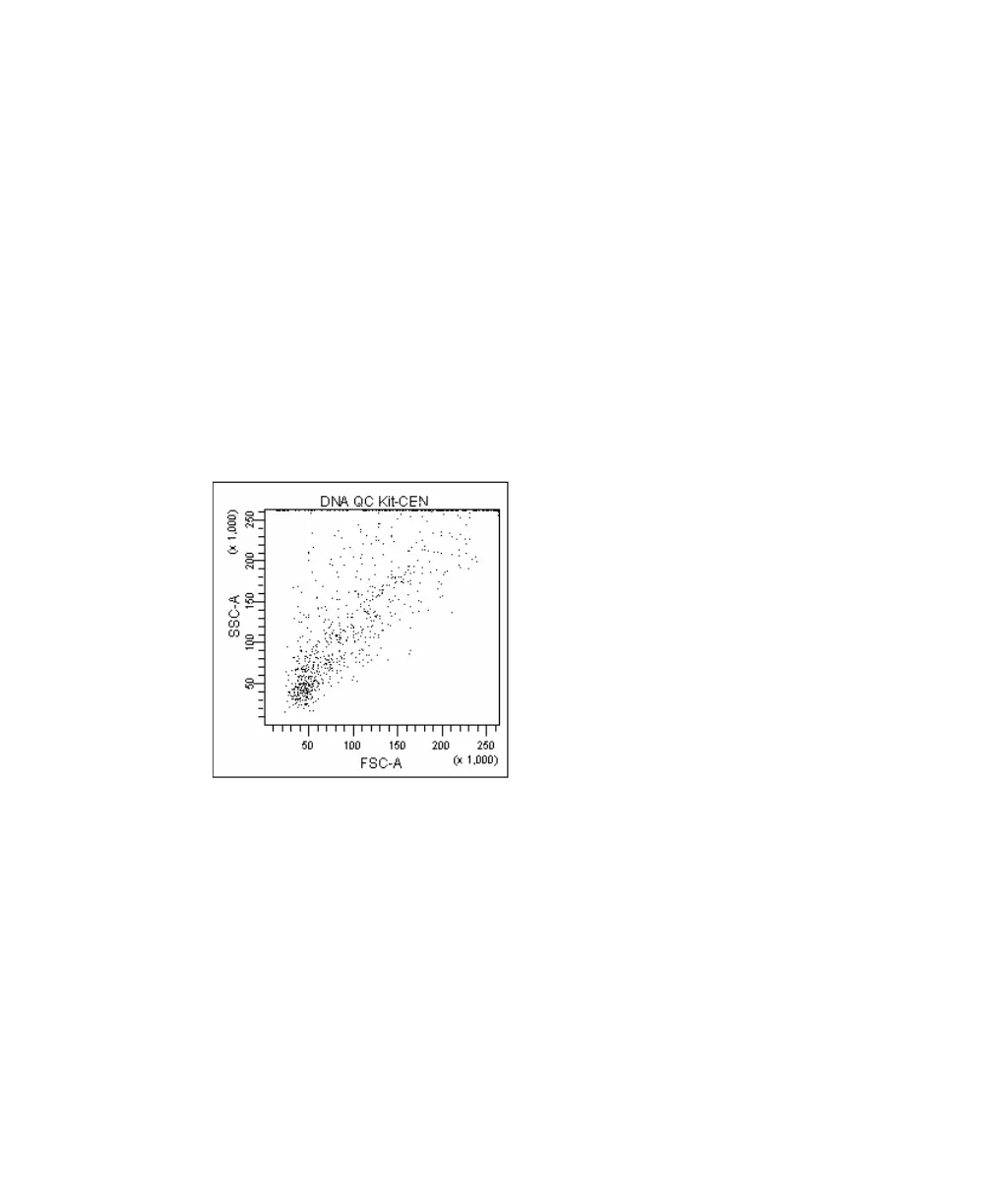
5 Adjust the FSC and SSC voltages to place the CEN on scale in the FSC vs
SSC dot plot.
Figure 4-3 FSC and SSC voltages adjusted
6 Adjust the DAPI voltage to place the singlet nuclei at approximately
channel 50 x 10
3
on the DAPI-A axis in the DAPI-A histogram plot
(Figure 4-4 on page 83).
7 Adjust the event rate (displayed in the Acquisition Dashboard) to
approximately 200 events/second with the SAMPLE FINE ADJ knob.
8 Draw Interval gates around the first two peaks on the DAPI-A histogram.
Name the populations Singlets and Doublets (Figure 4-4 on page 83).
LSR2.book Page 82 Tuesday, April 25, 2006 3:34 PM



 To Next Page