66 BD LSR II User’s Guide
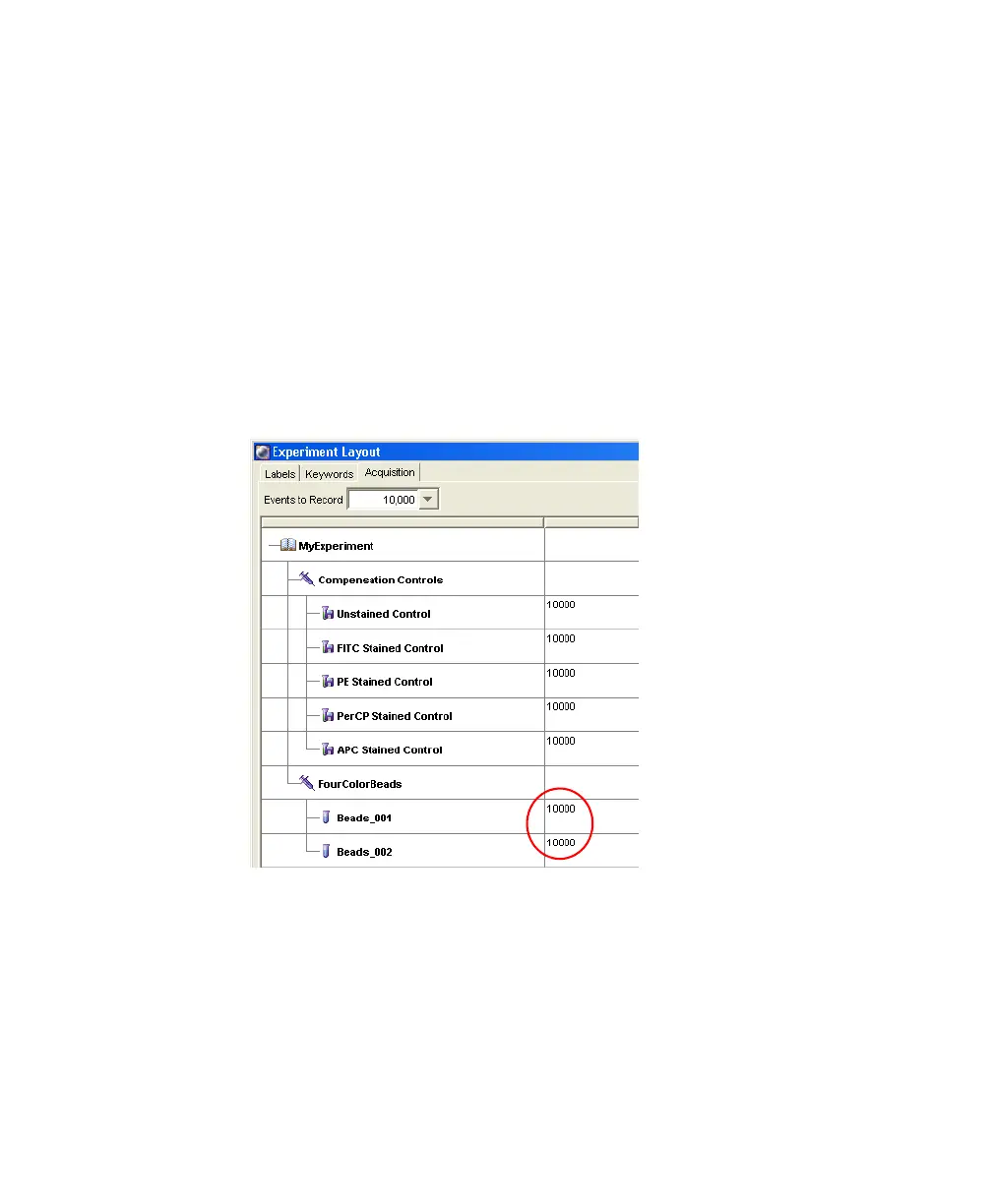
4 Choose Experiment > Experiment Layout to display the Experiment
Layout dialog.
Use this dialog to define parameter labels and to specify the number of
events to record for each tube.
Parameter labels appear on the plot axes and in all statistics views. For
these bead samples, you do not need to define additional parameter labels.
When you record immunophenotyping data, use the Labels tab of the
Experiment Layout dialog to provide reagent antibody labels.
• Click the Acquisition tab. Verify the number of events to acquire is set
to 10,000 for both tubes.
•Click OK.
LSR2.book Page 66 Tuesday, April 25, 2006 3:34 PM



 To Next Page