Chapter 3: Running Samples 71
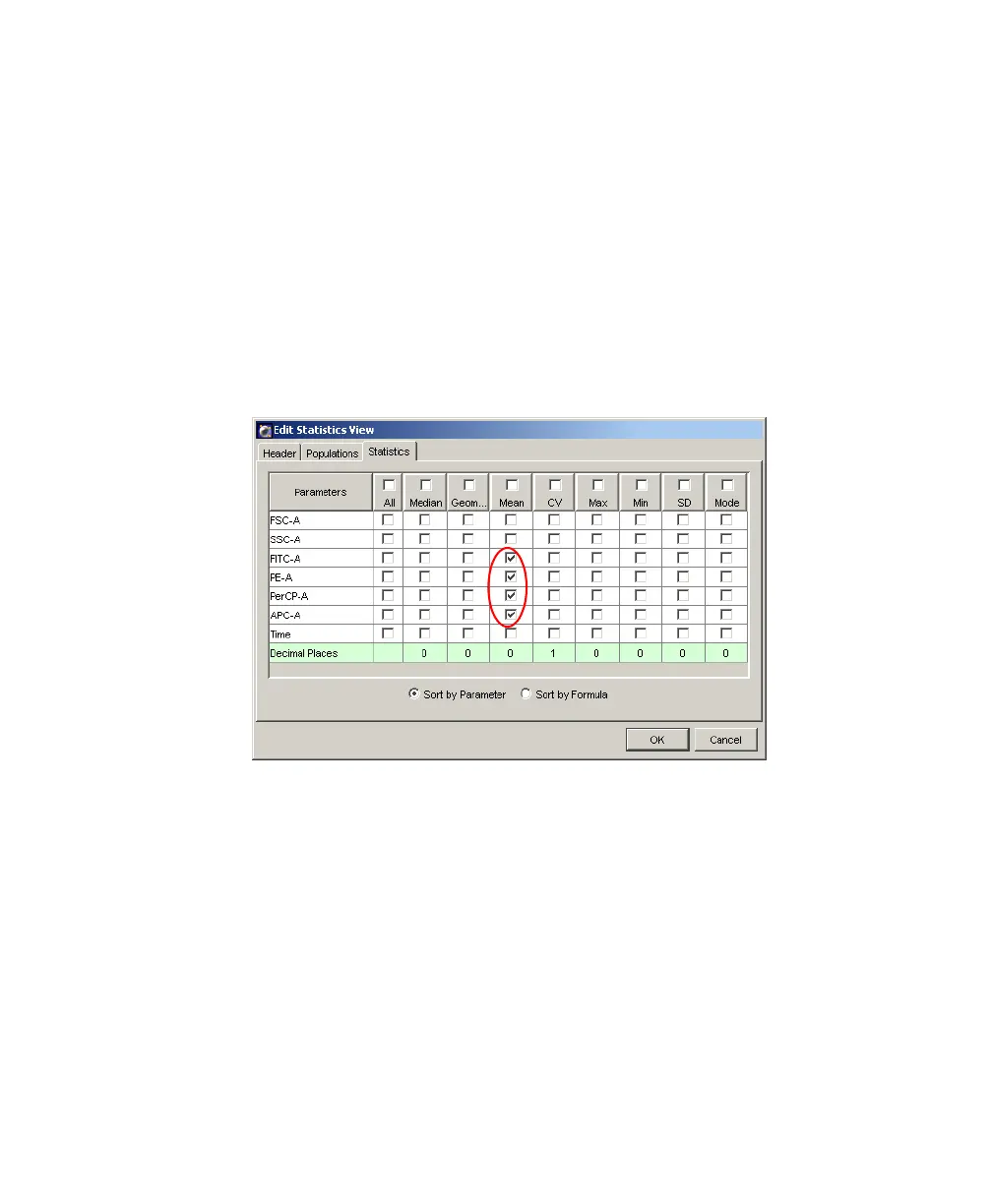
10 Format the Statistics view.
• Right-click the Statistics view and choose Edit Statistics View.
• Click the Header tab, and select the Specimen Name and Tube Name
checkboxes.
• Click the Populations tab, and select all populations except All Events;
deselect the %Parent, %Total, and # Events checkboxes.
• Click the Statistics tab, and select the mean for each of the fluorescence
parameters.
•Click OK.
11 Print the analysis.
Your global worksheet analysis objects should now resemble those in
Figure 3-11 on page 72.
LSR2.book Page 71 Tuesday, April 25, 2006 3:34 PM



 To Next Page