9-8
TotalAlert Innity™ HTM Medical Gas Notication System
4107 9016 60.01
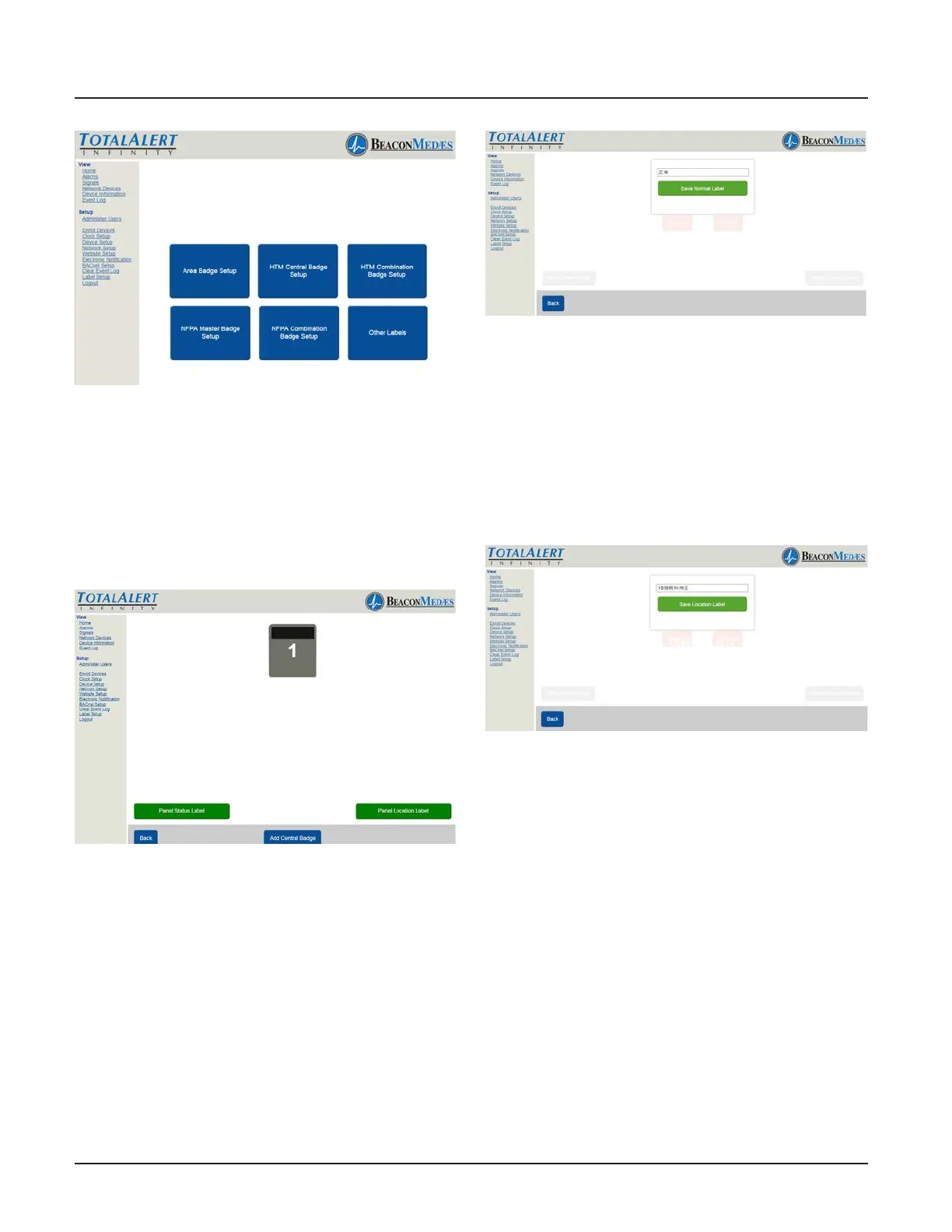
Figure 261
2. Setup display is similar to what is dis-
played on the alarm home screen. (See Fig-
ure 262). To Setup panel status label, select
“Panel Status Label” button.
Figure 262
3. Enter non-latin language text for mean-
ing of “Normal”. Click save button to enter.
(See Figure 263) Choose “Back” button to
return to the main setup screen.
Figure 263
4. To setup Panel Location Label, select
“Panel Location Label”. Enter the non-latin
language for the location of the panel.
Click save button to enter. (See Figure 264)
Choose “Back” button to return to the main
setup screen.
Figure 264
Add up to 5 Central Alarm badges by se-
lecting the “Add Central Badge” button to
match how many area alarms are displayed
on the alarm’s LCD. (See Figure 265)



 To Next Page