4-54
TotalAlert Innity™ HTM Medical Gas Notication System
4107 9016 60.01
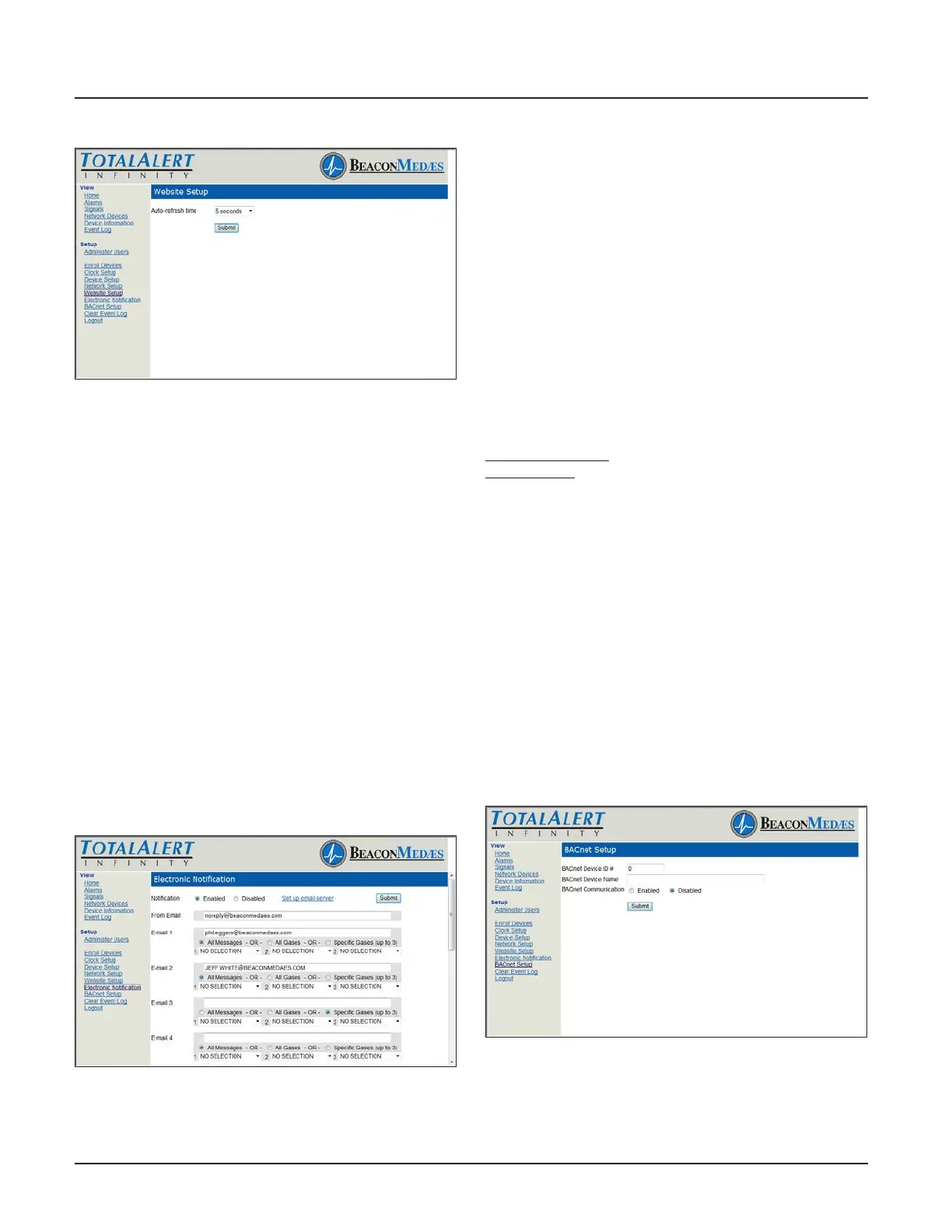
Figure 191: Website Setup Page
Electronic Notication
This setup page is used to congure electronic no-
tication (e-mail, pager, phone text message). The
alarm panel acts as an SMTP client. An SMTP server is
required for electronic notication to function. The To-
talAlert Innity™ website has the ability to setup email
notication for all messages, all gases, or specically up
to 3 gases.
By setting up the Electronic Notication, key personnel
can receive notications of all alarm events.
An SMTP e-mail server must be congured in order for
Electronic Notications to function. Click “Set Up Email
Server” to congure the server (Figure 4.179).
1. Click Electronic Notication to access the Electronic
Notication setup page (Figure 4.180).
2. Enter an e-mail address. Up to twelve e-mail
addresses can be set up.
3. Choose All Messages, All Gases, or Specic Gases
(up to 3) from pull down menu.
4. Click Submit.
Figure 192: Electronic Notication Setup Page
BACnet Setup
The BeaconMedæs TotalAlert Innity™ HTM control
systems utilize the TCP/ IP family of protocols for
communication and each alarm has a unique IP
address.
Each BACnet enabled TotalAlert Innity™ alarm
conforms to the BACnet protocol.
• Protocol Implementation Conformance
Each BACnet enabled TotalAlert Innity™ alarm has
available a Protocol Implementation Conformance
Statement (PICS). The PICS is a written document
created by BeaconMedæs that identies the particular
options specied by BACnet that are implemented in
the TotalAlert Innity™ alarm.
• BACnet Conformance
BACnet Vendor ID: 543
Alarm Prole: BACnet Smart Sensor (B-SS)
BIBB (BACnet Interoperability Building Blocks)
Supported:
• Read Property - B (DS-RP-B)
• Dynamic Device Binding - B (DM-DDB-B)
• Dynamic Object Binding - B (DM-DOB-B)
Object Type Support: Analog value, Binary value,
Device.
Data Line Layer Options: ISO 8802-3 (“Ethernet”) LAN
Character Set Support: ISO 10646 (UTF-8) Encoding.
1. Click BACnet Setup to access BACnet Setup page
(Figure 4.157).
2. Enter BACnet Device ID#.
3. Enter BACnet Device Name.
4. Choose to Enable or Disable BACnet
Communication.
5. Click Submit
Figure 193: BACnet Setup Page



 To Next Page