1 695 600 968 2019-01-28| Beissbarth GmbH
Operation | MT ZERO 6 LCD | 103
8.10 Measuring imbalance
i A wheel can only be balanced correctly if all the
settings correspond to the mounted wheel.
i In the following description, automatic start is
active.
i The measurement can be canceled at any time by
pressing the <STOP> key.
1. Close the wheel guard.
The balancing measurement will start automati-
cally if automatic start is set. If it does not, press
<START>.
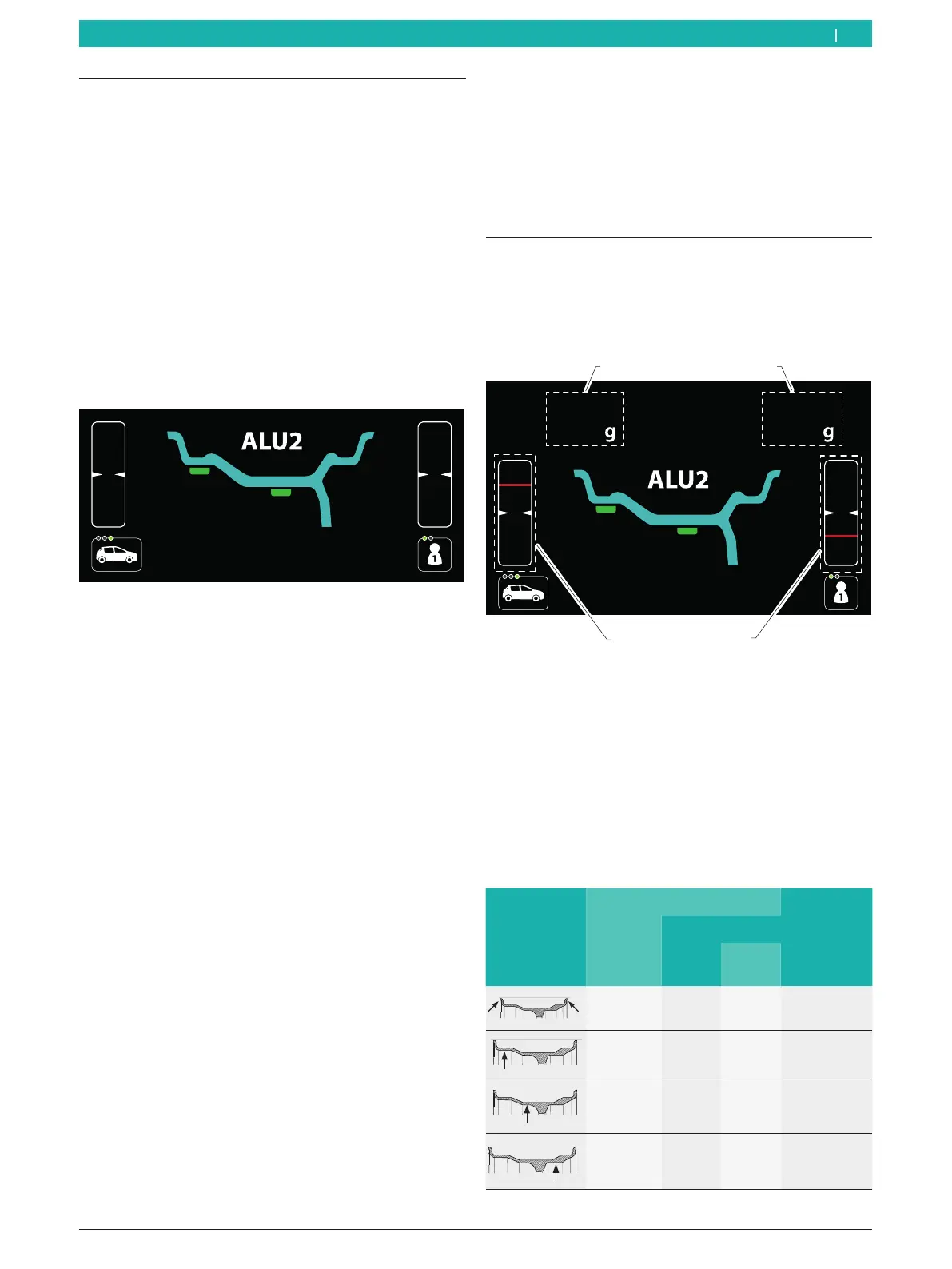
The following screen will appear.
i If the Standard, ALU1 (PAX1), ALU4, ALU5 program
or any static balancing program is used, the rim
width will be acquired when the protective hood is
lowered for activation of start.
2. On completion of measurement, the values of the
balance weights required are shown on the display:
$ At the upper left for the internal balancing
planes.
$ At the upper right for the external balancing
planes.
i By default, grams are set as the unit for the balance
weight values. The user settings menu can be used to
change to ounces.
3. Only open the wheel guard after the wheel has come
to a complete stop.
i If the wheel imbalance measured is severe (e.g. a
static imbalance greater than 50g), it is advisable
to carry out the optimization procedure that uses
the static imbalance of the rim to compensate for
the static imbalance of the tire (see "Imbalance
minimization" section).
i With the non-standard programs (ALU2, ALU3,
Pax2), the function for splitting the balance
weights (split program) can be used to hide the
outside balance weight behind the spokes. (See
the "Splitting the balance weights (split program)"
section.)
8.11 Attaching balance weights
The display shows the basic balancing screen with the
value of the balance weights to be attached based on
the entered and measured data and an indicator for
positioning the balance weights.
1 3
4
2
Fig. 80: Description of the balancing screen
1 Value of the balance weight to be attached on the first balancing
plane
2 Indicator for positioning the balance weights of the first
balancing plane
3 Value of the balance weight to be attached on the second
balancing plane
4 Indicator for positioning the balance weight for the second
balancing plane
8.11.1 Overview of tools for attaching the balance
weights
Balance weight
position
Rim-distance gauge Balance
weight
holder
Electronic Manual
Rim
flange
Rim
well
– – – OK
OK OK – –
OK – OK –
– OK – –
en



 To Next Page