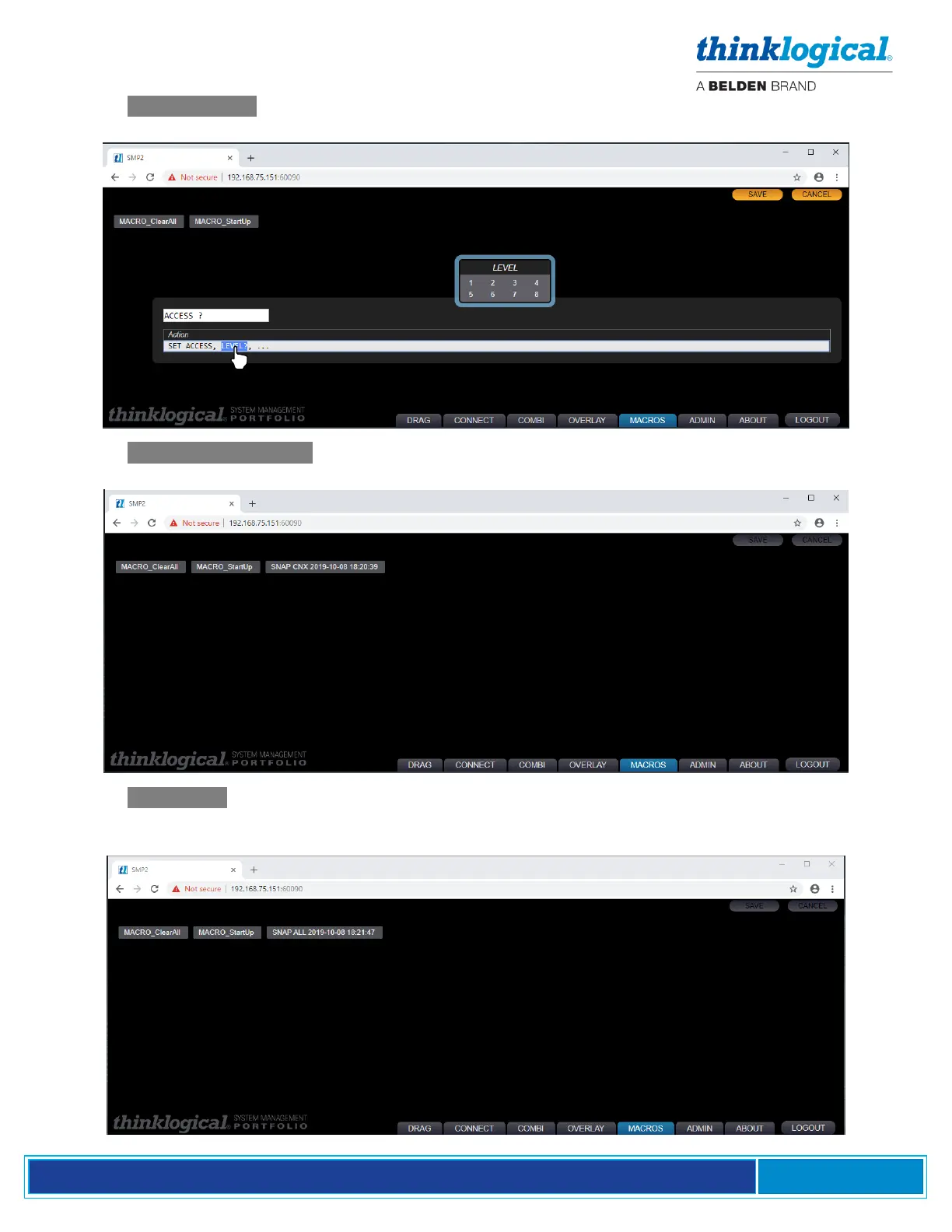
Pick the .SET ACCESS option to create a new Macro that will set the access level of your Sources.
Click on LEVEL to choose the level and then click on … to select the Source it applies to.
Pick the .SNAP CONNECTED option to create a new Macro that will automatically create a Macro of
all the active Matrix Switch connections.
Pick the .SNAP ALL option to create a new Macro that will automatically create a Macro of all the
current connections AND disconnections. This may also be thought of as the current state of the
Matrix Switch.



 To Next Page