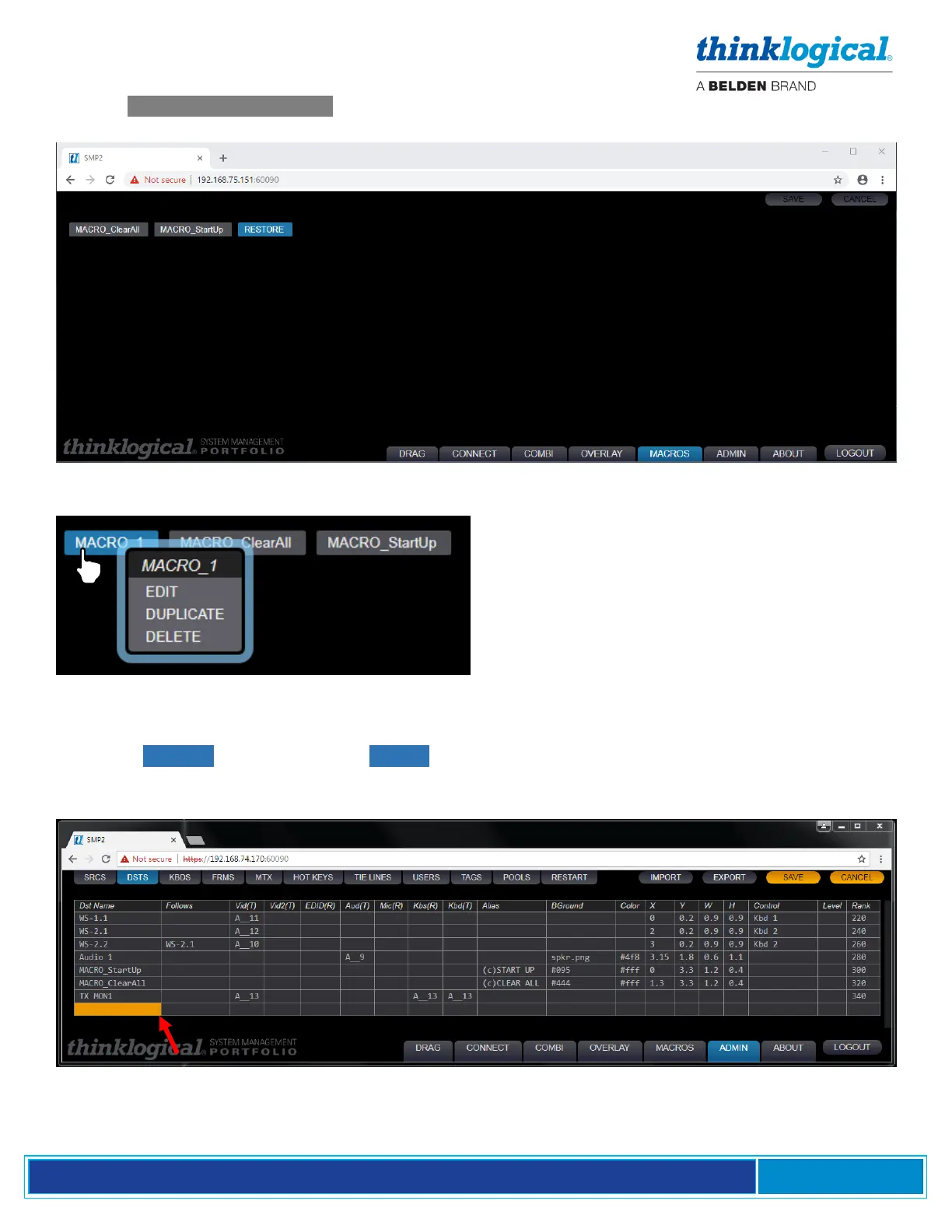
Pick the .RESTORE FROM LIST option to create a new Macro that will generate a pop up list. This
list will contain access levels that were previously used when changing levels.
A Macro can be edited, copied or deleted by
right-clicking on its name, then choosing from
the drop-down menu.
Add Macros to Drag N Drop
Under the ADMIN page, click on the DSTS (Destinations) Tab. Right-clicking on any row allows an
Insert Above or Insert Below to create a new row. In the example below, a new row has been
inserted below TX MON1.



 To Next Page