Fields in the menu Power Settings (for devices with GPS only)
Field Value
Power Off Timeout Enter the time, in seconds, for how long the device is to remain
switched on after switching the motor off.
The default value is seconds.
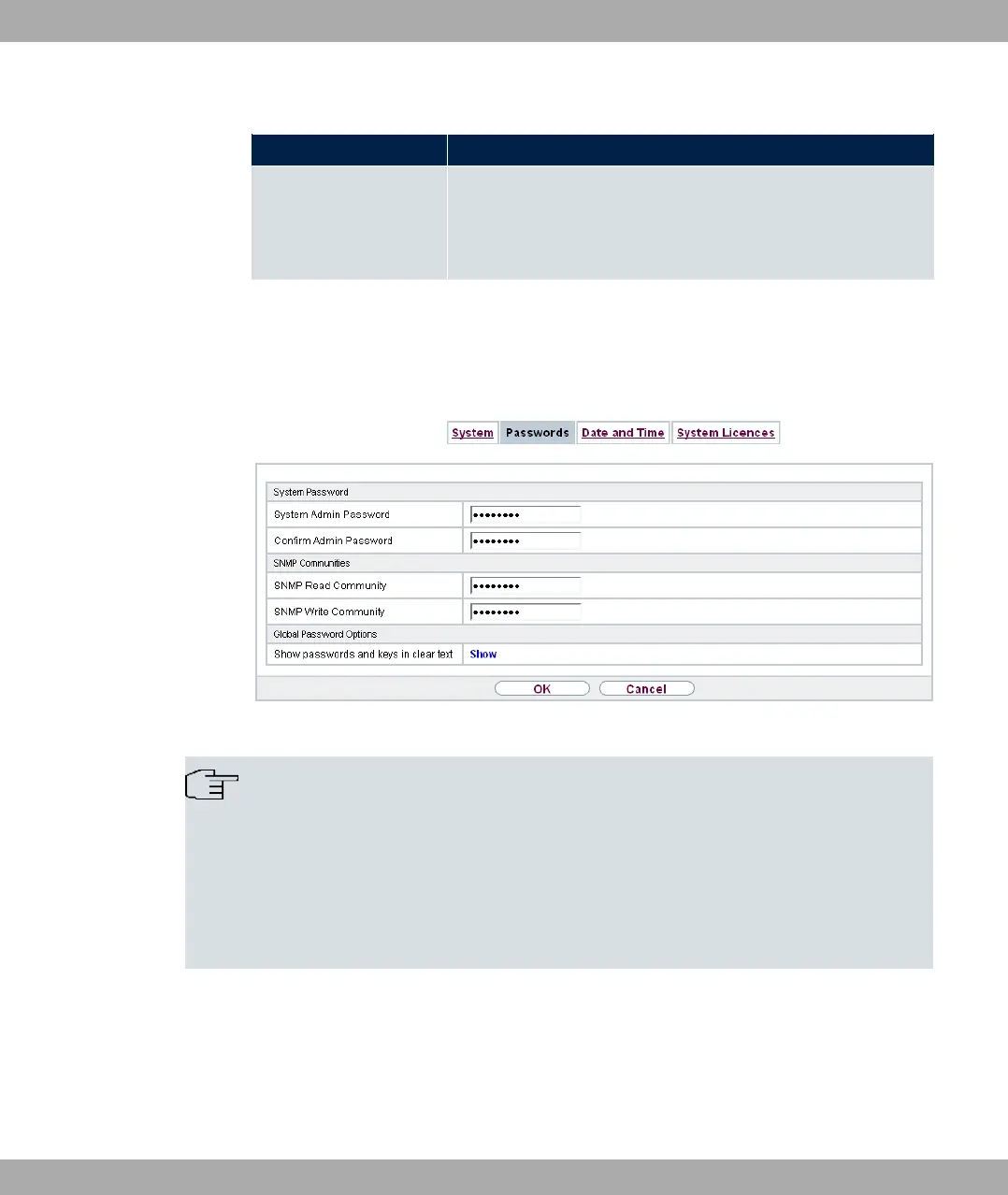
7.2.2 Passwords
Setting the passwords is another basic system setting.
Fig. 38: System Management->Global Settings->Passwords
Note
All bintec elmeg devices are delivered with the same username and password. As long
as the password remains unchanged, they are not protected against unauthorised use.
Make sure you change the passwords to prevent unauthorised access to the device
If the password is not changed, under System Management->Status there appears
the warning: "System password not changed!"
The System Management->Global Settings->Passwords menu consists of the following
fields:
Fields in the System Password menu.
bintec elmeg GmbH
7 System Management
bintec RS Series 87



 To Next Page