Field Description
Remote MAC Address Enter the MAC address of the WDS partner.
10.1.4 Client Link
If you're operating your device in Access Point mode, ( Wireless LAN->WLAN->Radio Set-
tings-> ->Operation Mode = 3%% 61), you can edit the existing client links in
the Wireless LAN->WLAN->Client Link-> menu.
The Client Mode can be operated in infrastructure mode or in ad-hoc mode.
In a network in infrastructure mode, all clients communicate with each other via access
points only. There is no direct communication between the individual clients.
In ad-hoc mode, an access client can be used as central interface between a number of
terminals. In this way, devices such as computers and printers can be wirelessly intercon-
nected.
10.1.4.1 Edit
Choose the icon to edit existing entries.
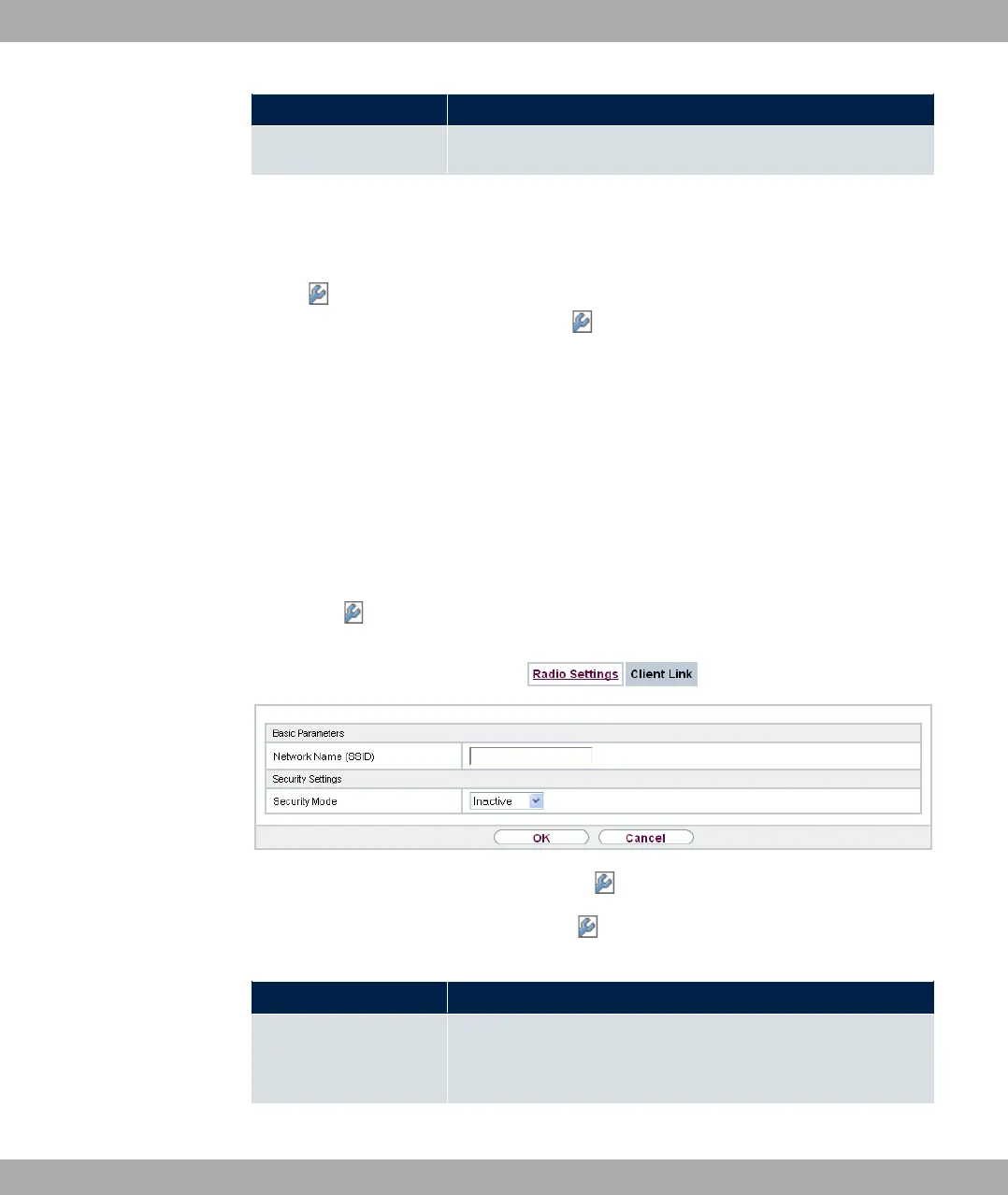
Fig. 78: Wireless LAN->WLAN->Client Link->
The Wireless LAN->WLAN->Client Link-> menu consists of the following fields:
Fields in the Basic Parameters menu.
Field Description
Network Name (SSID) Enter the name of the wireless network (SSID).
Enter an ASCII string with a maximum of 32 characters.
Fields in the Security Settings menu.
10 Wireless LAN bintec elmeg GmbH
196 bintec RS Series



 To Next Page