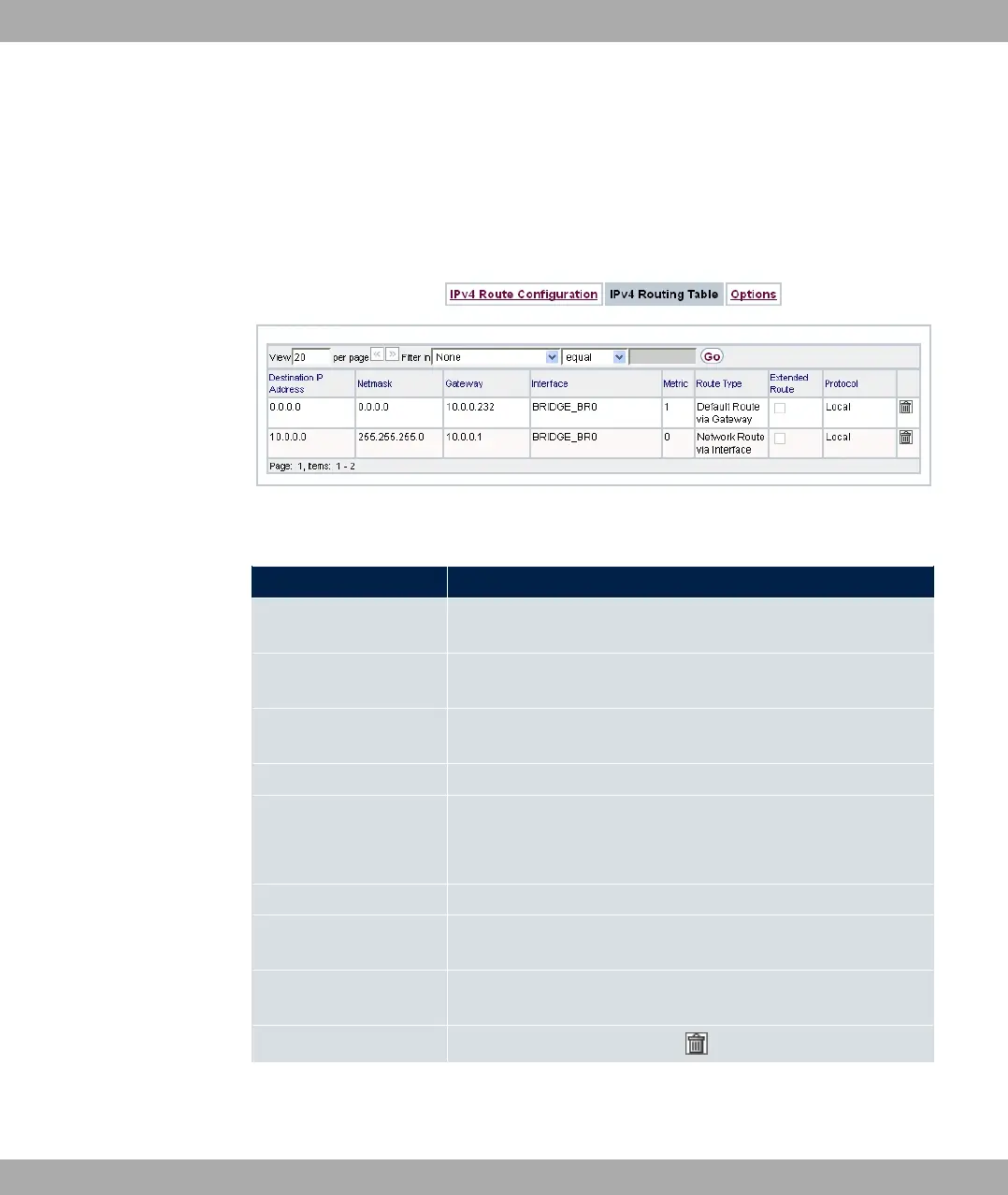
11.1.2 IPv4 Routing Table
A list of all IPv4 routes is displayed in the Network->Routes->IPv4 Routing Table menu.
The routes do not all need to be active, but can be activated at any time by relevant data
traffic.
Fig. 83: Network->Routes->IPv4 Routing Table
Fields in the menu IPv4 Routing Table
Field Description
Destination IP Address Displays the IP address of the destination host or destination
network.
Netmask Displays the netmask of the destination host or destination net-
work.
Gateway Displays the gateway IP address. Nothing is displayed here
when routes are received by DHCP.
Interface Displays the interface used for this route.
Metric
Displays the route's priority.
The lower the value, the higher the priority of the route
Route Type Displays the route type.
Extended Route Displays whether a route has been configured with advanced
parameters.
Protocol Displays how the entry has been created , e.g. manually ( 0%
1) or via one of the available protocols.
Delete You can delete entries with the symbol.
11 Networking bintec elmeg GmbH
208 bintec RS Series



 To Next Page