Chapter 19 Maintenance
This menu provides you with numerous functions for maintaining your device. It firstly
provides a menu for testing availability within the network. You can manage your system
configuration files. If more recent system software is available, you can use this menu to in-
stall it. If you need other languages for the configuration interface, you can import these.
You can also trigger a system reboot in this menu.
19.1 Diagnostics
In the Maintenance->Diagnostics menu, you can test the availability of individual hosts,
the resolution of domain names and certain routes.
19.1.1 Ping Test
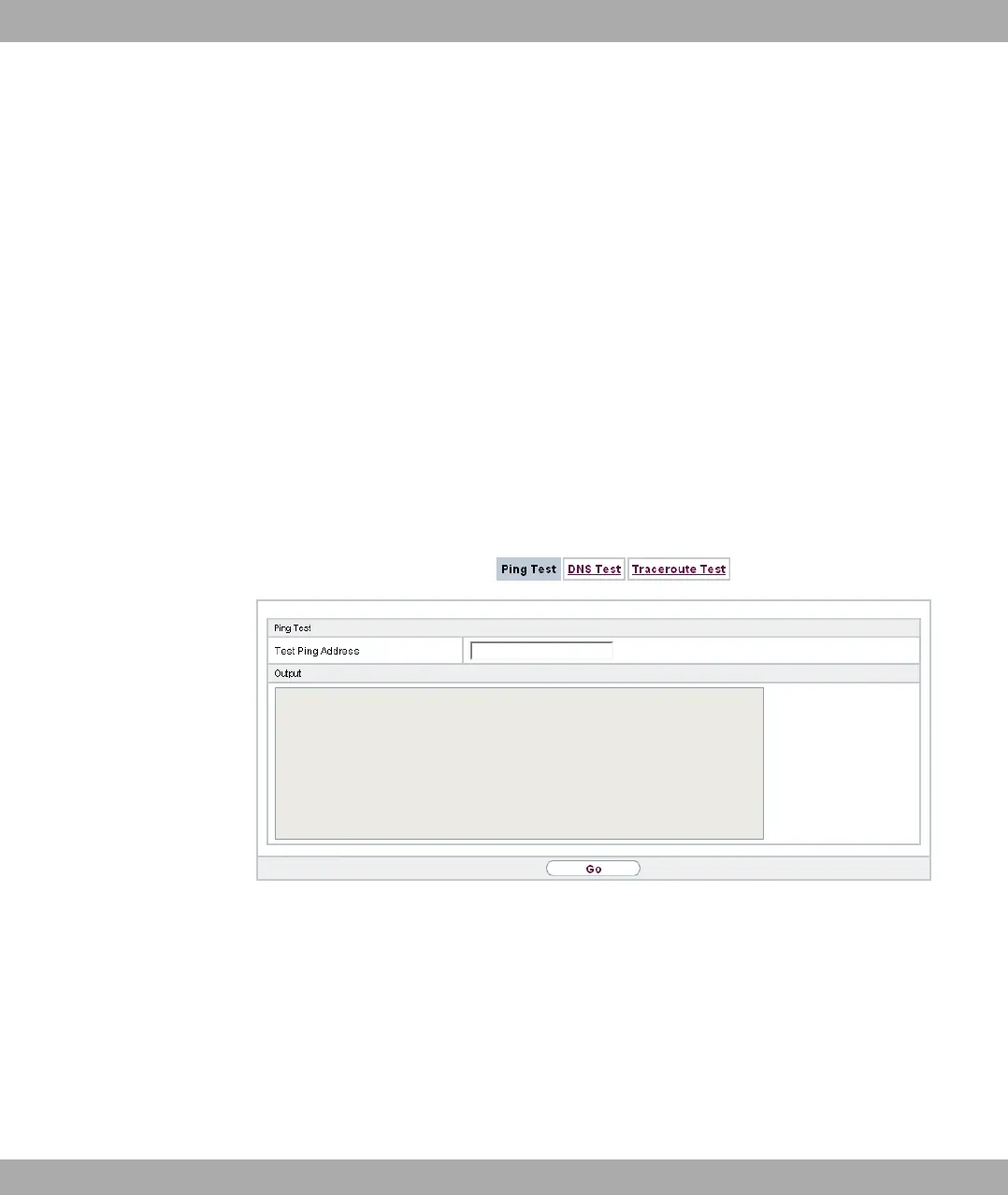
Fig. 185: Maintenance->Diagnostics->Ping Test
You can use the ping test to check whether a certain host in the LAN or an internet address
can be reached. The Outputfield displays the ping test messages. The ping test is
launched by entering the IP address to be tested in Test Ping Address and clicking the
Go button.
19 Maintenance bintec elmeg GmbH
476 bintec RS Series



 To Next Page