13.2.1 IGMP
In this menu, you configure the interfaces on which IGMP is to be enabled.
13.2.1.1 Edit or New
Choose the icon to edit existing entries. Choose the New button to configure IGMP on
other interfaces.
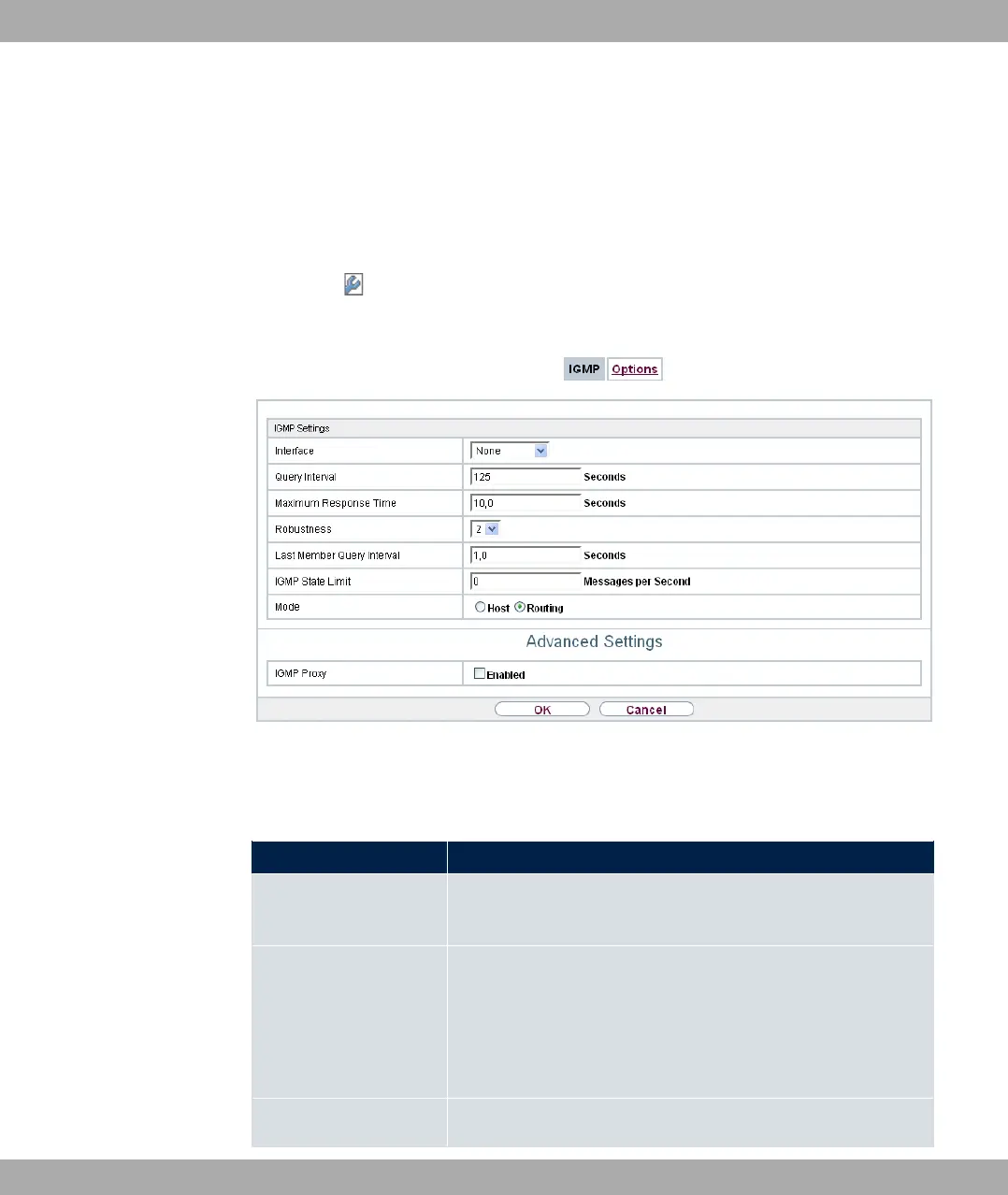
Fig. 106: Multicast->IGMP->IGMP->New
The Multicast->IGMP->IGMP->New menu consists of the following fields:
Fields in the IGMP Settings menu.
Field Description
Interface Select the interface on which IGMP is to be enabled, i.e. queries
are sent and responses are accepted.
Query Interval Enter the interval in seconds in which IGMP queries are to be
sent.
Possible values are to .
The default value is .
Maximum Response For the sending of queries, enter the time interval in seconds
bintec elmeg GmbH
13 Multicast
bintec RS Series 263



 To Next Page