Field Description
Possible values are & to .
The default value is .
Other Inactivity Enter the inactivity time after which a session of another type is
to be regarded as expired (in seconds).
Possible values are & to .
The default value is &.
16.2 Interfaces
16.2.1 Groups
A list of all configured interface routes is displayed in the Firewall->Interfaces->Groups
menu.
You can group together the interfaces of your device. This makes it easier to configure fire-
wall rules.
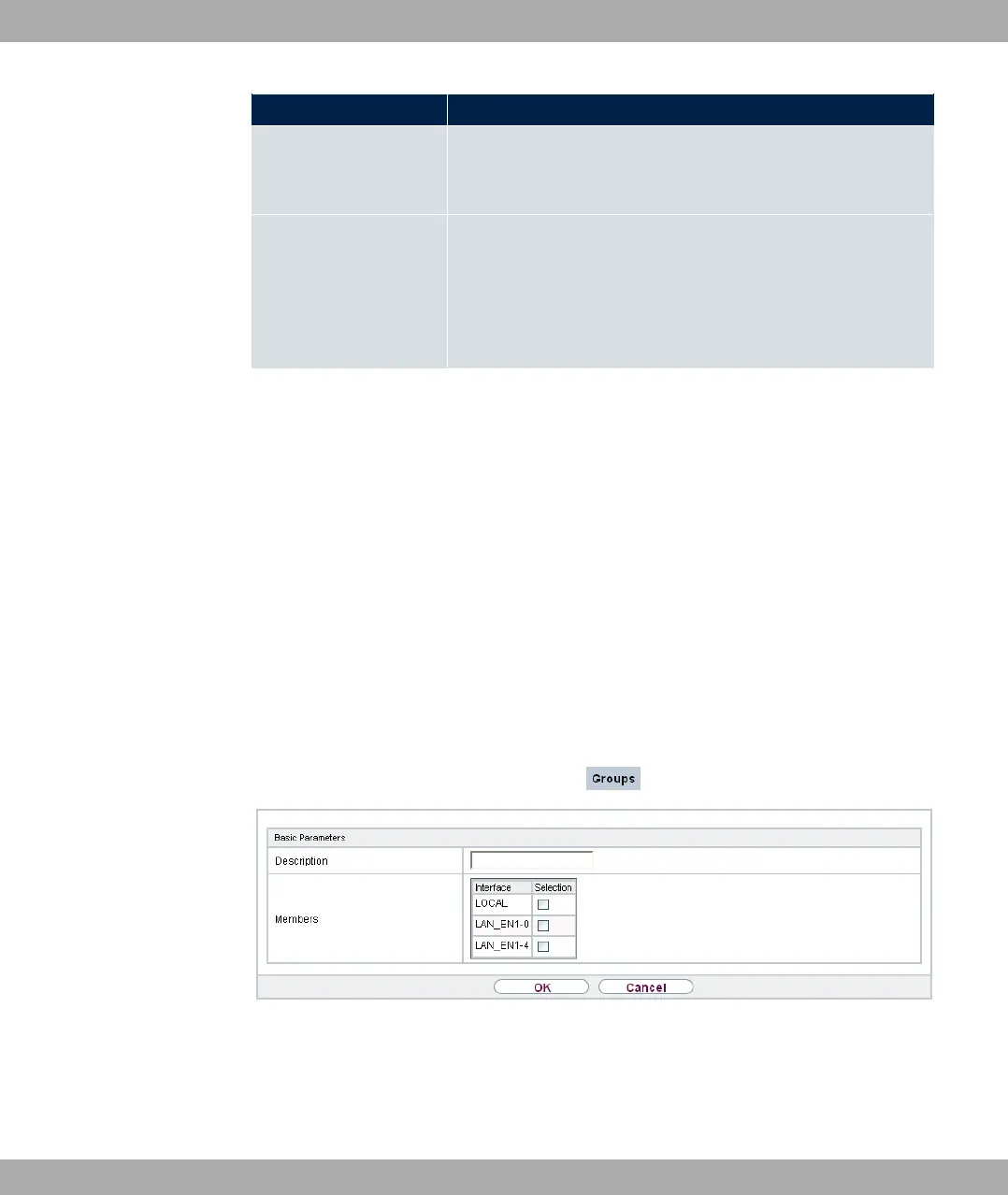
16.2.1.1 New
Choose the New button to set up new interface groups.
Fig. 141: Firewall->Interfaces->Groups->New
The menu Firewall->Interfaces->Groups->New consists of the following fields:
Fields in the Basic Parameters menu.
bintec elmeg GmbH
16 Firewall
bintec RS Series 383



 To Next Page