Chapter 21 Monitoring
This menu contains information that enable you to locate problems in your network and
monitor activities, e.g. at your device's WAN interface.
21.1 Internal Log
21.1.1 System Messages
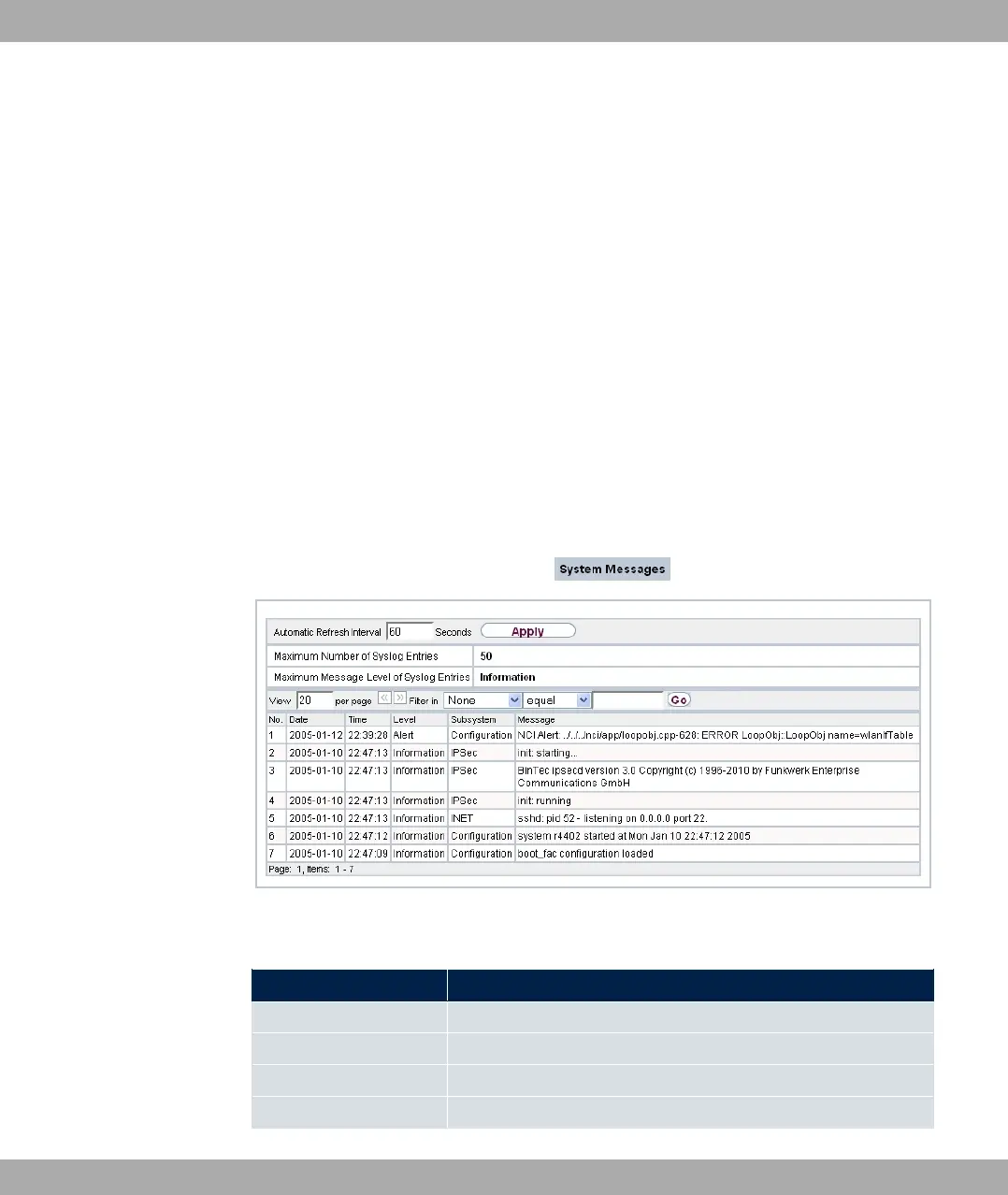
In the Monitoring->Internal Log->System Messages menu, a list of all internally stored
system messages is displayed. Above the table you will find the configured vales for the
Maximum Number of Syslog Entries and Maximum Message Level of Syslog Entries
fields. These values can be changed in the System Management->Global
Settings->System menu.
Fig. 198: Monitoring->Internal Log->System Messages
Values in the System Messages list
Field Description
No. Displays the serial number of the system message.
Date Displays the date of the record.
Time Displays the time of the record.
Level Displays the hierarchy level of the message.
bintec elmeg GmbH
21 Monitoring
bintec RS Series 499



 To Next Page