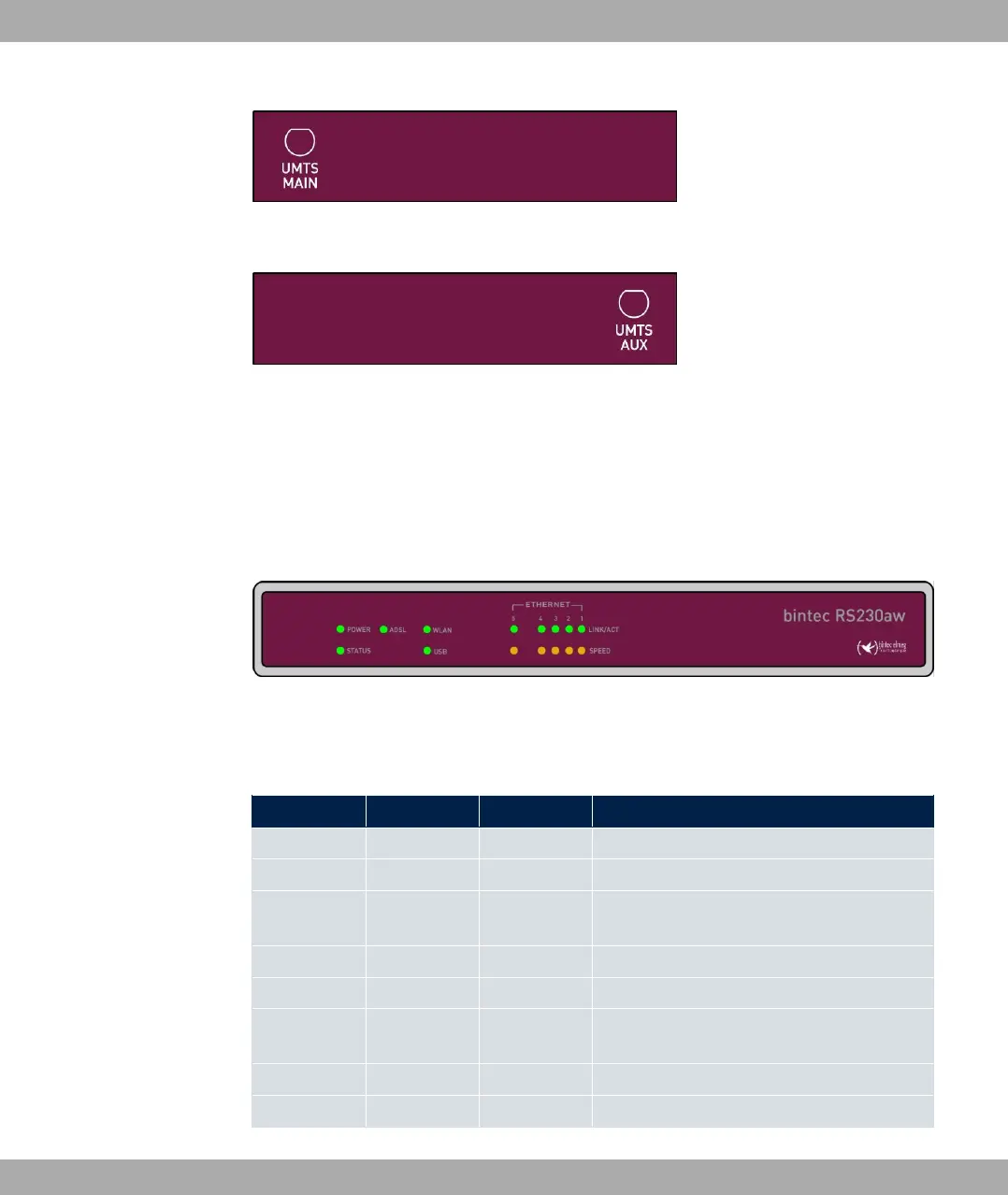
Fig. 13: Antenna configuration of the bintec RS230au+
Fig. 14: Antenna configuration of the bintec RS230au+
3.3.4 LEDs
The device LEDs provide information on certain activities and statuses of the device.
The LEDs are arranged as follows:
Fig. 15: Arrangement of LEDs
In operation mode, the LEDs display the following status information for your device:
LED status display
LED Colour Status Information
POWER green on The power supply is connected.
off No power supply.
STATUS green on After switching on: The device has started.
During operation: An error has occurred.
green flashing The device is active.
green off During operation: An error has occurred.
Ethernet 1 to
4: LINK/ACT
green on The connection to the LAN has been estab-
lished.
green flashing Data traffic via the LAN interface.
off No connector.
3 Installation bintec elmeg GmbH
28 bintec RS Series



 To Next Page