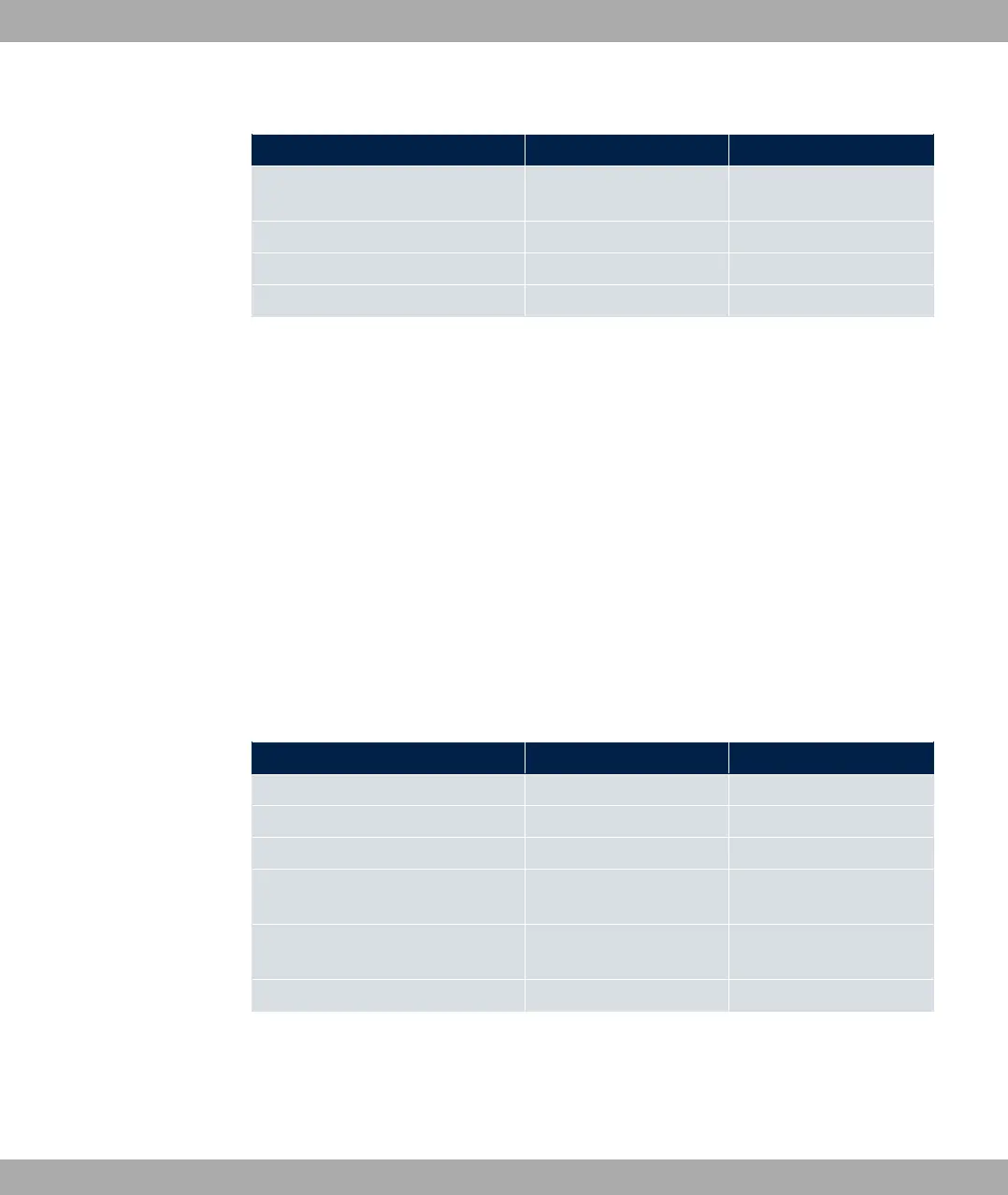
Data for internet access over UMTS/LTE
Access data Example value Your values
UMTS/LTE PIN -" $ (
+
Access point (APN) .'*/0*
Login name '()
Password *+%
Wireless LAN (only bintec RS120wu , bintec RS230aw and bintec RS232jw )
You can operate your device as an access point and therefore connect individual work sta-
tions (e.g. laptops, PCs with wireless card or wireless adapter) by wireless connections to
your local network via WLAN (Wireless LAN) and let them communicate with each other.
The table "Data for the Wireless LAN configuration" shows the information required.
As data can be transmitted over the air in the WLAN, this data can in theory be intercepted
and read by any attacker with the appropriate resources. Particular attention must therefore
be paid to protecting the wireless connection.
Note the following:
• Follow the safety precautions when configuring your WLAN.
• Please also read Sicherheit im Funk-LAN [Security in Wireless LAN] published by the
Federal Office for Information Security, see http://www.bsi.de.
Data for the Wireless LAN configuration
Access data Example value Your values
Preshared key for WPA2-PSK without default
Installation location of your system (
Channel to be used for WLAN
Network name (SSID) for your
WLAN
without default
Visibility of the SSID in the wireless
network
"1
Security setting 23 4
4.3.2 Configuring a PC
In order to reach your device via the GUI and to be able to carry out configuration, the PC
used for the configuration has to satisfy some prerequisites.
4 Basic configuration bintec elmeg GmbH
54 bintec RS Series



 To Next Page