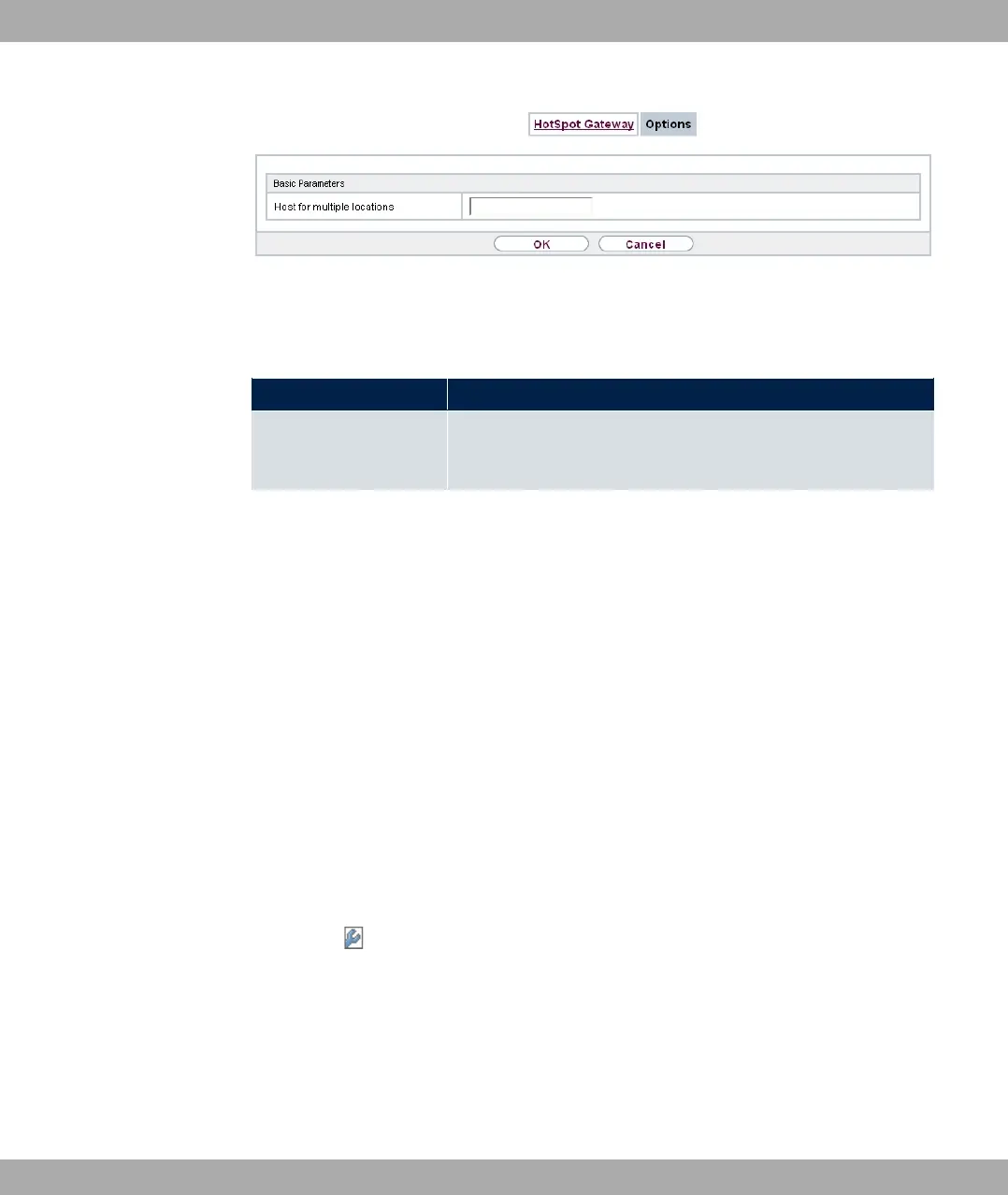
Fig. 178: Local Services->HotSpot Gateway->Options
The Local Services->HotSpot Gateway->Options menu consists of the following fields:
Fields in the Basic Parameters menu.
Field Description
Host for multiple loca-
tions
If several locations (branches) are set up on the Hotspot server,
enter the value of the NAS identifier (RADIUS server parameter)
that has been registered for this location on the Hotspot server.
18.12 Wake-On-LAN
With the function Wake-On-LAN (WOL) you can start network devices that are switched off
via an integrated network card. The network card also needs a power supply, even when
the computer is switched off. You can use filters and rule chains to define the conditions
that need to be met to send the so-called magic packet, and select the interfaces that are
to be monitored for the defined rule chains. Configuring the filters and rule chains is largely
like configuring filters and rule chains in the menu Access Rules.
18.12.1 Wake-On-LAN Filter
The menu Local Services->Wake-On-LAN->Wake-On-LAN Filter displays a list of all the
WOL filters that have been configured.
18.12.1.1 Edit or New
Choose the icon to edit existing entries. Choose the New button to enter additional fil-
ters.
18 Local Services bintec elmeg GmbH
460 bintec RS Series



 To Next Page