18.6.2 Options
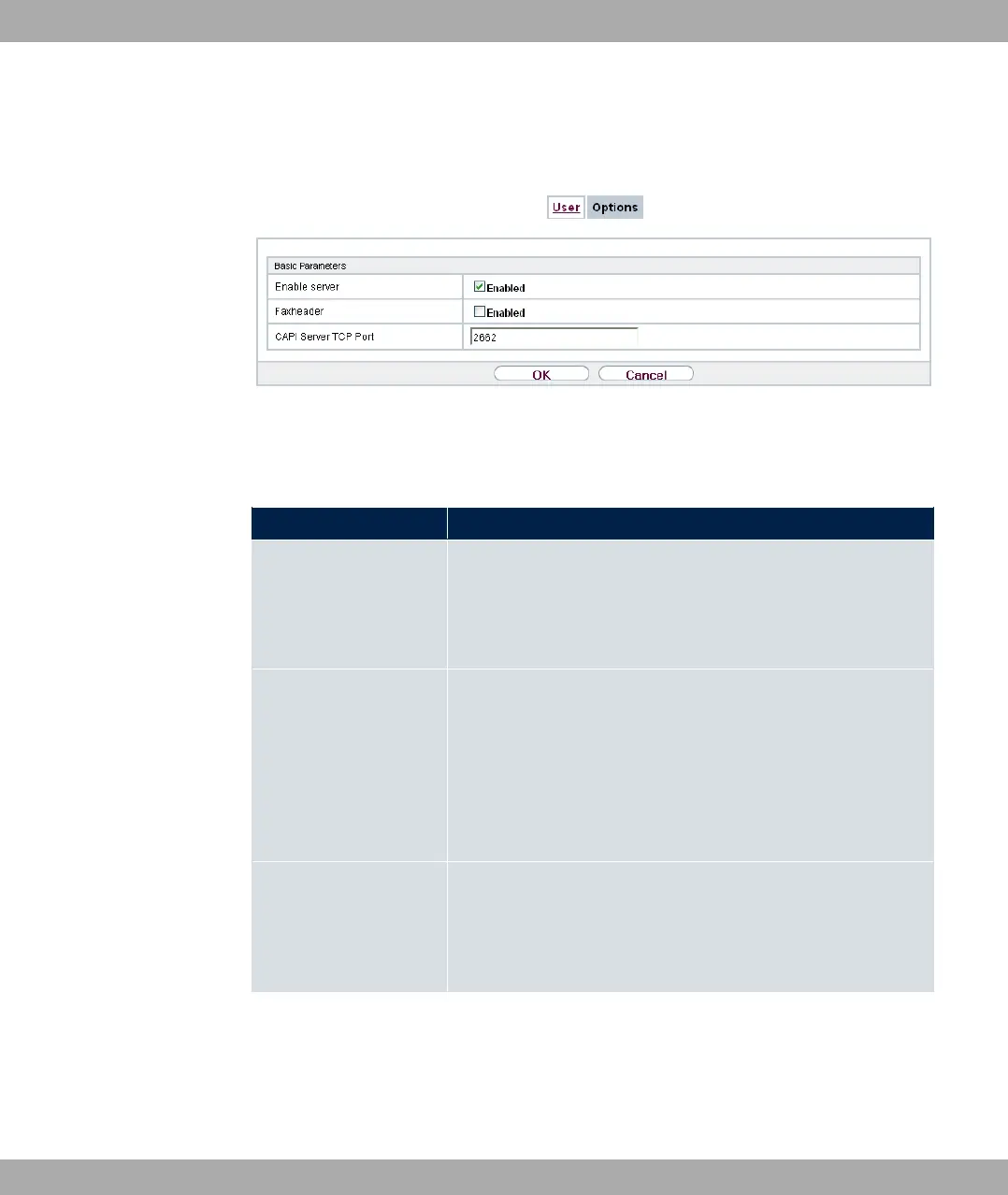
Fig. 166: Local Services->CAPI Server->Options
The menu Local Services->CAPI Server->Options consists of the following fields:
Fields in the Basic Parameters menu.
Field Description
Enable server Select whether your device is to be enabled as a CAPI server.
The function is activated by selecting "1.
The function is enabled by default.
Faxheader Only for devices the RTxxx2 series.
Select whether the fax header should be printed at the top of
outgoing faxes.
The function is activated by selecting "1.
The function is disabled by default.
CAPI Server TCP Port The field can only be edited if Enable server is enabled.
Enter the TCP port number for remote CAPI connections.
The default value is .
18 Local Services bintec elmeg GmbH
424 bintec RS Series



 To Next Page