• Start and configure the Windows application on your PC (you can download BRICKware
for Windows to your PC from the download area at www.bintec-elmeg.com and from
there import it to your device).
20.5.1 Options
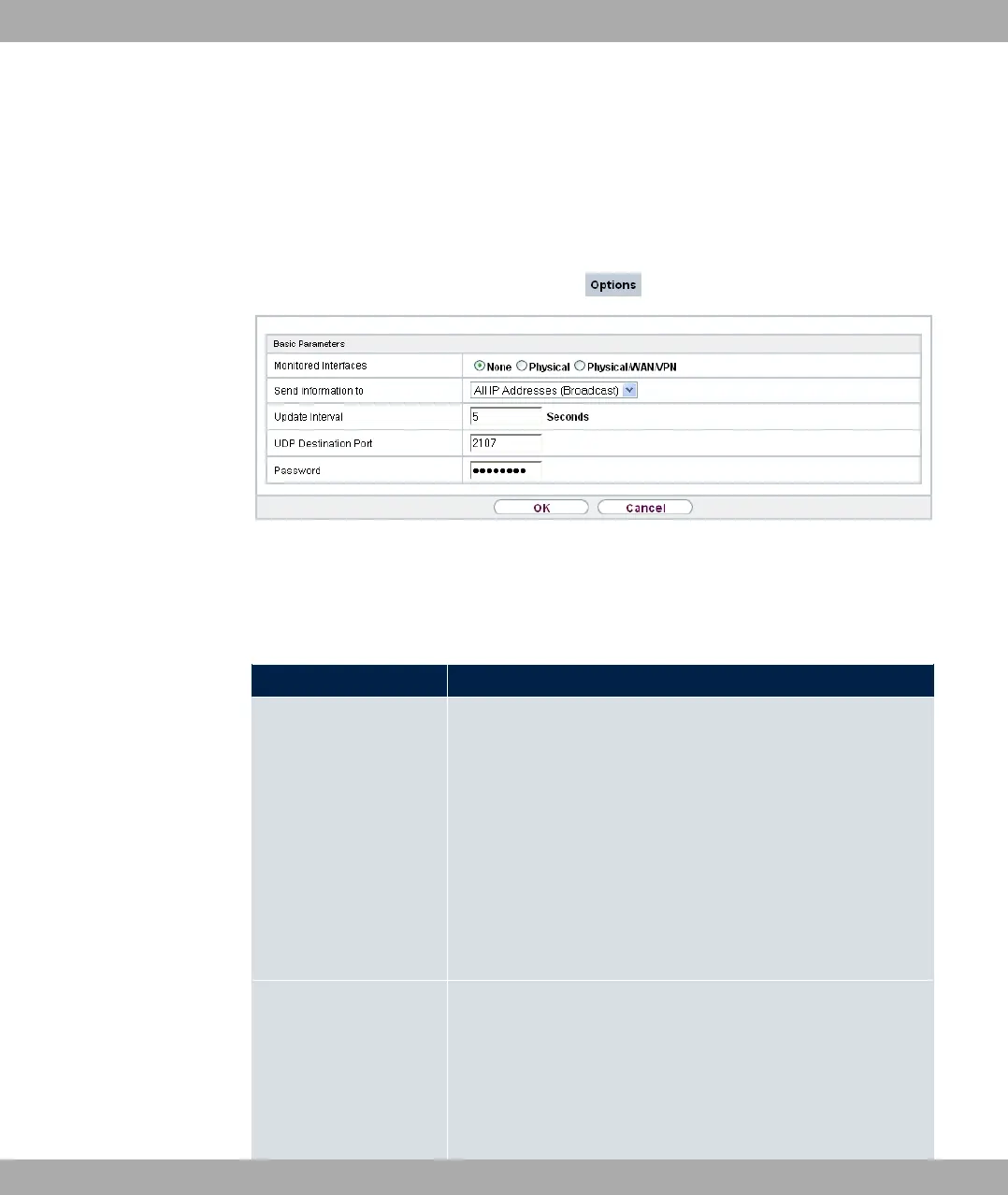
Fig. 197: External Reporting->Activity Monitor->Options
The menu External Reporting->Activity Monitor->Options consists of the following
fields:
Fields in the Basic Parameters menu.
Field Description
Monitored Interfaces Select the type of information to be sent in the UDP packets to
the Windows application.
Possible values:
• ) (default value): Deactivates the sending of information
to the Activity Monitor.
• (%1: Only information about the physical interfaces is
sent.
• (%1/23)/9): Information about physical and virtual
interfaces is sent.
Send information to Select where your device sends the UDP packets.
Possible values:
• 311 3 ;%! (default value): The de-
fault value means that the broadcast ad-
dress of the first LAN interface is used.
bintec elmeg GmbH
20 External Reporting
bintec RS Series 497



 To Next Page