Field Description
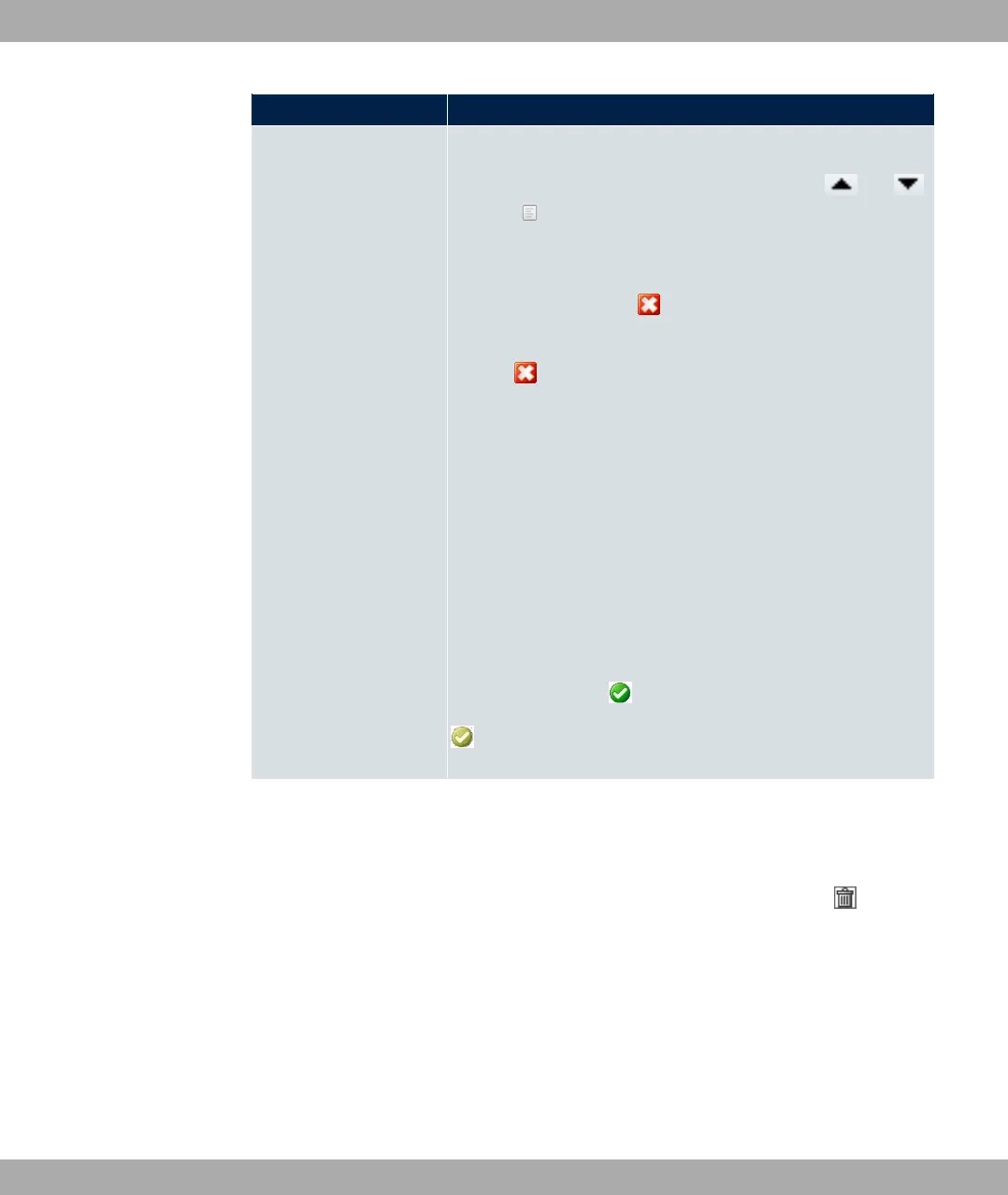
Menus You see all the menus from the GUI's navigation bar. Menus
that contain at least one sub-menu are flagged by and .
The icon indicates pages.
When you create a new access profile, no elements are as-
signed yet, i.e. all the available menus, sub-menus and pages
are flagged with the icon .
Each element in the navigation bar can have three values. Click
the icon in the row you want to display these three values.
Possible values:
• 5(: The menu and all its lower-level menus are blocked.
• 3117: The menu is released. Lower-level menus may need
to be specifically released.
• 3117 11: The menu and all its lower-level menus are re-
leased.
You can select 3117 and 3117 11 in the corresponding
row to assign elements to the current access profile.
Elements that are assigned to the current access profile are
flagged with the icon .
indicates a menu that is blocked, but which has at least one
released sub-menu.
7.6.2 Users
The menu System Management->Configuration Access->Users displays a list of all the
users that have been configured. You can delete existing entries with the icon .
7 System Management bintec elmeg GmbH
122 bintec RS Series



 To Next Page