Field Description
• 5(% (default value)
Interface Select the interface to which the DNS server pair is to be as-
signed.
For Interface Mode = 5(%
A global DNS server is created with the setting ).
For Interface Mode = %
A DNS server is configured for all interfaces with the 3(
setting.
Primary DNS Server Only if Interface Mode = %
Enter the IP address of the first name server for Internet ad-
dress name resolution.
Secondary DNS Server Only if Interface Mode = %
Optionally, enter the IP address of an alternative name server.
18.1.3 Static Hosts
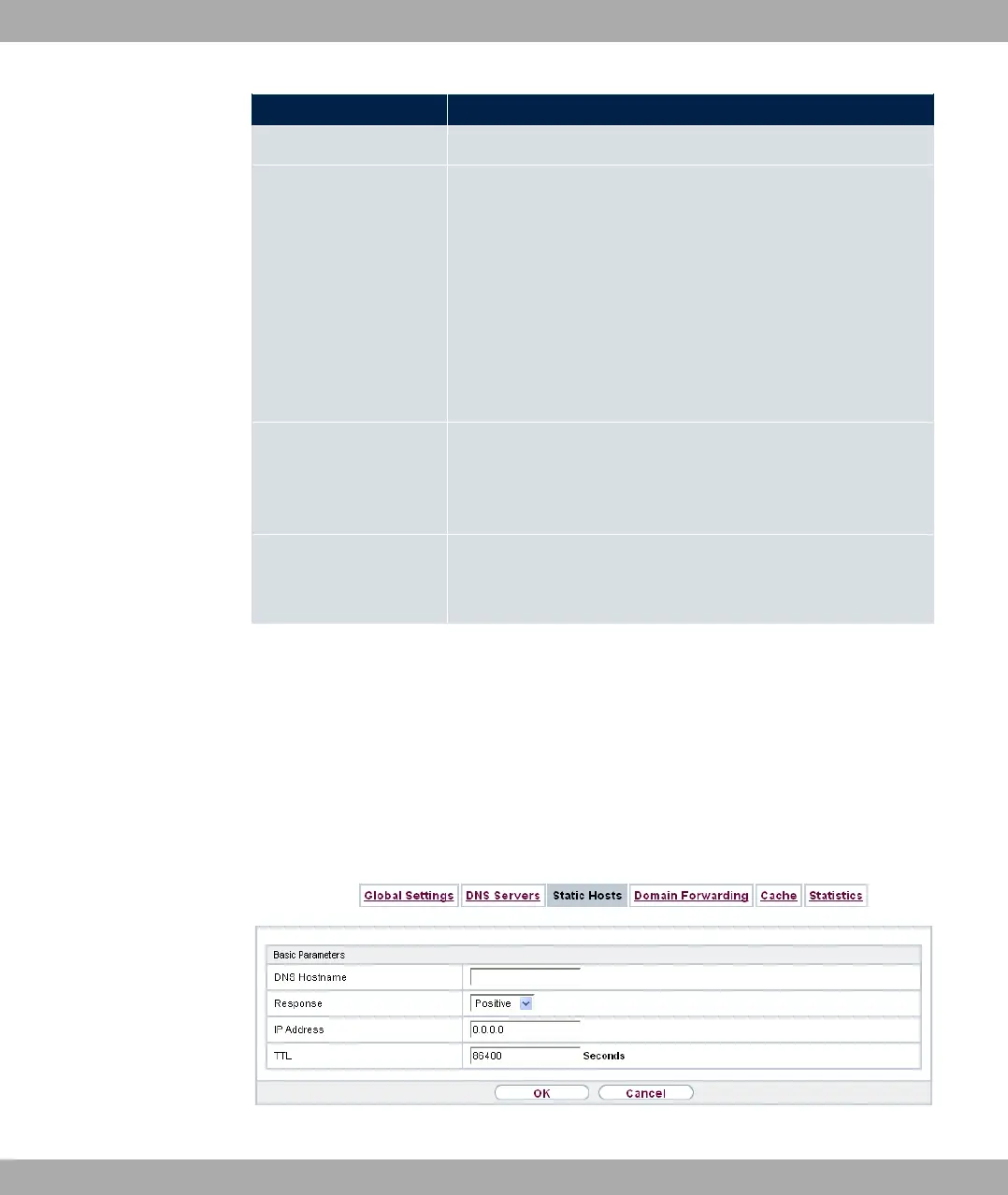
A list of all configured static hosts is displayed in the Local Services->DNS->Static Hosts
menu.
18.1.3.1 New
Choose the New button to set up new static hosts.
Fig. 150: Local Services->DNS->Static Hosts->New
bintec elmeg GmbH
18 Local Services
bintec RS Series 399



 To Next Page