18.6.1.1 New
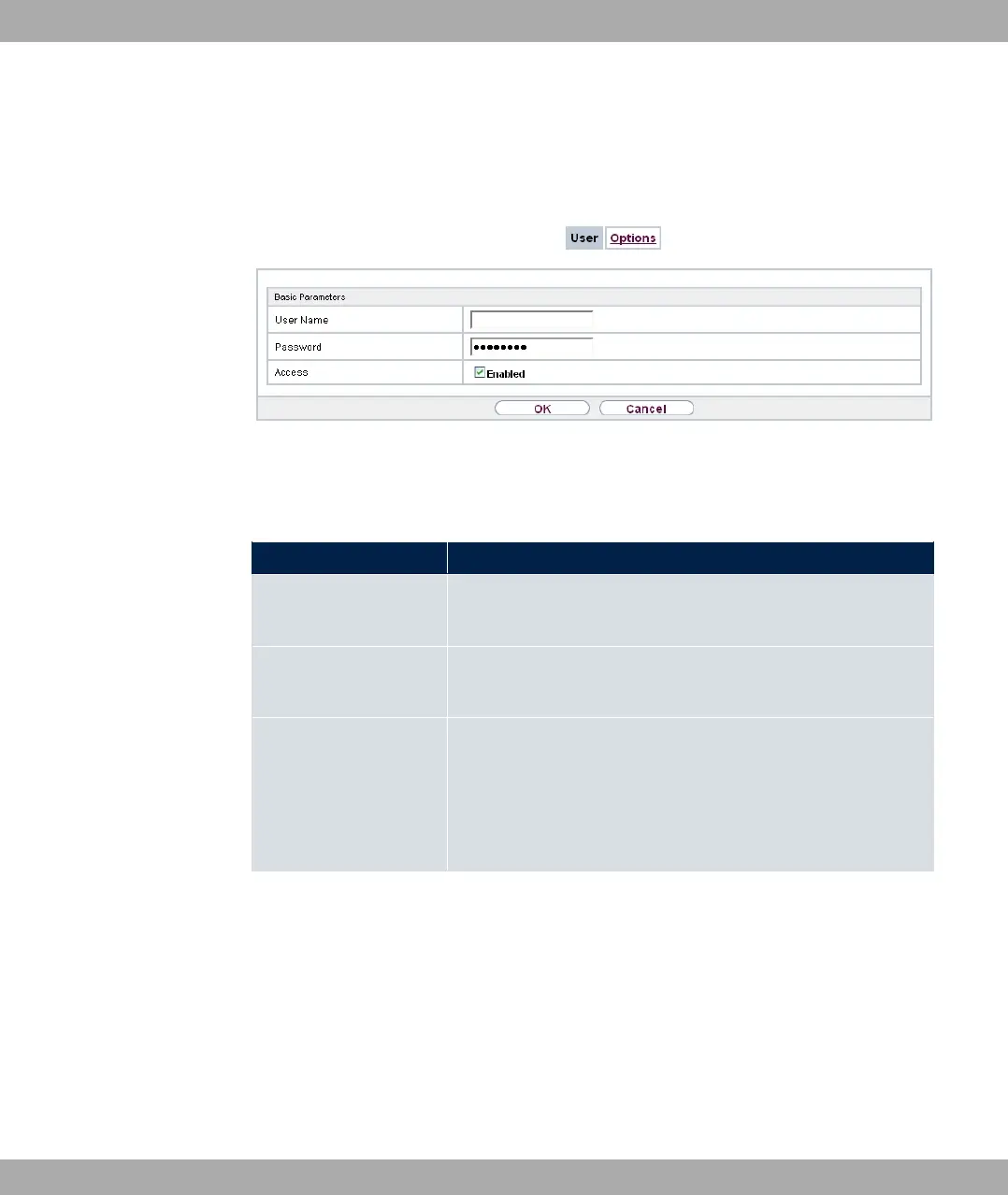
Choose the New button to set up new CAPI users.
Fig. 165: Local Services->CAPI Server->User->New
The menu Local Services->CAPI Server->User->New consists of the following fields:
Fields in the Basic Parameters menu.
Field Description
User Name Enter the user name for which access to the CAPI service is to
be allowed or denied.
Password Enter the password which the user User Name shall use for
identification to gain access to the CAPI service.
Access Select whether access to the CAPI service is to be permitted or
denied for the user.
The function is activated by selecting "1.
The function is enabled by default.
bintec elmeg GmbH
18 Local Services
bintec RS Series 423



 To Next Page