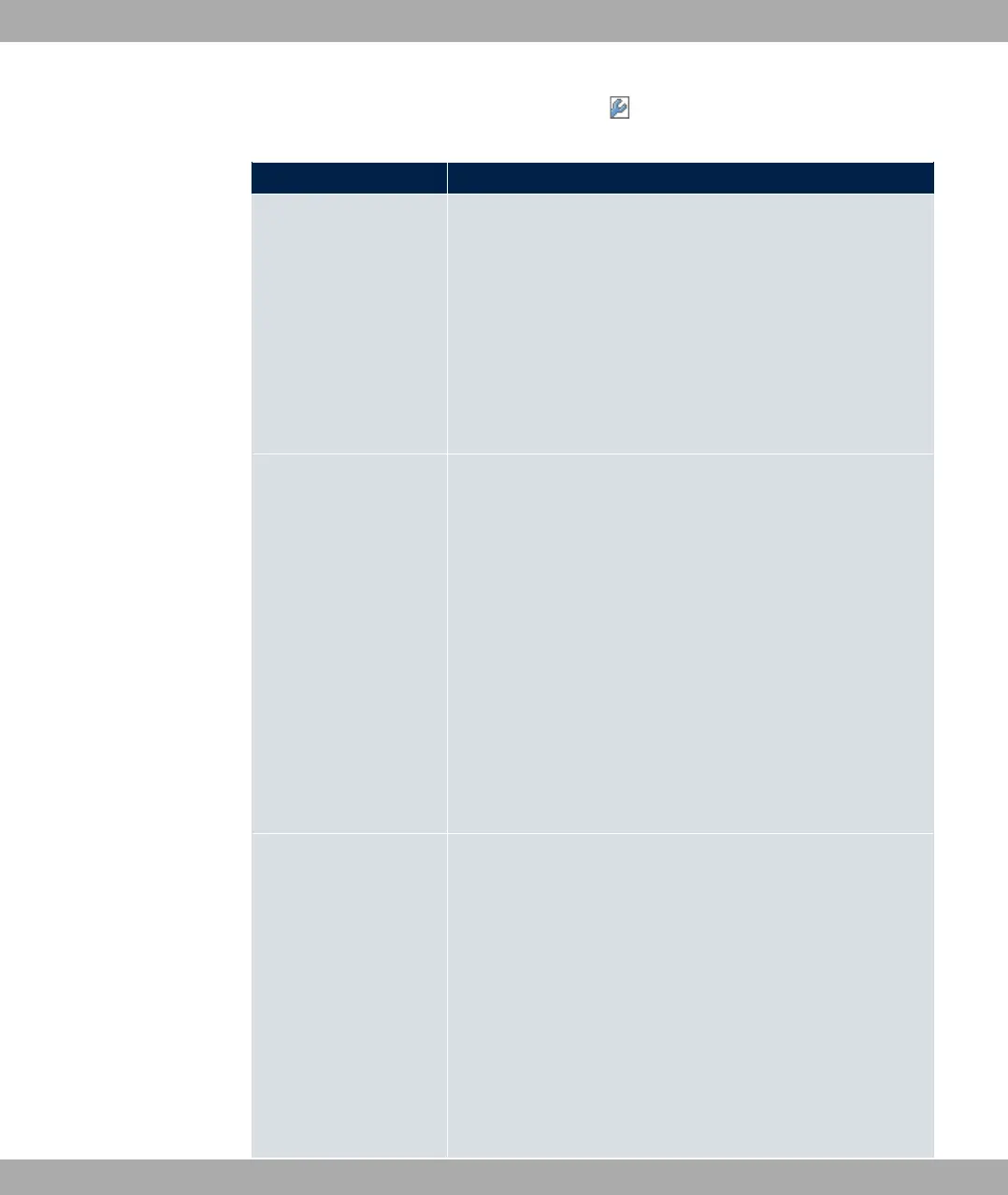
The Wireless LAN->WLAN->Radio Settings-> menu consists of the following fields:
Fields in the menu Wireless Settings
Field Description
Operation Mode
Define the mode in which the wireless module of your device is
to operate.
Possible values:
• -$$ (default value): The wireless module is not active.
• 3%% : Your device is used as an access point in
your network.
• 3%% 61: Your device serves as an Access Client in
your network.
Client Mode
Only for Operation Mode = 3%% 61
Select the client connection mode to the access point.
Possible values:
• $% (default value): In a network in infrastruc-
ture mode, all clients communicate with each other via access
points only. There is no direct communication between the in-
dividual clients.
• 3 @%: In ad-hoc mode, an access client can be used as
central interface between a number of terminals. In this way,
devices such as computers and printers can be wirelessly in-
terconnected.
Select the Channel to be used.
Operation Band Select the operation band and, where applicable, the usage
area of the wireless module.
For Operation Mode = 3%% or Operation Mode =
3%% 61 and Client Mode = 3 @%
Possible values:
• @F /- (default value): Your device is oper-
ated at 2.4 GHz (mode 802.11b and mode 802.11g), inside or
outside buildings.
• @F : Your device runs in 5 GHz (Mode 802.11a/h)
inside buildings.
10 Wireless LAN bintec elmeg GmbH
174 bintec RS Series



 To Next Page