Field Description
• .+1: Only the data rate in the send direction is con-
sidered.
By default, the 571 and .+1 options are disabled.
Distribution Mode Select the state the interfaces in the group may have if they are
to be included in load balancing.
Possible values:
• 317( (default value): Also includes idle interfaces.
• -1( % $%: Only interfaces in the up
state are included.
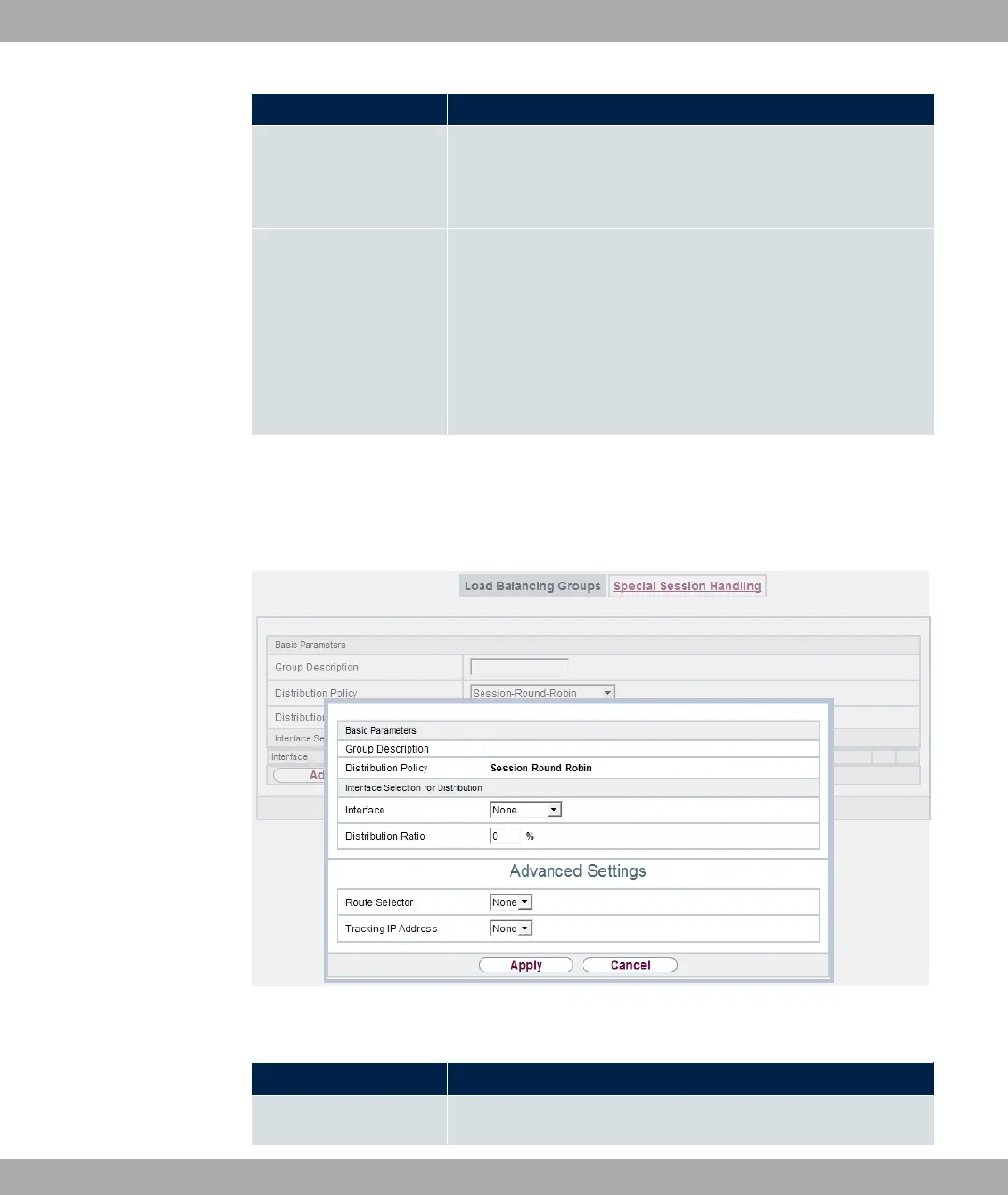
In the Interface area, you add interfaces that match the current group context and config-
ure these. You can also delete interfaces.
Use Add to create more entries.
Fig. 88: Networking->Load Balancing->Load Balancing Groups->Add
Fields in the Basic Parameters menu.
Field Description
Group Description
Shows the description of the interface group.
11 Networking bintec elmeg GmbH
220 bintec RS Series



 To Next Page