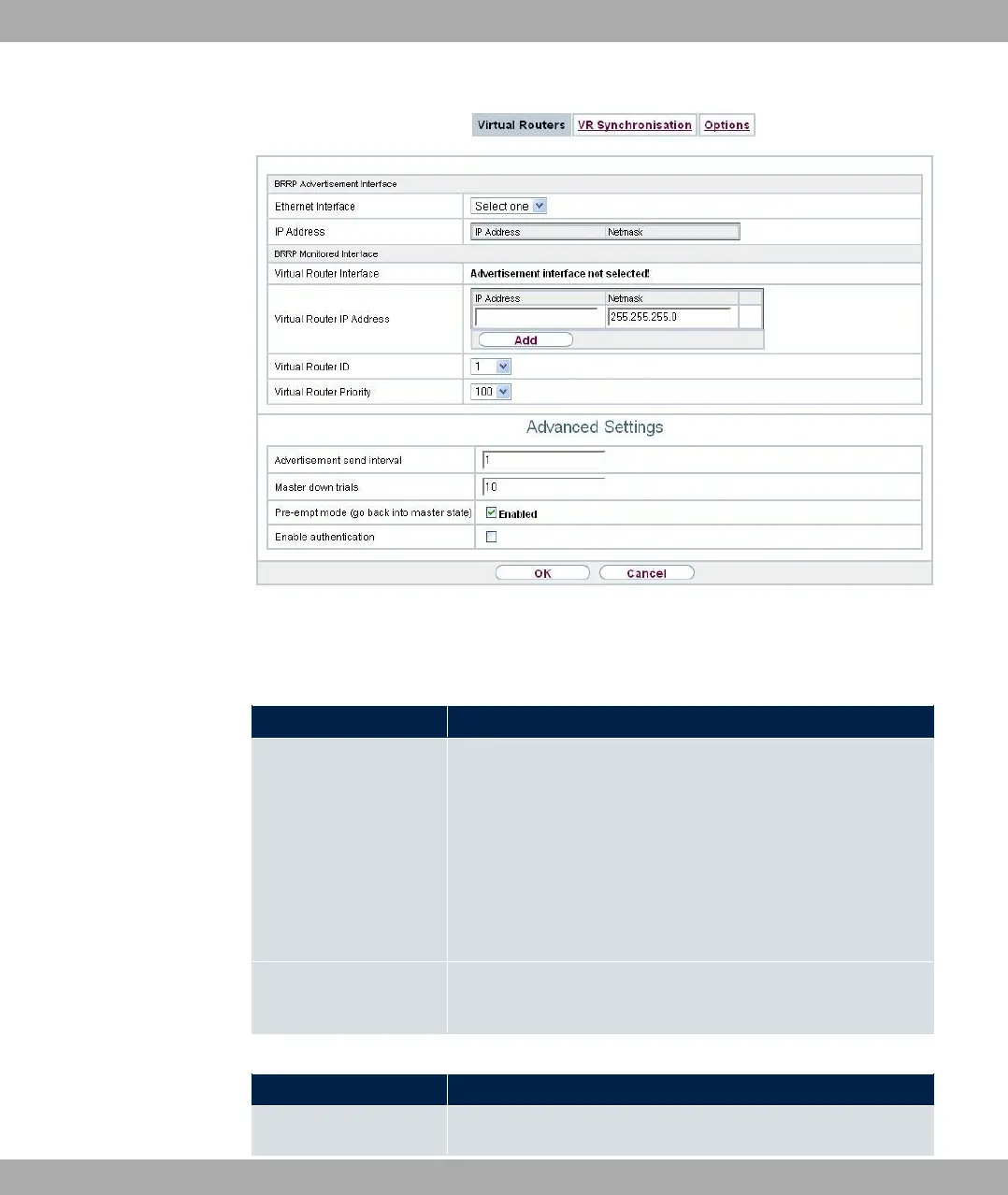
Fig. 182: Local Services->BRRP->Virtual Routers->New
The Local Services->BRRP->Virtual Routers->New menu consists of the following fields:
Fields in the BRRP Advertisement Interface menu.
Field Description
Ethernet Interface Choose the interface via which BRRP advertisement packets
are sent and expected.
If you edit a Virtual Router, the Ethernet interface is displayed
and cannot be changed.
Please note: The Ethernet interface for sending the advertise-
ments is always up and running and cannot therefore be used
as the Virtual Router Interface.
IP Address Shows the IP address(es) of the interface via which BRRP ad-
vertisement packets are sent and expected.
Fields in the BRRP Monitored Interface menu.
Field Description
Virtual Router Interface
Indicates on which physical interface the virtual interface is
18 Local Services bintec elmeg GmbH
470 bintec RS Series



 To Next Page