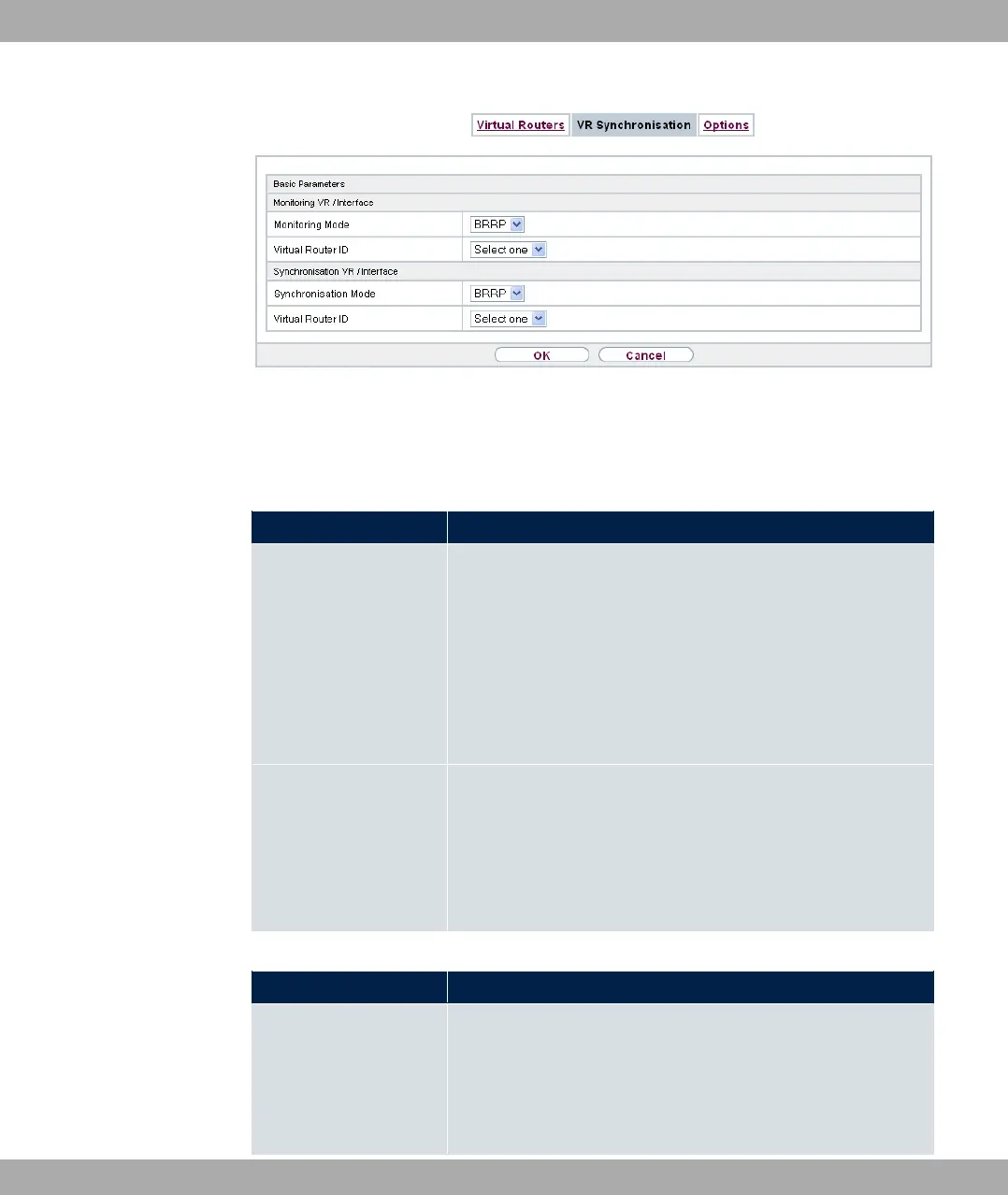
Fig. 183: Local Services->BRRP->VR Synchronisation->New
The Local Services->BRRP->VR Synchronisation->New menu consists of the following
fields:
Fields in the Monitoring VR / Interface menu.
Field Description
Monitoring Mode Shows which mechanism is used for monitoring a virtual router.
Possible values:
• ;AA:The BRRP-specific state advertisements are used for
determining the state of the master. (The master sends ad-
vertisements as per its configuration in the Local
Services->BRRP->Virtual Routers->New->Advanced Set-
tings menu.)
Virtual Router ID Select a virtual router using the Virtual Router ID and define
which interface is to be checked. You can choose previously
defined IDs (see Virtual Router ID in the Local
Services->BRRP->Virtual Router->New menu under BRRP
Monitored Interface). The watchdog daemon requests detailed
information entered in the Virtual Routers.
Fields in the Synchronisation VR / Interface menu.
Field Description
Synchronisation Mode Indicates the mechanism with which virtual routers or interfaces
are synchronised:
Possible values:
• ;AA: BRRP is used to synchronise the virtual router.
18 Local Services bintec elmeg GmbH
474 bintec RS Series



 To Next Page