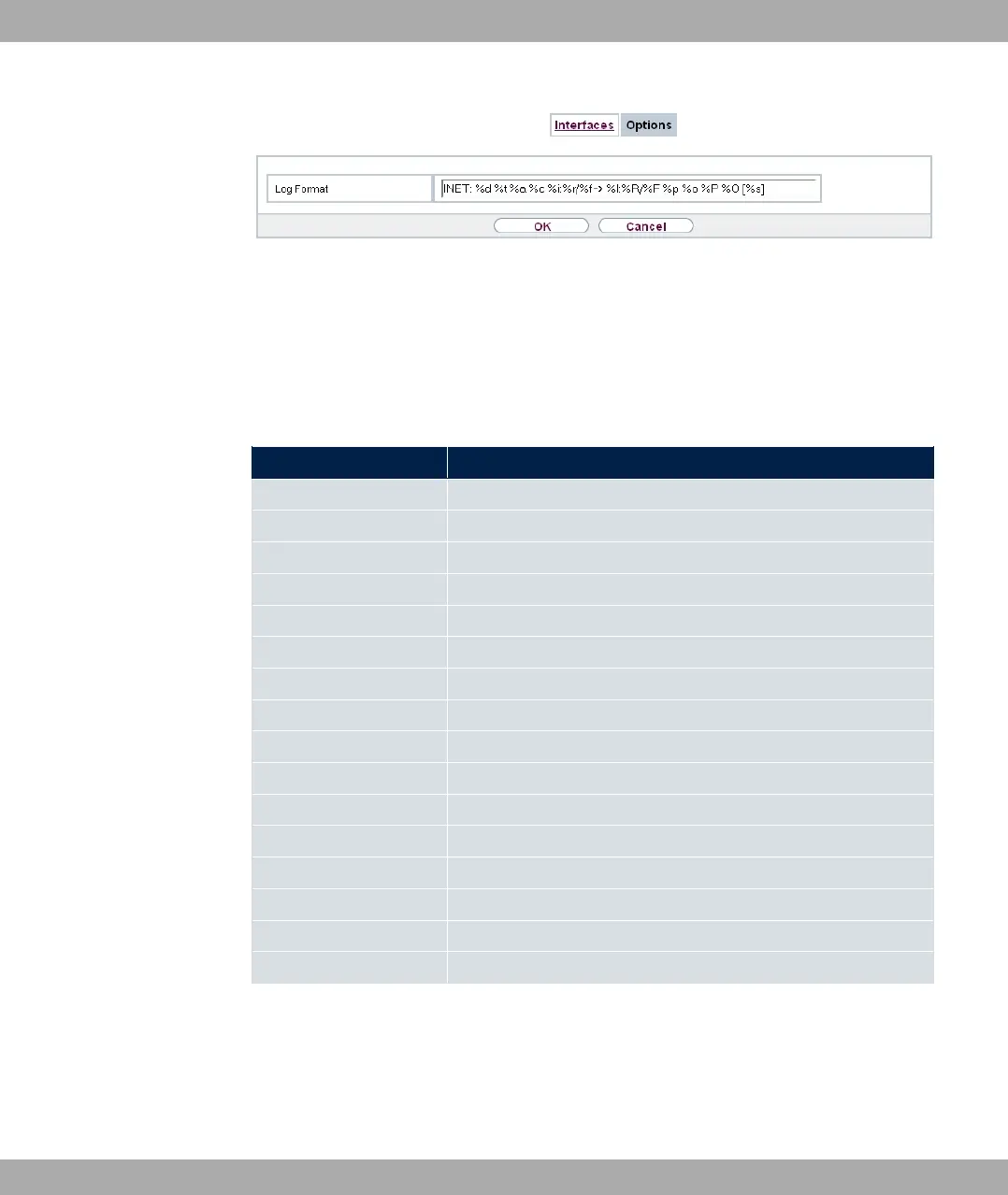
Fig. 192: External Reporting->IP Accounting->Options
In the External Reporting->IP Accounting->Options menu, you can define the Log
Format of the IP accounting messages. The messages can contain character strings in
any order, sequences separated by a slash, e.g. S or S or defined tags.
Possible format tags:
Format tags for IP Accounting messages
Field Description
%d Date of the session start in the format DD.MM.YY
%t Time of the session start in the format HH:MM:SS
%a Duration of the session in seconds
%c Protocol
%i Source IP Address
%r Source Port
%f Source interface index
%I Destination IP Address
%R Destination Port
%F Destination interface index
%p Packets sent
%o Octets sent
%P Packets received
%O Octets received
%s Serial number for accounting message
%% %
By default, the following format instructions are entered in the Log Format field: )*8
TTTT%T8T/T$ C T8TA/T=T+TTT-UTV
20 External Reporting bintec elmeg GmbH
488 bintec RS Series



 To Next Page