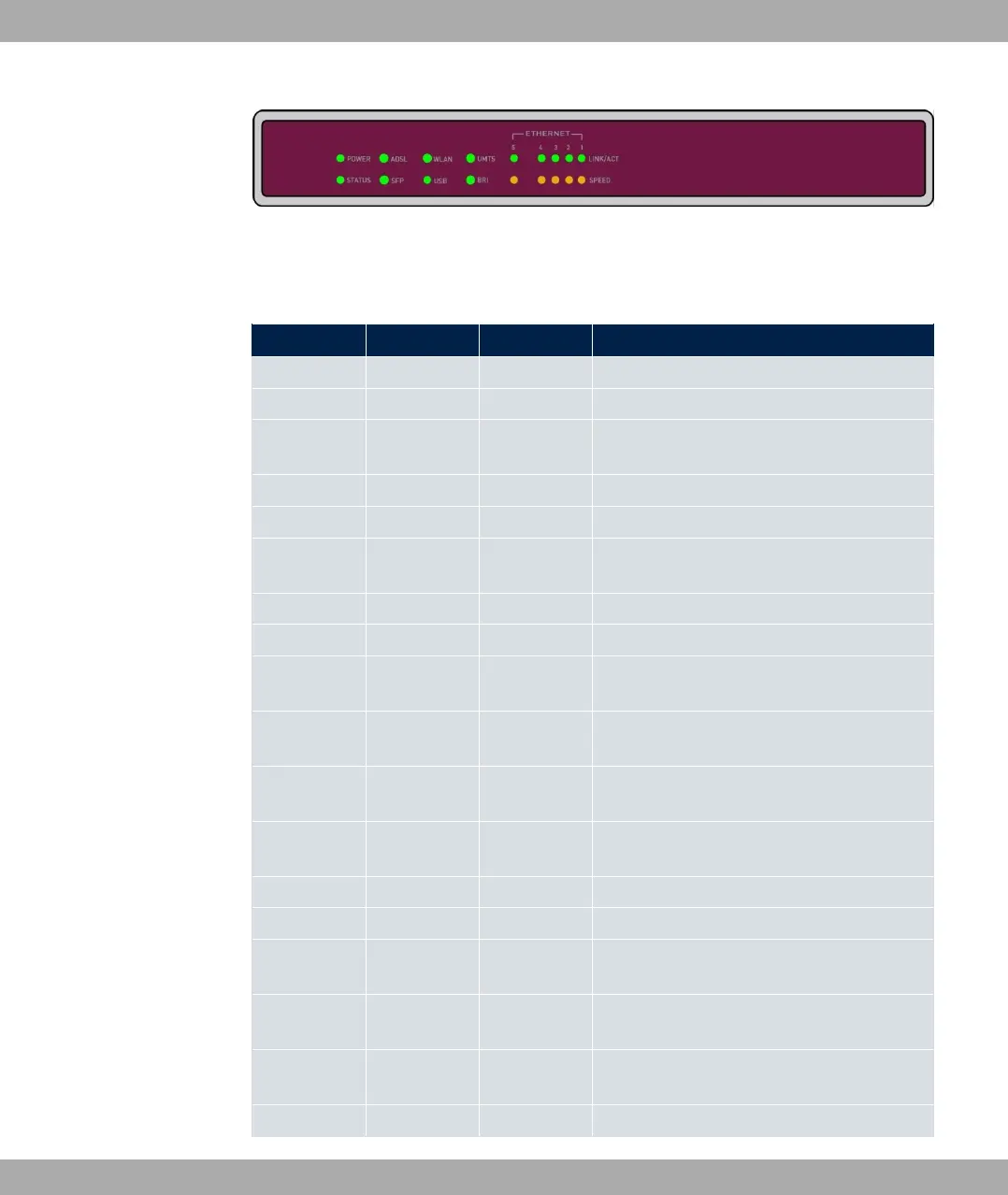
Fig. 20: Arrangement of LEDs
In operation mode, the LEDs display the following status information for your device:
LED status display
LED Colour Status Information
POWER green on The power supply is connected.
off No power supply.
STATUS green on After switching on: The device has started.
During operation: An error has occurred.
green flashing The device is active.
green off During operation: An error has occurred.
Ethernet 1 to
4: LINK/ACT
green on The connection to the LAN has been estab-
lished.
green flashing Data traffic via the LAN interface.
off No connector.
Ethernet 1 to
4: SPEED
green on The device is connected to the LAN at 1000
mbps.
orange on The device is connected to the LAN at 100
mbps.
off The device is connected to the LAN at 10
mbps or there is no data traffic.
Ethernet 5:
LINK/ACT
green on The connection to the WAN has been estab-
lished.
green flashing Data traffic via the WAN interface.
off No connector.
Ethernet 5:
SPEED
green on The device is connected to the WAN at
1000 mbps.
orange on The device is connected to the WAN at 100
mbps.
off The device is connected to the LAN at 10
mbps or there is no data traffic.
ADSL green on DSL connection is active.
3 Installation bintec elmeg GmbH
38 bintec RS Series



 To Next Page