Balance System SD (with v4.X software) 101
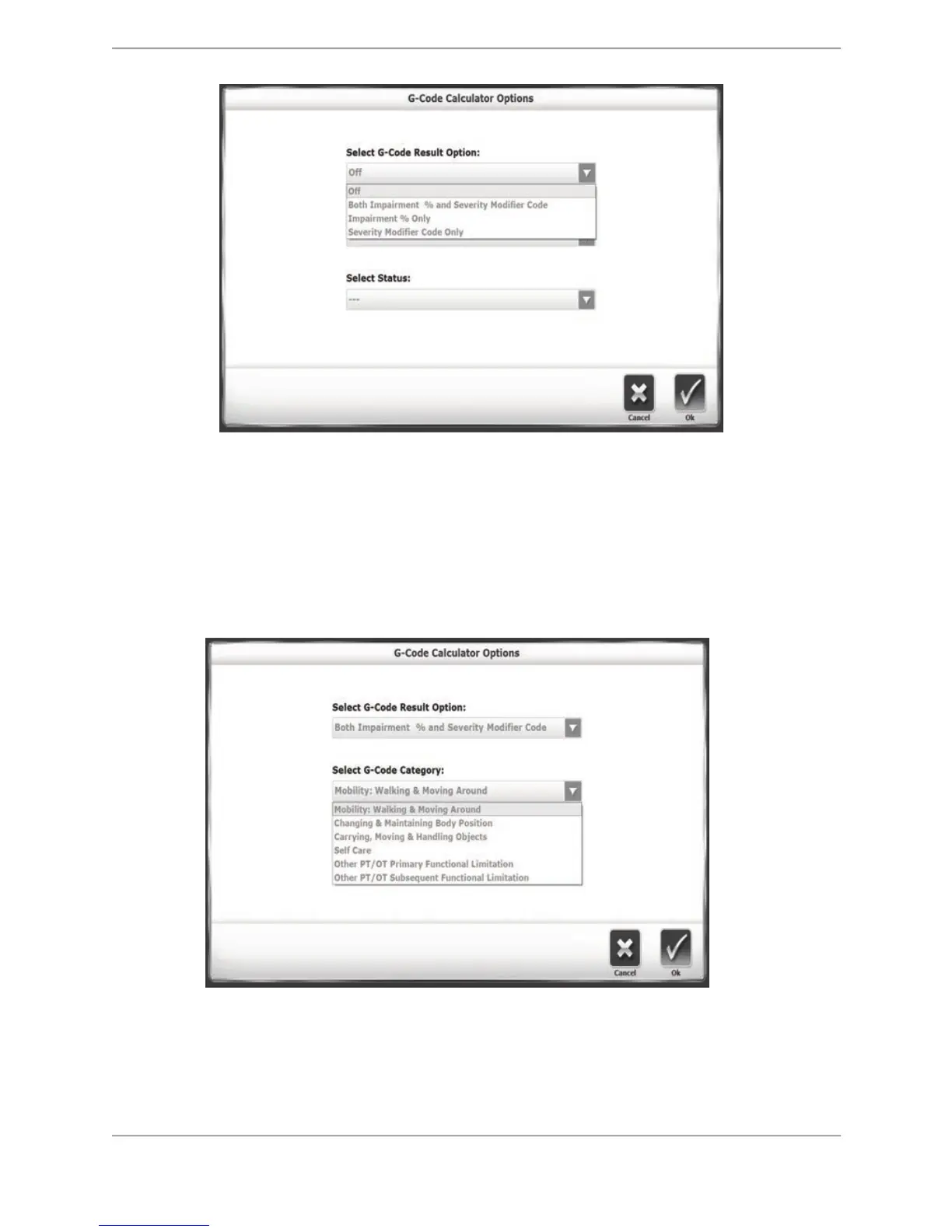
Figure 10.2. The G-Code Calculator Options screen--G-Code Result Option.
4. On this screen, G-Code data can be associated with the patient by making
selections in the drop-down menus. The top drop-down menu allows selection of a
G-Code Result Option. This means that the Report will feature the Impairment %,
the Severity Modifier Code, or both. If the drop-down menu is set to Off, the Report
will show neither column and the <G-Code> button on the Set-Up screen has a red
(as opposed to green) dot on it.
Figure 10.3. The G-Code Calculator Options screen--G-Code Category.
5. The G-Code category drop-down menu features a list of commonly used rehabilitation
categories. The category most likely to be associated when using the Balance SD is the
Changing and Maintaining Body Position.



 To Next Page