106 Biodex Medical Systems, Inc. © 2017
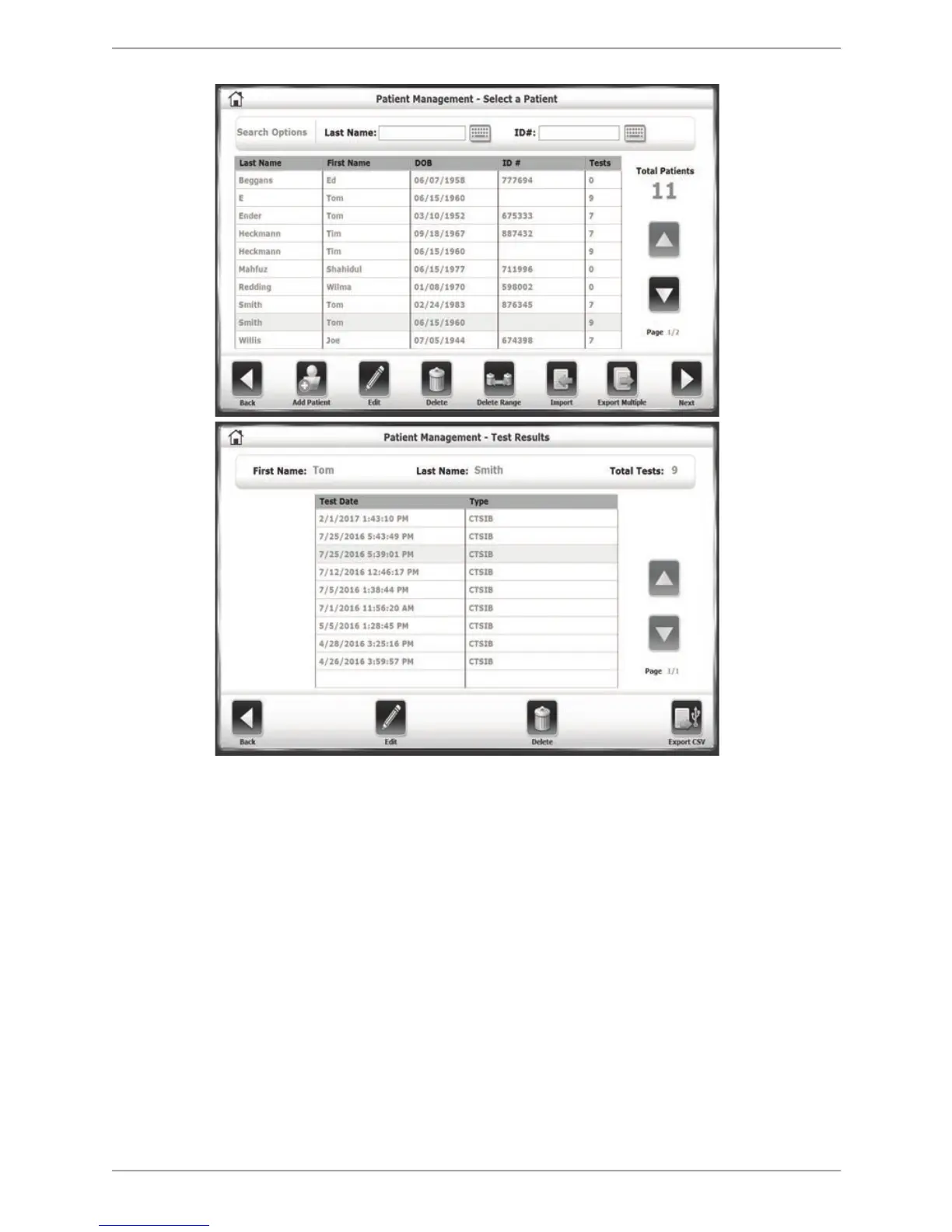
Figure 10.9. The first steps for adjusting a patient’s G-Code information is locating their test in the
Patient Management section of the System Utilities.
2. Select the test (row) for which the G-Code information is to be adjusted and touch the
<Edit> button.
3. On the resulting screen, touch the <Impair %> field to be adjusted. In this example, the
Impairment percentage to be adjusted is for the third condition, ‘Eyes Open Foam
Surface’, which is currently at 44%.



 To Next Page