Balance System SD (with v4.X software) 107
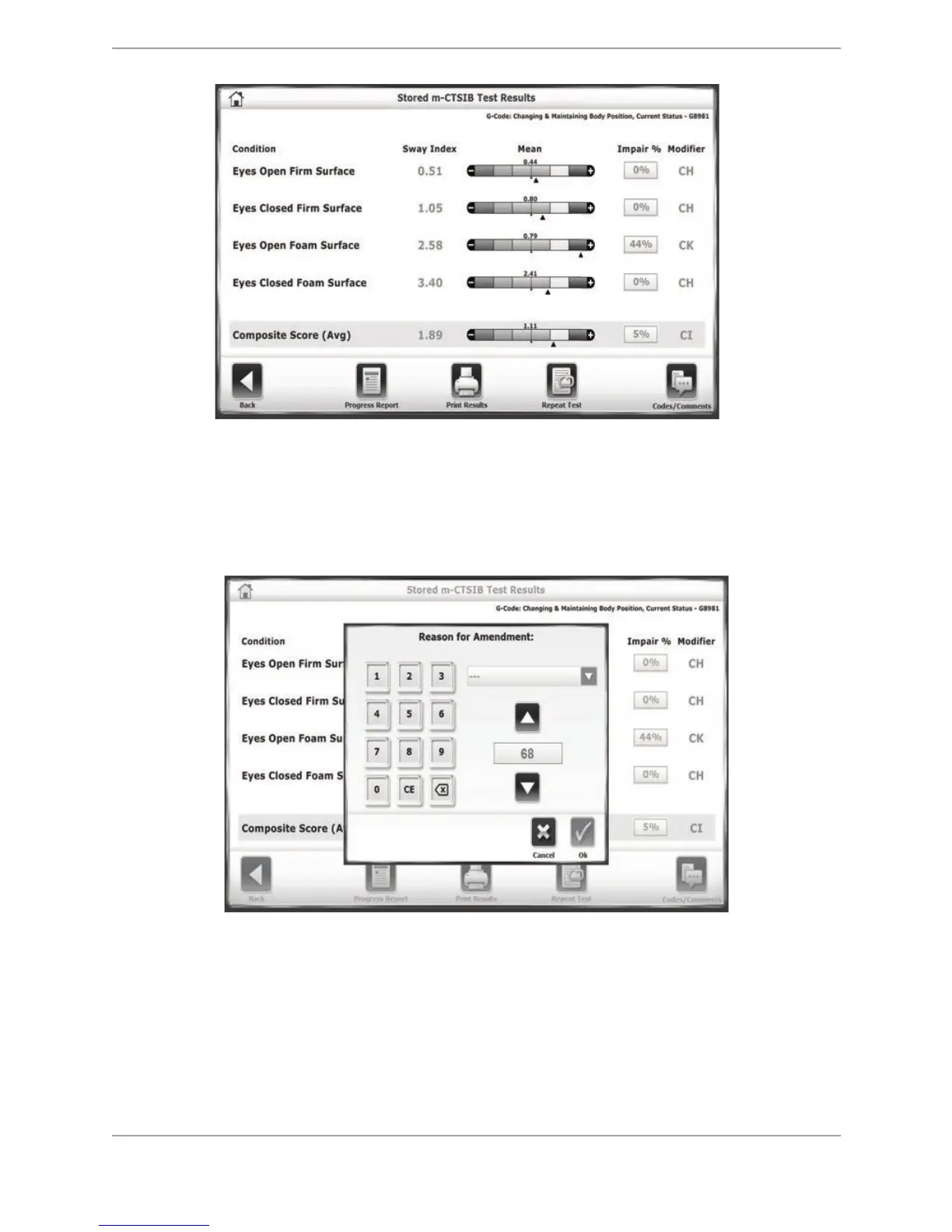
Figure 10.10. The Stored Test Results screen. The Impairment Percentages can be adjusted by clicking on the
boxes with the numbers in them.
4. When the box is touched, an external window is displayed, allowing the percentage number
to be changed using either the arrows or the keypad. Use the drop-down menu to select a
reason for making the change (e.g., Clinical Judgment).



 To Next Page