Balance System SD (with v4.X software) 141
How to Determine the Total Number of Data Points within a CSV File:
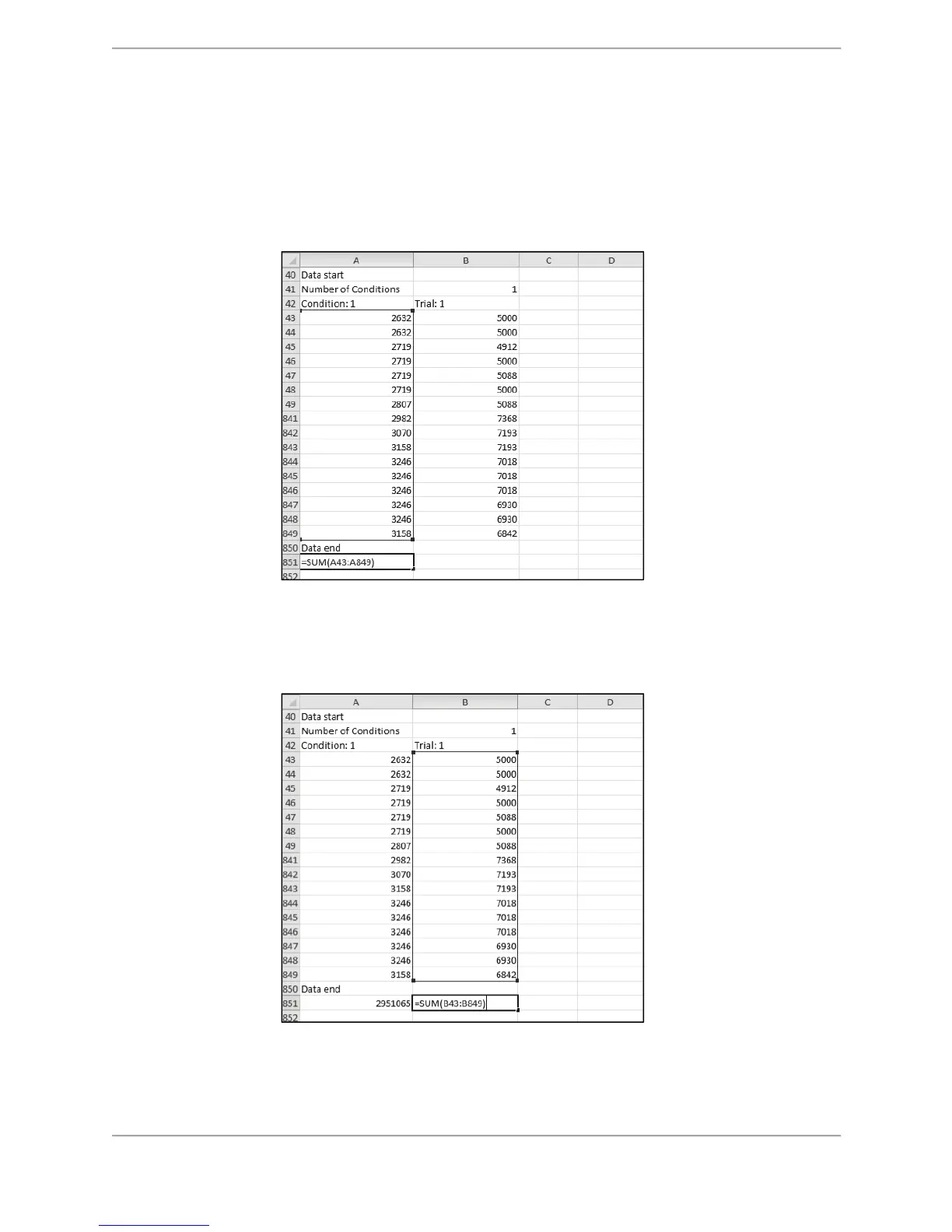
Using row 851 of the Excel spreadsheet as the repository, determine the total of the individual
data points starting from row 43 and ending with row 849 for cells A and B as follows:
1. In cell A, row 851 enter the following formula:
=SUM(A43:A849)
Figure C.6. CSV File Format Calculation – Data Point Calculation for Condition 1
2. In cell B, row 425 enter the following formula:
=SUM(B43:B849)
Figure C.7. CSV File Format Calculation – Data Point Calculation for Trial 1



 To Next Page