Balance System SD (with v4.X software) 151
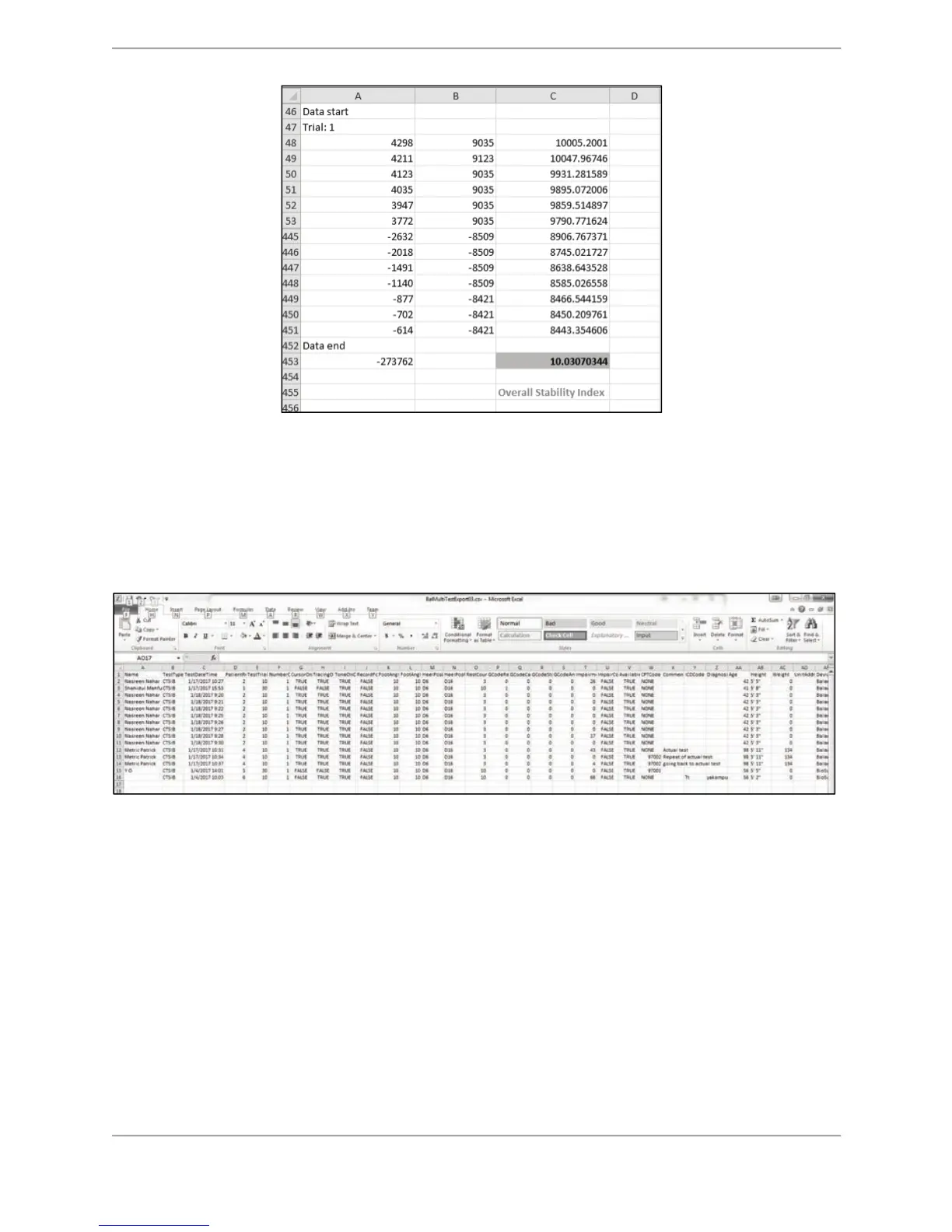
Figure C.25. CSV file format calculation- final results
Multi Record Data Export for creating custom Normative Data
The Balance SD system allows the user to export multiple records of any type of test in to a
single CSV file. This exported file can be used to create normative data. The example in Figure
C.26 is a snapshot of a previously exported CTSIB test-type CSV file.
Figure C.26. Display of csv file data opened in Microsoft Excel.
Each row represents an individual test record. There will be more columns for each row than
displayed on the sample report. It is suggested that the unnecessary data columns be deleted
or hidden. The statistical analysis can easily be performed on this data.
Note: The data used in the following example may not necessarily represent real data. It is
presented to demonstrate how to obtain normative data.
$# First, remove or hide all unnecessary columns. For the example displayed in this manual,
the following columns are displayed: Name, TestDateTime, Age, Height, SwayIndex_1,
SwayIndex_2, SwayIndex_3, SwayIndex_4. There are 100 rows of data.
!
2. Next, insert a blank column after each SwayIndex column for calculation purposes. In this
case, columns F, H, J, and L were inserted.



 To Next Page