Balance System SD (with v4.X software) 29
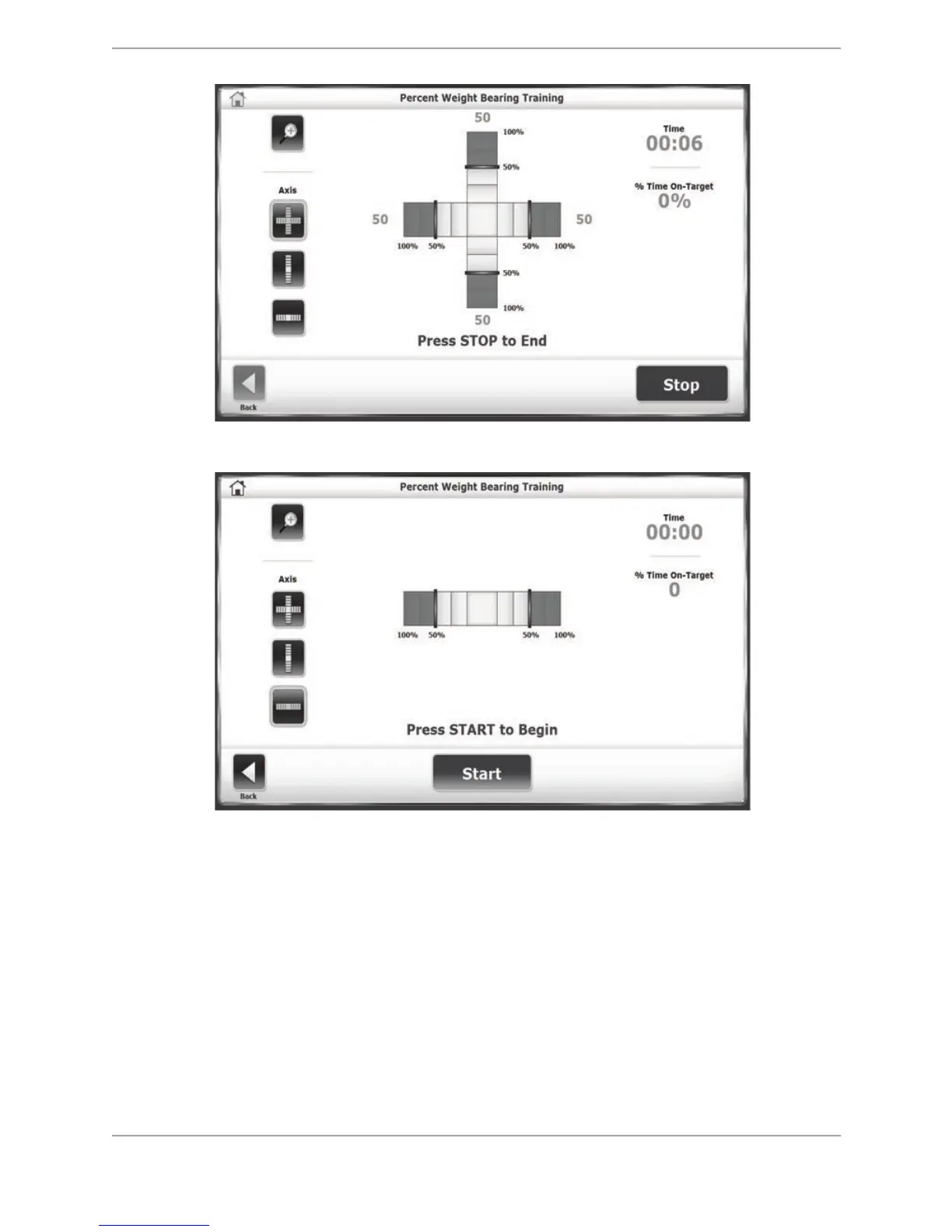
Figure 6.2. The Percent Weight Bearing Training screen.
Figure 6.3. If desired, the exercise orientation can be set to medial/lateral only.
To Access the Percent Weight Bearing Training Mode:
NOTE: Percent Weight Bearing training mode is used with the platform in static mode only.
1. Position the support handles and the display height and tilt for patient comfort.
2. At the Main Menu, touch <Training>.
3. Touch <% Weight Bearing>. The Patient Setup Information screen is displayed. If this is a
new patient and the training session is to be saved after its completion, the patient’s name
and height must be entered. If the training session does not need to be saved, designate a
height value, which is correlated to the software’s scoring algorithm based on the calculated
Center of Gravity.



 To Next Page