Balance System SD (with v4.X software) 51
This test is a good indicator of dynamic control within a normalized sway envelope. Poor
control, inconsistent, or increased times suggests further assessment for lower extremity
strength, proprioception, vestibular, or visual deficiencies.
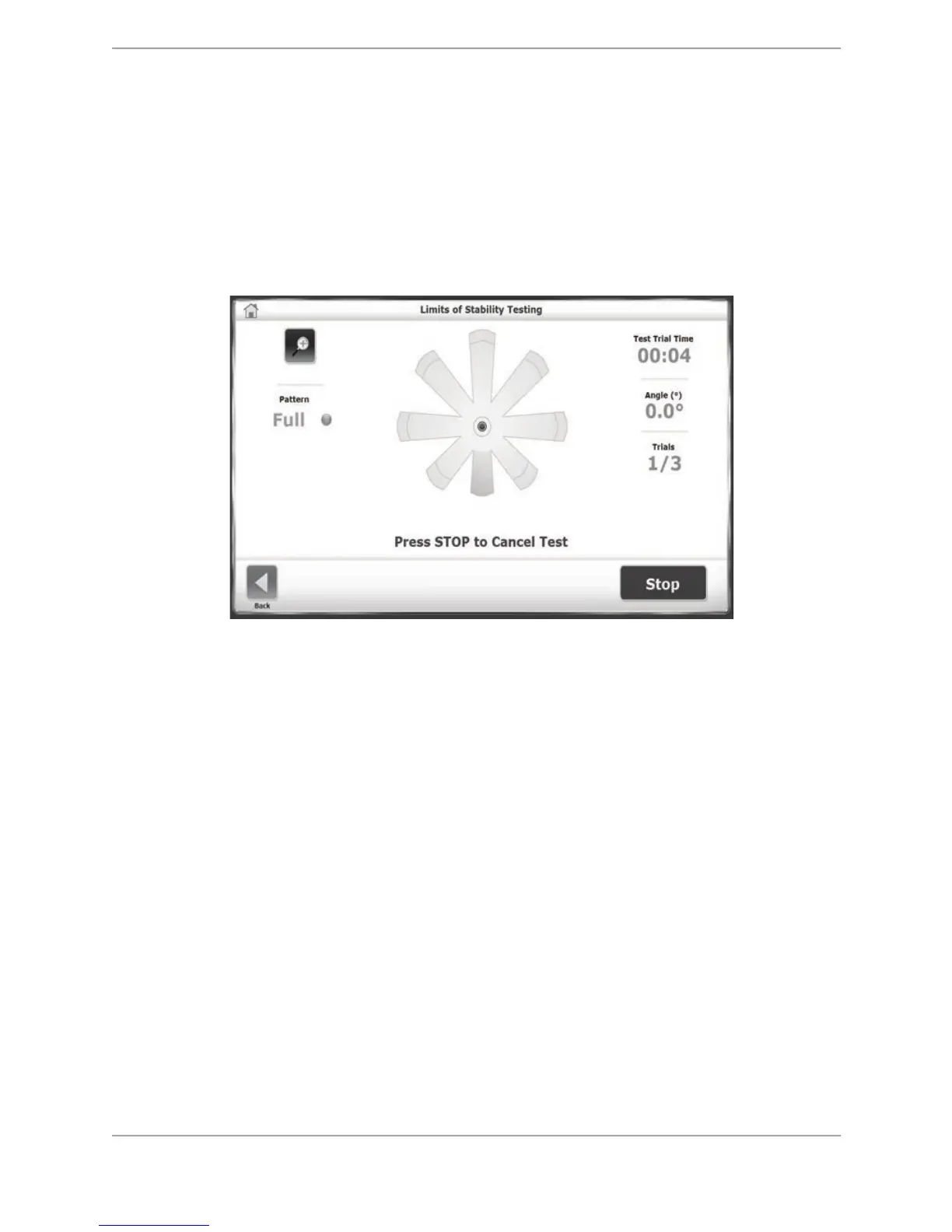
The patient’s Limits of Stability is measured as how far from the center the patient can sway.
This (sway) Angle (°) is displayed on the screen. The Angle (°) is derived from the position of
the patient’s center of gravity (COG) taken from a center position of zero and the estimated
height of the patient’s COG taken as .55 times the patient height (see Appendix A for more
details on the scoring formula).
Figure 7.7. The Limits of Stability Testing screen.
Performing a Limits of Stability Test
1. Position the support handles and the display height and tilt for patient comfort.
2. At the Main Menu, touch <Testing>.
3. Touch <Limits of Stability>. The Patient Setup Information screen is displayed. If this is a
new patient and the training session is to be saved after its completion, the patient’s name
and height must be entered. If the training session does not need to be saved, designate a
height value, which is correlated to the software’s scoring algorithm based on the calculated
Center of Gravity.
4. Touch <Test Options> to advance to the Limits of Stability Testing Options screen if desired.
• Here the test trial time can be set, the sensory conditions to be tested can be selected,
the number of trials can be entered, and the rest countdown time (i.e., the time between
trials) can be entered.
• To set the Number of Trials or Rest Countdown, touch the appropriate key and enter the
setting from the keypad displayed.



 To Next Page