52 Biodex Medical Systems, Inc. © 2017
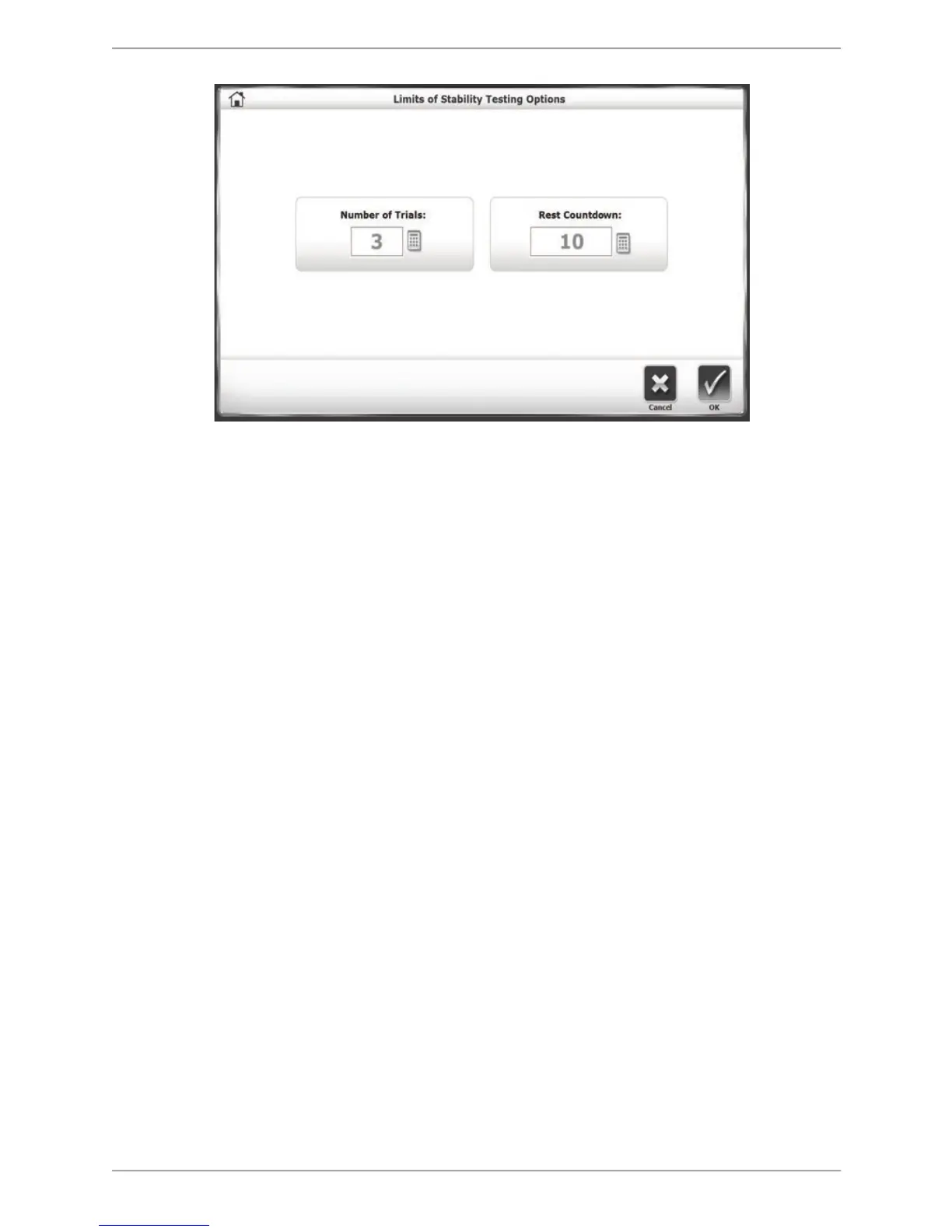
Figure 7.8. The Limits of Stability Testing Options screen.
5. Touch <OK> to confirm the selections and return to the Patient Setup screen.
6. Touch <Next> to display the Position Patient screen. The dot on the Position Patient screen
represents the patient’s Center of Gravity. Have the patient stand in a natural stance, slightly
adjusting his or her foot placement until the dot is on or close to the center axis. Using the
four keypads, enter the patient’s left foot, left heel, right foot and right heel positions using
the midline of the foot and the platform grid as reference points. As a reference, use Table
6.1 in the Percent Weight Bearing Training Mode section.
7. Touch <Next> to advance to the Limits of Stability Testing screen.
8. At the Limits of Stability Testing screen, touch the blue <Pattern> button to toggle between
Full, Left, or Right target orientations.
9. Press <Start> to activate the Limits of Stability Test screen.
10. With the patient ready to begin the test, touch <Collect Data>. The screen will provide a
three-second countdown before beginning each test trial. The display screen will include Test
Trial Time (counts up), Angle, and Number of Trials. If desired, touch the <Magnifying Glass>
icon to enlarge the grid circle. During each test trial, patients must shift their weight to move
the cursor from the center along a target path and back as quickly and with as little deviation
as possible. The same process is repeated for each of the targets. After completing each
target path, return to center and hold for three seconds before the next target path
appears. Target paths activate in a random order.
NOTE: To stop a test in progress at any time and return to the Limits of Stability Testing
screen with the platform locked, touch <Stop>.
11. Each trial is finished when the patient has completed all of the paths-or the time set in the
Test Options screen has elapsed. When the first trial is finished, the screen will display ‘Trial
1 Complete,’ and a ten-second rest countdown will begin for the second trial. Touch <Collect
Data> to begin the second test trial and continue in the same manner to complete
subsequent trials.



 To Next Page