Balance System SD (with v4.X software) 63
Performing a Fall Risk Test:
1. Position the support handles and the display height and tilt for patient comfort.
2. At the Main Menu, touch <Testing>, and <Fall Risk>.
3. The Patient Setup information screen is displayed. If this is a new patient and the training
session is to be saved after its completion, the patient’s name and height must be entered.
If the training session does not need to be saved, designate a height value, which is
correlated to the software’s scoring algorithm based on the calculated Center of Gravity.
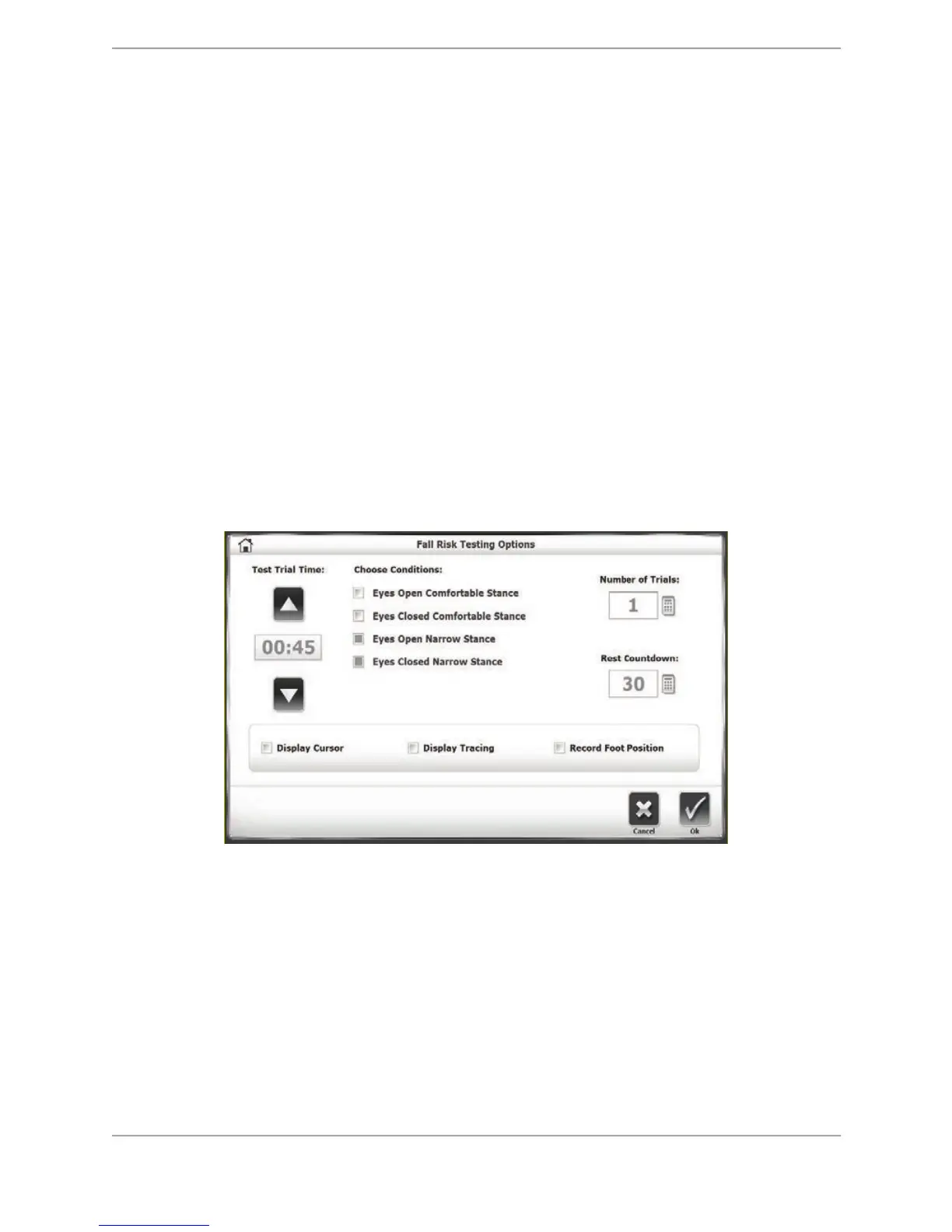
4. Touch <Test Options> to advance to the Fall Risk Testing Options screen if desired.
5. For a valid comparison to normative data, the test must include the default conditions
displayed in Figure 7.16 below, including Test Trial Time (45 seconds), Number of Trials (1),
Rest Countdown (30 seconds), and the Display Cursor/Tracing and Record Foot Position
options (disabled).
NOTE: All four of the conditions can be tested on this screen instead of just the two pictured
below.
! For tests in a narrow stance, patients should be positioned with a 7.5cm separation
between feet. On the platform grid, each foot was placed two blocks away from the AP
midline with the navicular tubercle over the ML midline.
Figure 7.16. Fall Risk Testing Options screen.
6. Touch <OK> to confirm the selections and return to the Patient Setup screen.
7. Press <Next> to display the Fall Risk Testing screen.
8. Once standing comfortably on the platform, the patient is informed what to expect during
the test. Explain that one’s hands should be placed on one’s hips and to stand as
motionless as possible. (These instructions were given to the group of patients whose
scores serve as normative data. Therefore, the testing instructions and conditions should
mirror that group as much as possible in order to ensure comparisons made to normative
data from that group are valid.) With the patient ready to begin the test, touch <Start> and
<Collect Data>. The screen will provide a three-second countdown before beginning each
test trial. The display screen will include Test Trial Time, the Velocity (the speed of an
individual's sway as they maintain their balance), what number Trial is occurring, and the



 To Next Page