34
During the installation, two main folders are created.
“BT-Lab.exe”, TeraTermPro and other files are located in the in the “Program Files”
directory.
“Batch”, “Data” (include the data samples), “Documents” (include manuals and getting
started document), “Newsletter”, “Settings” (includes the default settings files),
“Temp” folders and also the “BT-Lab.ini” & “VMPerr.txt” files (includes the initial set-
tings) are installed in the “Documents” directory (Fig. 36 bottom).
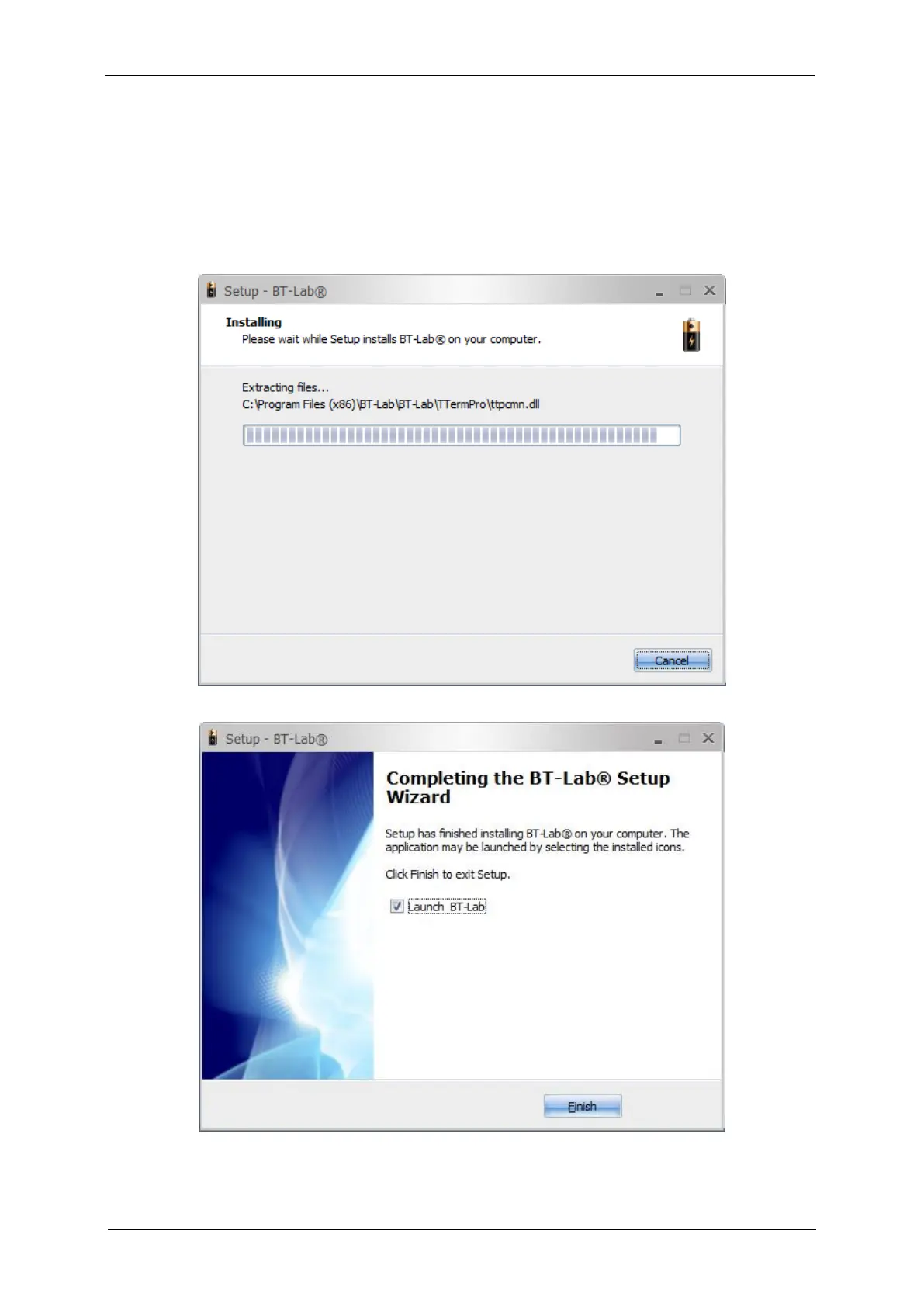
Fig. 36: BT-Lab
®
software installation. Step 5.
Fig. 37: BT-Lab
®
software installation. Step 6.



 To Next Page