411829-L, Data Administration April 2012 Page 2-6
2
2.4.2 Delete an Unused Rack Type
1. Select the rack that you want to delete at the Racks tab.
2. Press Delete. The Confirm Delete dialog opens.
3. To confirm delete, press Yes.
2.4.3 Edit a Rack Type
1. Select the rack that you want to edit at the Racks tab.
2. Press Edit.... The Edit Rack dialog opens.
3. Edit the rack settings. (A setting can be edited when the corresponding text box has been
selected.)
4. To save the changes, press OK.
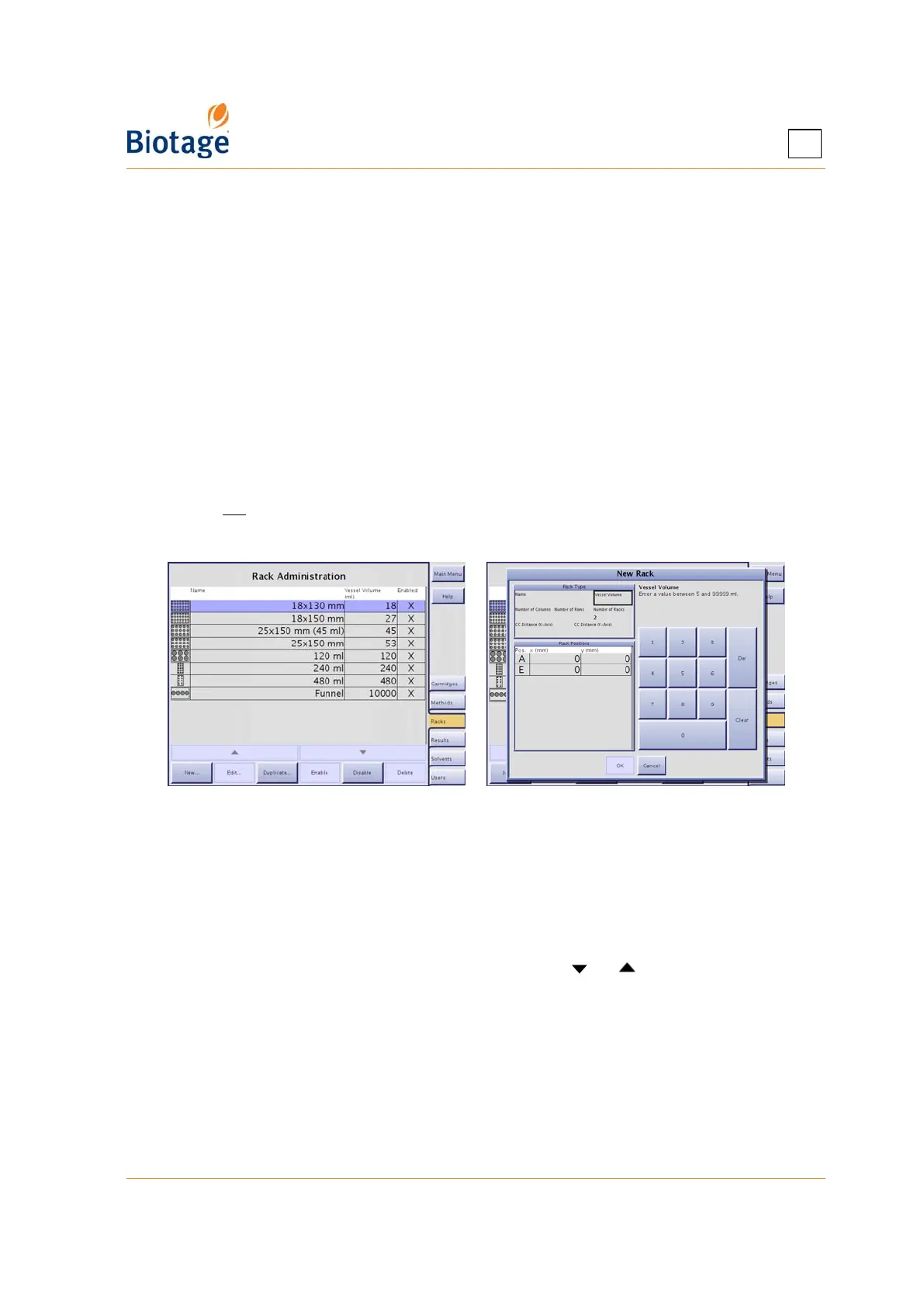
2.4.4 Select Rack Types to List
1. If you want a rack type to appear when setting up a method in the Chemistry mode, select it at
the Racks tab and press Enable.
2. If you do
not want a rack type to appear when setting up a method in the Chemistry mode,
select it at the Racks tab and press Disable.
Figure 2-5. Racks Tab (Isolera LS Shown)
2.5 Administrate the Result List
Each purification is stored as an individual record in the system’s database. At the Results tab, in
the software’s Data Administration mode, you can export and delete result records and clean up the
system’s database.
NOTE
To scroll a list down or up, press or .



 To Next Page