411829-L, Maintenance April 2012 Page 5-5
5
9. Select the Flowrate text box and set the flow rate to 100 ml/min (Isolera Prime), 200 ml/min
(Isolera One and Isolera Four) or 500 ml/min (Isolera LS).
10. Enter 100 percentage for the solvent inlet line used for methanol. Enter “0” or press Clear for
the other solvents that are connected.
11. To start flushing the pump check valves, press Start.
5.7.2 Release Stuck Check Valves
Low or inconsistent flow delivery volume and/or superimposed periodic UV signals can be signs of
sticking check valves. Use the following procedure to release stuck check valves.
1. Log into the System mode; see page 3-1.
2. Select the Maintenance tab in the right-hand panel.
3. Press Release Check Valves in the Valves field. Read and follow the instructions that appear
on the screen.
5.7.3 Clean the Collect Valve
Dripping needle and/or inconsistent dispensing volumes can be signs of a dirty collect valve. Use
the following procedure to clean the collect valve.
1. Select the Maintenance tab in the right-hand panel.
2. Press Clean Collect Valve in the Valves field. Read and follow the instructions that appear on
the screen.
5.8 Clean or Replace the Sample Loading Pump Tubing
NOTE
The peristaltic pump tube has limited use. To avoid the risk of cross-
contamination and decreased pump performance, it is recommended that
the peristaltic pump tube is discarded after each run.
Only Isolera LS is equipped with the sample loading pump.
5.8.1 Clean the Sample Loading Pump Tubing
If you want to reuse the peristaltic pump tube (not recommended
–
see note above), clean the tube
with sample solvent as soon as possible after the sample loading. Note that the sample loading
pump can be cleaned while a purification is in progress.
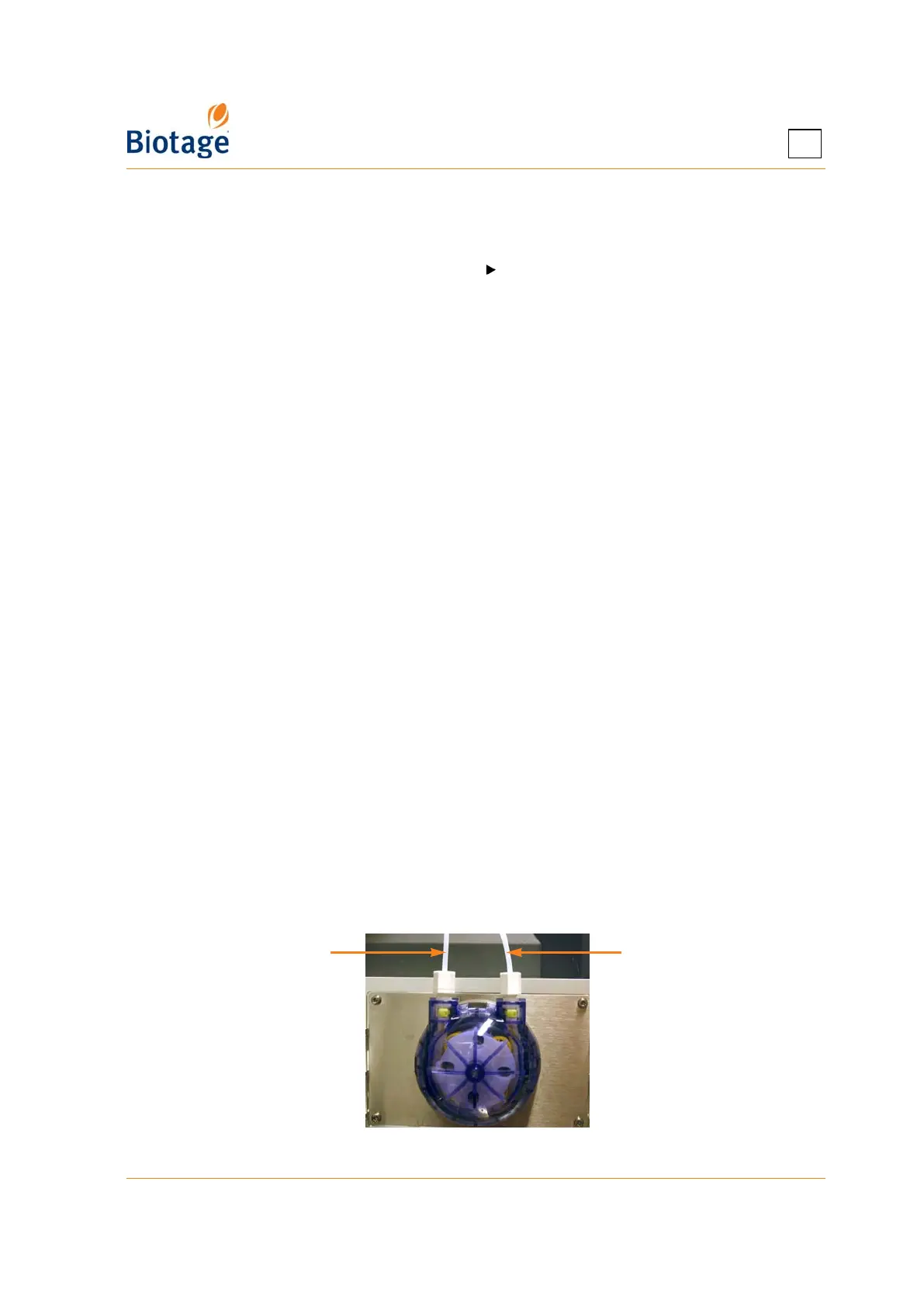
1. Place the pump’s inlet line into a reservoir with the sample solvent.
2. Place the pump’s outlet line into a waste reservoir.
Figure 5-2. Sample Loading Pump
Outlet line Inlet line



 To Next Page