411829-L, Data Administration April 2012 Page 2-10
2
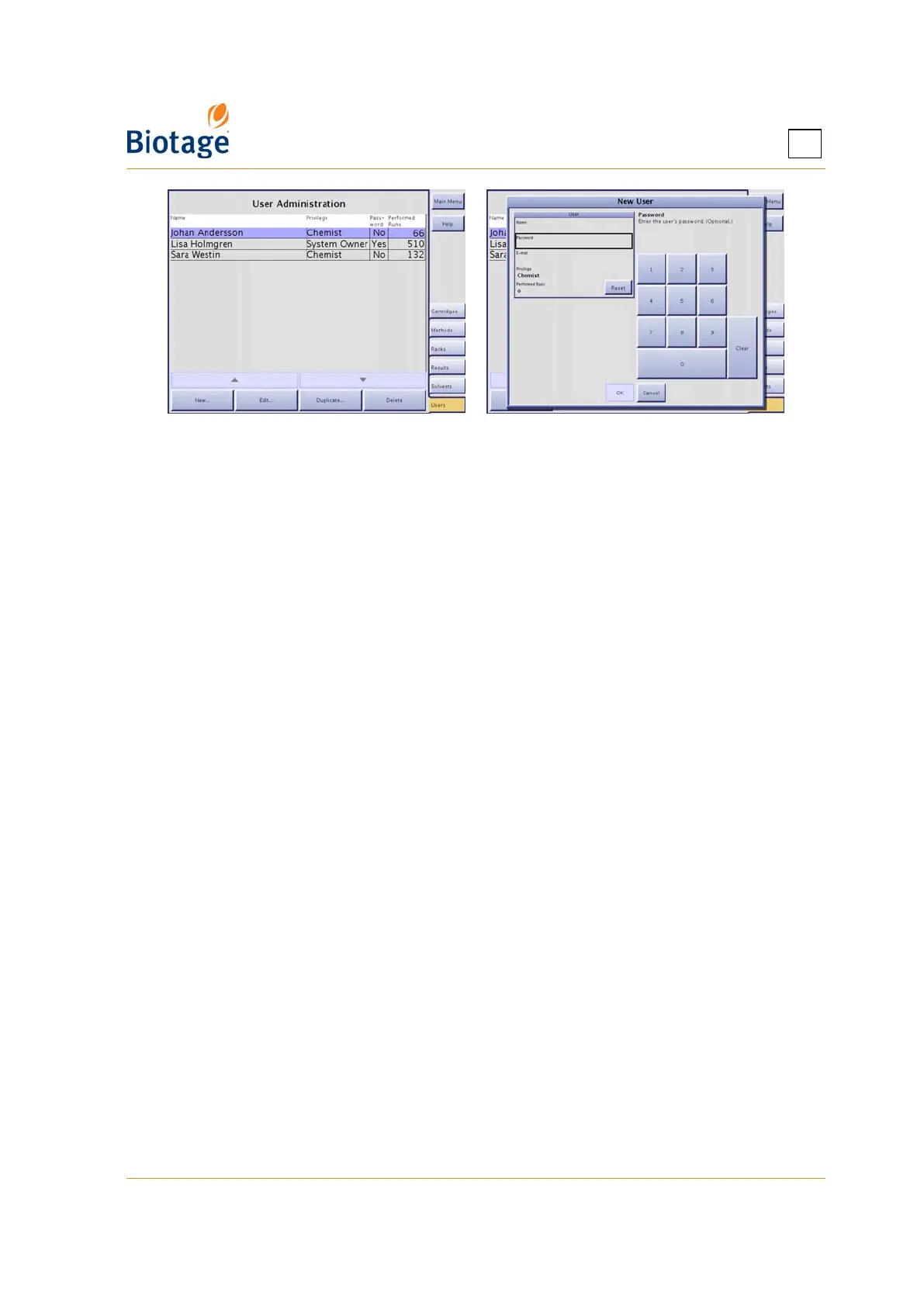
Figure 2-8. Users Tab
2.7.2 Change the Password or Privilege
1. Select the user account that you want to edit at the Users tab.
2. Press Edit.... The Edit User dialog opens.
3. Edit the user settings. (A setting can be entered when the corresponding text box has been
selected.) If you change the user name, all methods and result records associated with the user
will be updated.
4. To save the changes, press OK.
2.7.3 Delete a User Account
WARNING
All the results and methods of the user will also be deleted.
1. Select the user account that you want to delete at the Users tab.
2. Press Delete. The Confirm Delete dialog opens.
3. To confirm delete, press Yes.
2.7.4 Reset the Number of Performed Runs
1. Select the user account that you want to reset at the Users tab.
2. Press Edit.... The Edit User dialog opens.
3. Press Reset in the User field. The Reset Performed Runs dialog opens.
4. To confirm reset, press Yes.



 To Next Page