411829-L, System Settings April 2012 Page 3-1
Chapter
3
System Settings
(System Mode)
WARNING
Before performing any procedures in this chapter, please read and observe
the safety requirements in the “Isolera Installation and Safety” document
(P/N 411828). Failure to follow those requirements may result in personal
injury and/or equipment damage.
3.1 Log into the System Mode
You must log into the System mode to be able to change detector, network, reporting, and runtime
settings, set the system clock, calibrate the touch screen, fraction collector, and internal detector,
perform an intensity scan of the internal detector, release stuck check valves, clean the collect
valve, back up and restore the database, export system logs, restore the system configuration, etc.
1. If you are not at the main menu, press Main Menu in the right-hand panel.
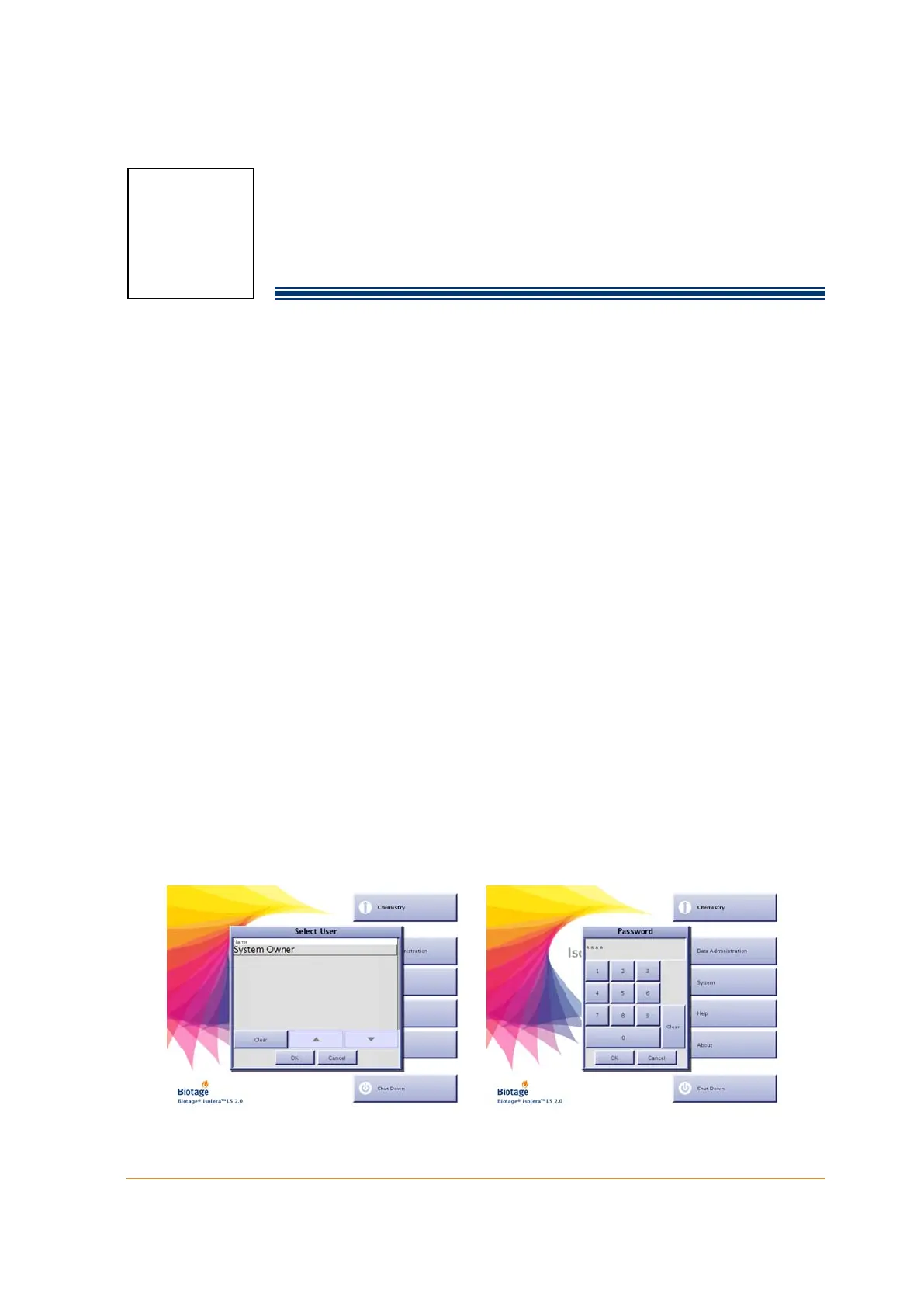
2. Press System. All user accounts with system owner privilege are listed in the Select User dialog.
3. Select your user name. If you have not been assigned a user name and/or system owner
privilege, please contact your system supervisor.
4. Press OK. If your account is password-protected, the Password dialog opens.
a. Enter your password using the keypad. For the purpose of security, password characters
appear as asterisks.
b. Press OK. If you have entered a valid password, the software is opened in the System mode.
For more information about the software modes, see “Software Description” on page 1-7.
NOTE
The first time you log into the System mode, log in using the user account
“System Owner” and the password “1234”. It is strongly recommended
that the password for “System Owner” is changed; see “Administrate the
User List” on page 2-9.
Figure 3-1. Log into the System Mode (Isolera LS with Spektra License Shown)



 To Next Page