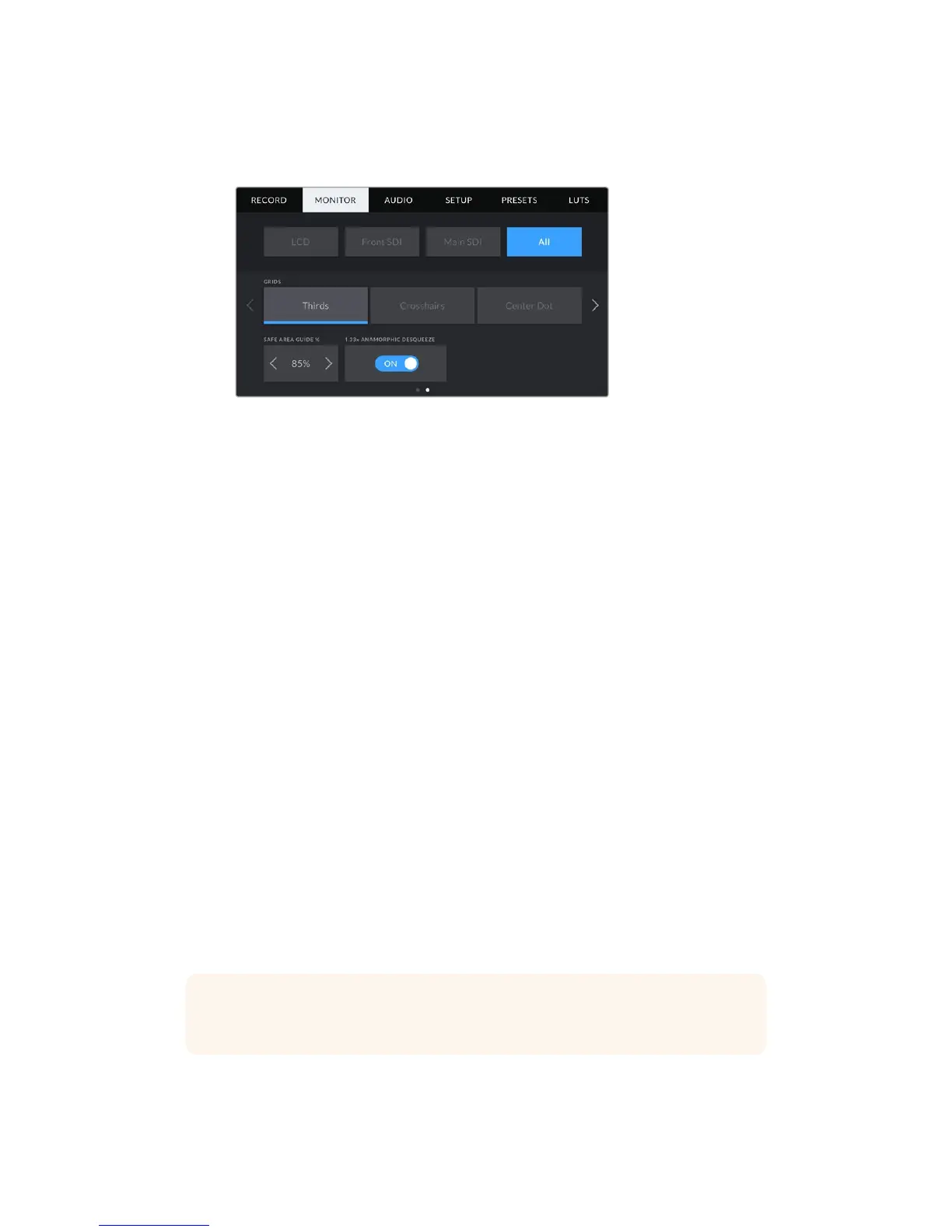
All Monitor Settings 2
The second page of your Ursa Mini's 'all' monitor tab contains the following options:
Grids
To set which combination of grids and crosshairs you want to display on your
URSAMini’s LCD touchscreen, front and main SDI outputs, tap the ‘thirds,’ ‘crosshairs,’
or ‘center dot’ options in this setting.
For more information, see the ‘grids’ guide in the ‘touchscreen features’ section earlier
in this manual.
Safe Area Guide %
To adjust the size of the safe area overlay on your URSA Mini’s LCD touchscreen,
frontSDI and main SDI outputs, tap the arrows to the left and right of the percentage
displayed in this setting. This percentage indicates the size of the safe area in relation
to the image frame. Mostbroadcasters require a 90% safe area.
Anamorphic Desqueeze
When shooting with anamorphic lenses, the image will appear horizontally ‘squeezed’
on your URSA Mini’s preview outputs and in recorded files. Enabling ‘anamorphic
desqueeze’ will correct the preview image on your URSA Mini as well as recording the
desqueeze amount used in the clip metadata for easy correction in post.
The desqueeze amount available will vary depending on what you’ve set your
URSAMini resolution to, but the resulting image will always be in the cinematic
widescreen 2.4:1 aspect ratio.
Anamorphic lenses designed for film typically have a 2x squeeze factor. Your
URSAMini's '3Kanamorphic' resolution is designed for use with these lenses and will
perform a 2xdesqueeze when set to this resolution with 'anamorphic
desqueeze' enabled.
Anamorphic lenses designed for 16:9 digital image sensors often use a 1.33x squeeze
factor to produce 2.4:1 cinematic widescreen images from the entire 16:9 sensor.
Therefore, when your URSA Mini is set to 16:9 resolutions such as ’4K 16:9’ and
‘HD16:9,’ the desqueeze ratio will be 1.33:1.
TIP If your image appears horizontally stretched when shooting with a standard
spherical lens, make sure you don’t have ‘anamorphic desqueeze’ enabled.
103Settings










 To Next Page