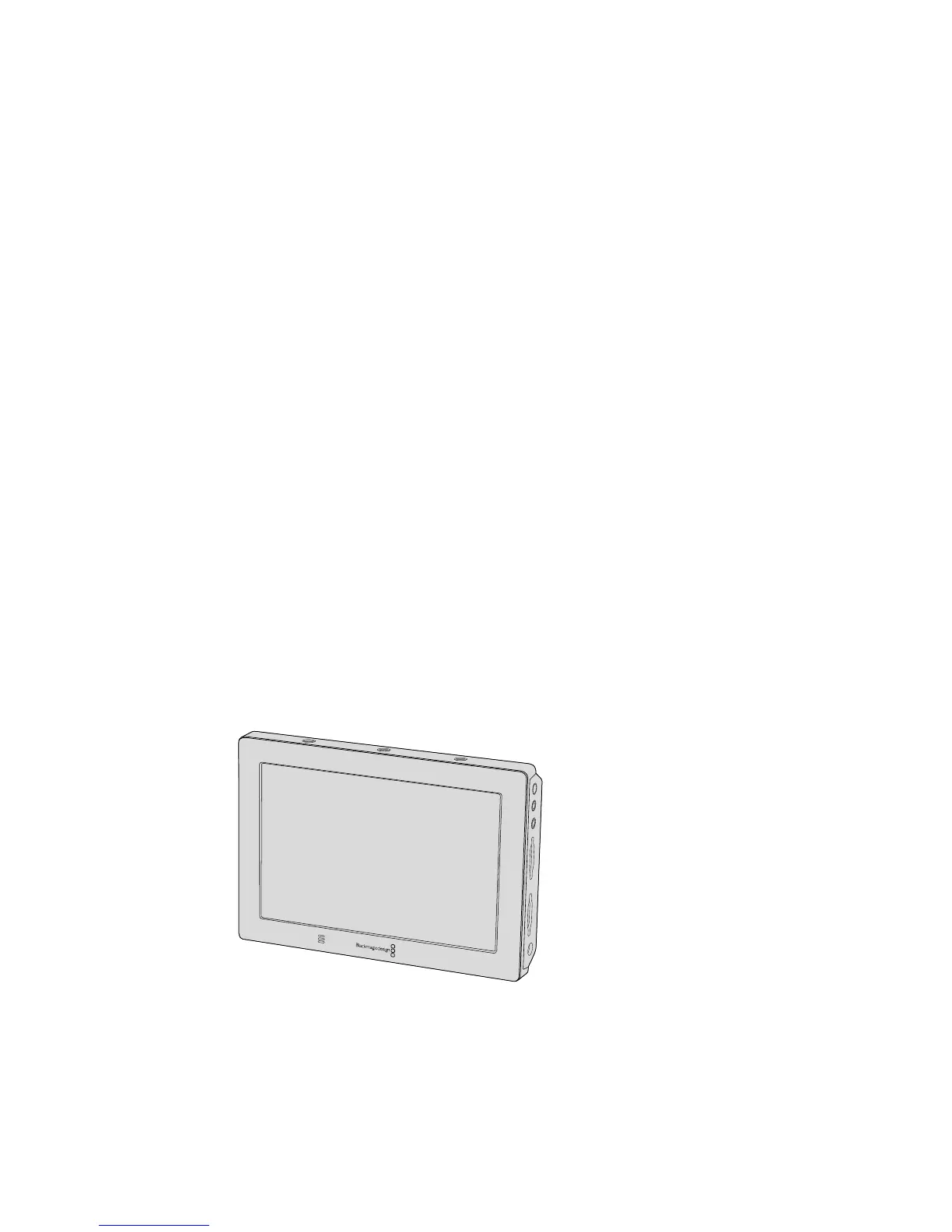
To select your desired codec and resolution on Blackmagic URSA Mini.
1 Press the 'menu' button on the control panel.
2 Navigate to the first page of the 'record' tab.
3 Tap your desired combination of codec, quality, and resolution.
4 If you want to record using a windowed sensor area, navigate to page 2 of the 'record'
menu and enable 'window sensor.' To record with the full sensor, set this to 'off'.
5 Press 'menu' to exit.
Recording Formats and Project Frame Rates
After setting your codec and resolution, you should set your ‘project’ and ‘sensor’ frame rates.
Refer to the 'recording' section in this manual for more information about frame rates.
The project frame rates available for all URSA Mini cameras are as follows:
23.98, 24, 25, 29.97, 30, 50, 59.94, and 60 frames per second.
The only exception is ProRes 444XQ or ProRes 444, which offers project frame rates of 23.98,
24, 25, 29.97 and 30 when shooting higher than 2K 16:9 resolution. For 4.6K and 4K lossless
RAW ensure that you are using a card on our supported RAW list and for frame rates above
30fps use 'record RAW on 2 cards’ which can be found in the second page of the
'record' menu.
Trigger Record
Your URSA Mini automatically sends a signal via the SDI outputs that will trigger recording
whenconnected to equipment that supports the SDI trigger record feature, such as Blackmagic
Video Assist. This means when you press record on your camera, your external SDI equipment
will also start recording, and will stop recording when you press record again.
You will also need to set your equipment to enable SDI trigger recording to make sure it
responds to the trigger signal from your URSA Mini. If your SDI equipment supports SDI trigger
recording, it can usually be enabled using your SDI equipment’s settings menu.
You can trigger recording on other SDI video equipment, for example
BlackmagicVideo Assist 4K, using the trigger record feature on your camera
42Recording










 To Next Page