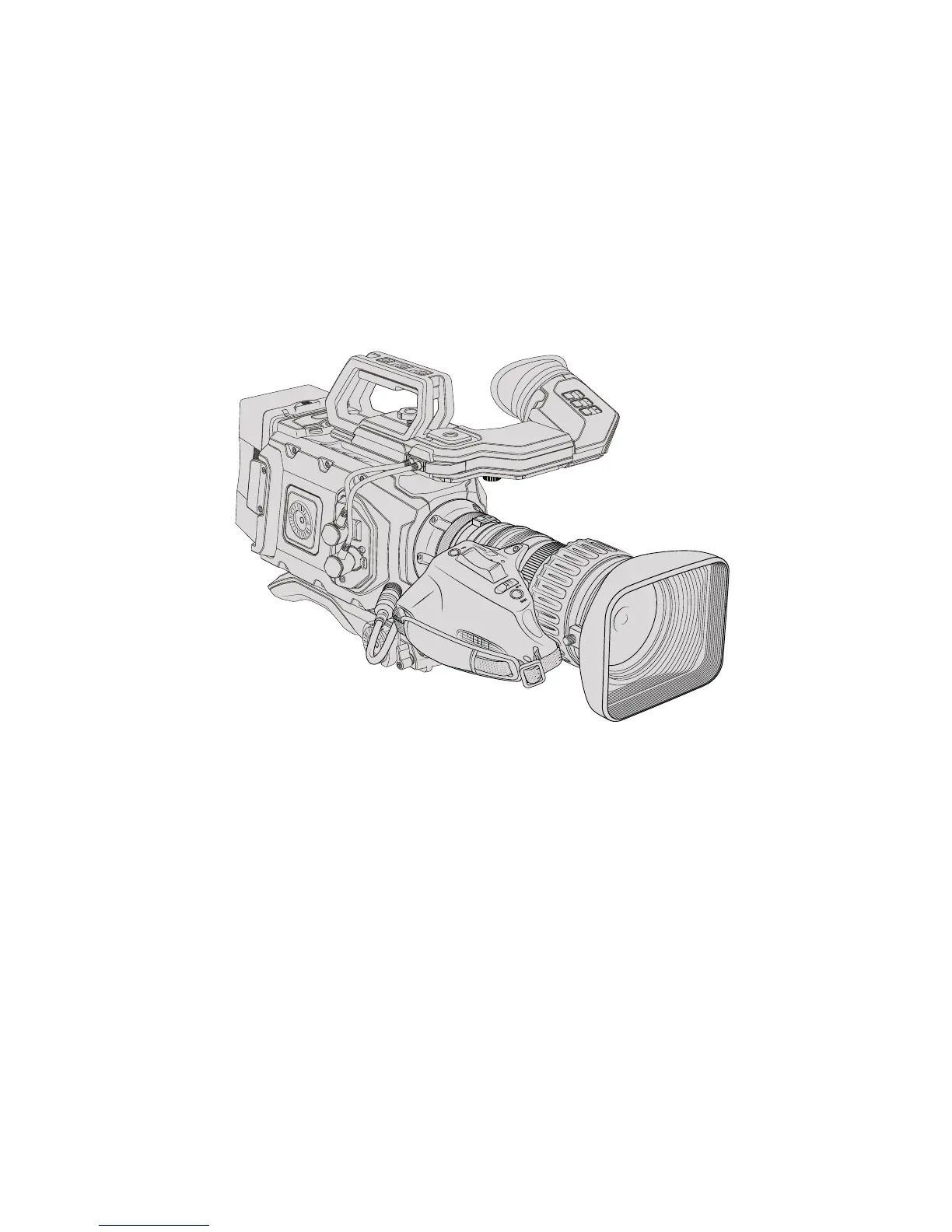
Using Servo Zoom Lenses
Using servo zoom lenses with your URSA Mini camera is a powerful combination. Manual iris,
zoom and focus rings on the lens barrel, plus a built in hand grip and zoom rocker makes shooting
very efficient and gives you a range of dynamic techniques that are difficult, if not impossible,
toachieve using other lens types. URSA Mini PL and URSA Mini Pro 4.6K models currently
support lens control for B4 and cine-servo PL zoom lenses via the 12 pin broadcast connector.
When using compatible lenses you can power the zoom rocker, start and stop recording using
the record button, and control the iris. Most servo zoom lenses also have a ‘Ret’ button, which
can be used, in the same way as the PGM button on the camera, to switch the feed on the LCD
and HD monitoring output between camera view and program return view.
For electronic control of your lens aperture, make sure the iris switch on the top of the zoom
rocker is set to ‘A’ or 'auto’. Electronic zoom control is also possible with Digital HD and 4K servo
zoom lenses. To enable this you must make sure the switch under the zoom rocker labelled
‘zoom’ is set to ‘S’ for servo zoom.
As there are so many different variants of B4 lenses this guide should help you work out which
models have the feature set you require.
B4 Lenses with iris and zoom control include:
Fujinon B4 lens models with HA, ZA, XA and UA prefixes in their model name and
RMin their suffix will have electronic iris and zoom control.
Canon B4 lens models with HJ, KJ and CJ prefixes and IRSE or IRSD in their suffix will
have electronic iris and zoom control.
Some B4 and PL lenses also have handgrips with electronic focus servo. To ensure this is
functioning with URSA Mini PL or URSA Mini Pro 4.6K, and able to be controlled electronically,
set the switch under the zoom rocker labelled ‘focus’ to ‘S’ for servo.
B4 Lenses with full servo control for focus, iris and zoom include:
Fujinon B4 lens models with HA, ZA and UA prefixes in their name and the letters
RDorZD in the suffix.
Canon B4 lens models with HJ, KJ..ex and CJ prefixes in their name and the
lettersIASE or IASD in the suffix.
ZOOM
F1
F2
F3
DISP
PEAK
132Using Servo Zoom Lenses










 To Next Page