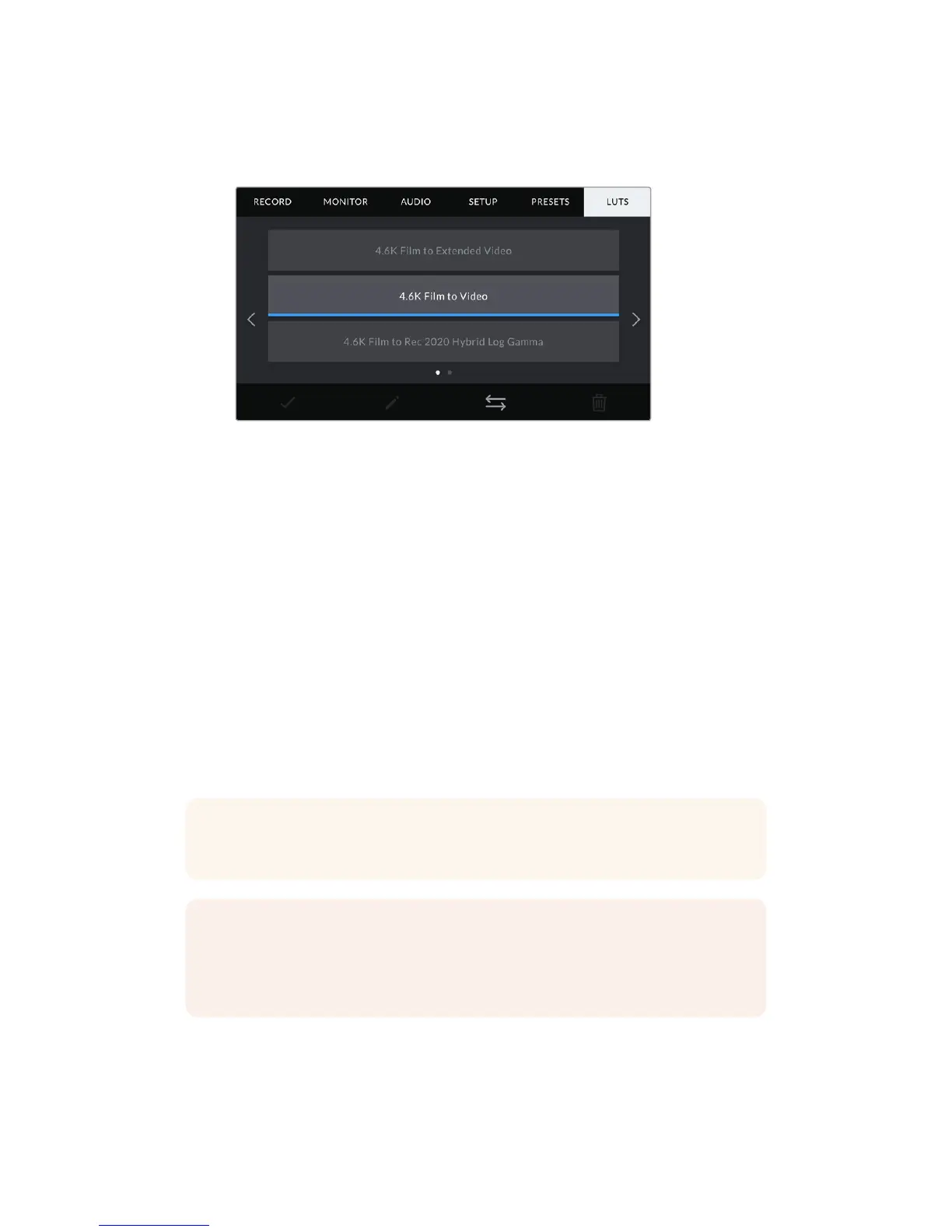
LUTS
The ‘LUTS’ menu lets you import, export and apply 3D LUTs to your camera's outputs.
Your URSA Mini's LUT tab
Introducing 3D LUTs
Your URSA Mini can apply 3D LUTs to images on its LCD touchscreen, front SDI and main SDI.
LUTS work by telling your URSA Mini what color and luminance output to show for a particular
color and luminance input. For example, a LUT may tell your URSA Mini to display a vibrant,
saturated blue when it receives a relatively dull blue input. This can be useful when shooting
RAW footage, or using ‘film’ dynamic range, both of which have an intentionally undersaturated,
‘flat’ appearance. By applying a LUT, you can get an idea of what your footage will look like
after it has been graded.
It is easy to create 3D LUTs using DaVinci Resolve or other color correction software, and LUTs
are available online from a variety of sources. Your URSA Mini can store up to six 17 point or
33point 3D LUTs, of up to 1.5 megabytes each. Once loaded, you can choose to display
agivenLUT on your camera's LCD touchscreen, front SDI, main SDI or any combination of
theseoutputs.
Your URSA Mini supports 33 point 3D LUTs in .cube format created in DaVinci Resolve
and17point 3D LUTs converted to Resolve .cube format via LUT conversion programs.
Yourcamera processes 3D LUTs using high quality tetrahedral interpolation.
TIP For more information on displaying LUTs, see the ‘monitor settings’ section in
thismanual.
NOTE LUTs are used as a preview tool only. Your URSA Mini does not apply, or ‘bake
in,’ LUTS to recorded footage, however information on the LUT applied during a shot is
saved as metadata with your recordings. The 'LUT used' field in DaVinci Resolve can be
used to verify the name of the LUT that was used as a monitoring LUT on set.
123Settings










 To Next Page