Recording
Recording Clips
On Blackmagic URSA Mini you can start recording by pressing the red 'record' button on the
inside control panel, the touchscreen, or the side handle. A 'record' button is also on the
outside of the fold out monitor. Press the 'record' button again to stop recording.
On Blackmagic URSA Mini Pro 4.6K, the external record button is located in the forward control
panel for convenient access when shooting from the shoulder.
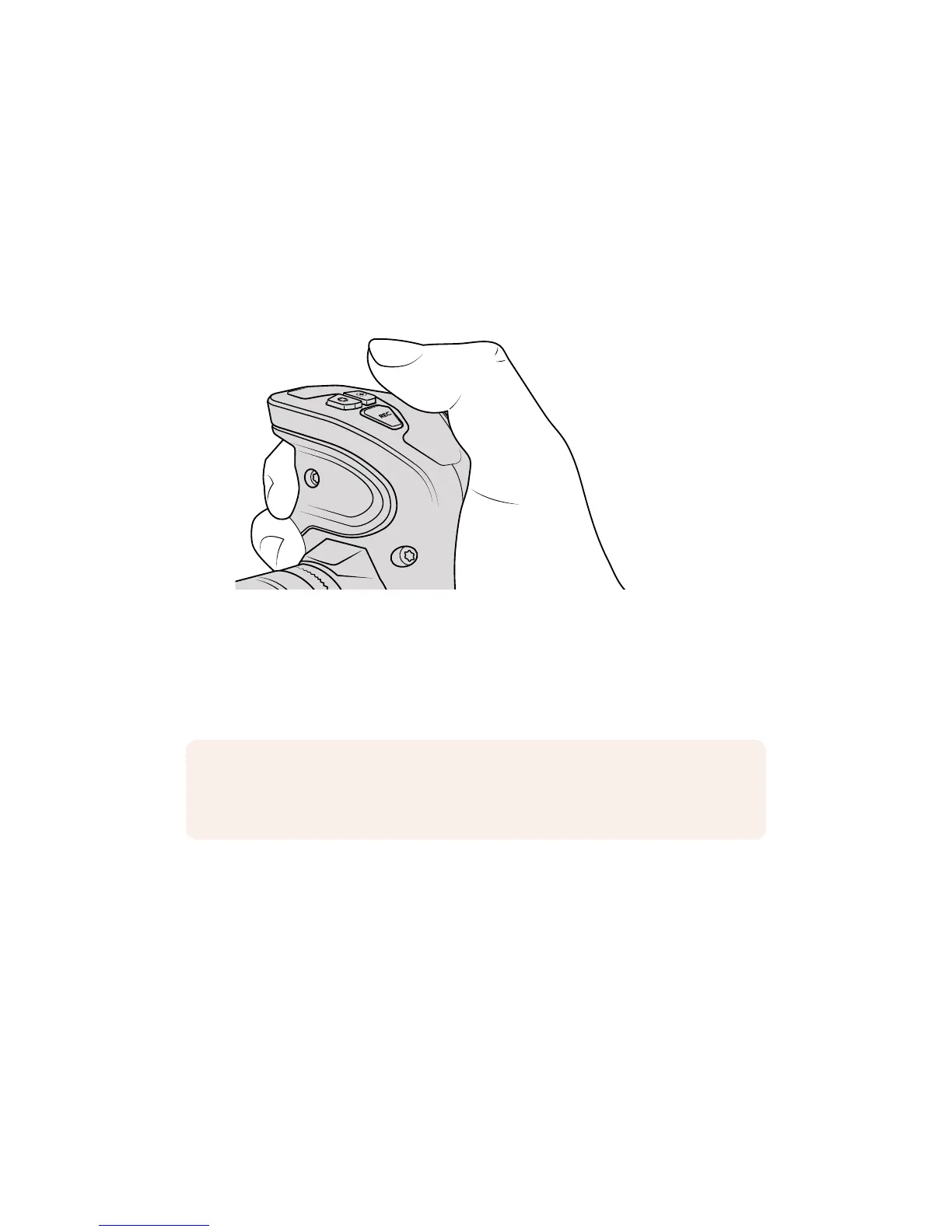
You can also record clips by pressing the ‘record’
buttonmarked REC on URSA Mini’s side handle
Another option for starting and stopping record is to attach an external LANC controller to your
URSA Mini's LANC input and trigger the record externally. For example, you may want to attach
a LANC controller to your tripod so you can trigger the recording without taking your hands off
the focus ring and tripod handle.
Blackmagic RAW
Blackmagic URSA Mini Pro 4.6K supports the new Blackmagic RAW file format. This format
offers superior image quality, wide dynamic range and a broad selection of compression ratios.
Blackmagic RAW keeps all the benefits of RAW recording, but the files are very fast because
part of the de-bayer is performed in the camera where it can be hardware accelerated.
The Blackmagic RAW format is also intelligent because it understands the image sensor in the
camera. This means you get much better quality for a smaller file format. Smaller files that are
higher quality means Blackmagic RAW is a good alternative to other video and RAW
file formats.
NOTE If you toggle the 'storage media selection' switch mid-recording, the camera will
complete the current recording before switching to the other type of media. This
ensures that you can not damage your recording if the switch is adjusted during a take.
32Recording










 To Next Page